Answered
bridge 2015.5 keeps starting CS6
Hi! I have installed CS6 with bridge and PS.2015.5 on the same computer. When starting up PS.2015.5 with bridge, Bridge keps starting up CS6 instead and CC 2015.5 disappears.
any ideas? cheers!
Hi! I have installed CS6 with bridge and PS.2015.5 on the same computer. When starting up PS.2015.5 with bridge, Bridge keps starting up CS6 instead and CC 2015.5 disappears.
any ideas? cheers!
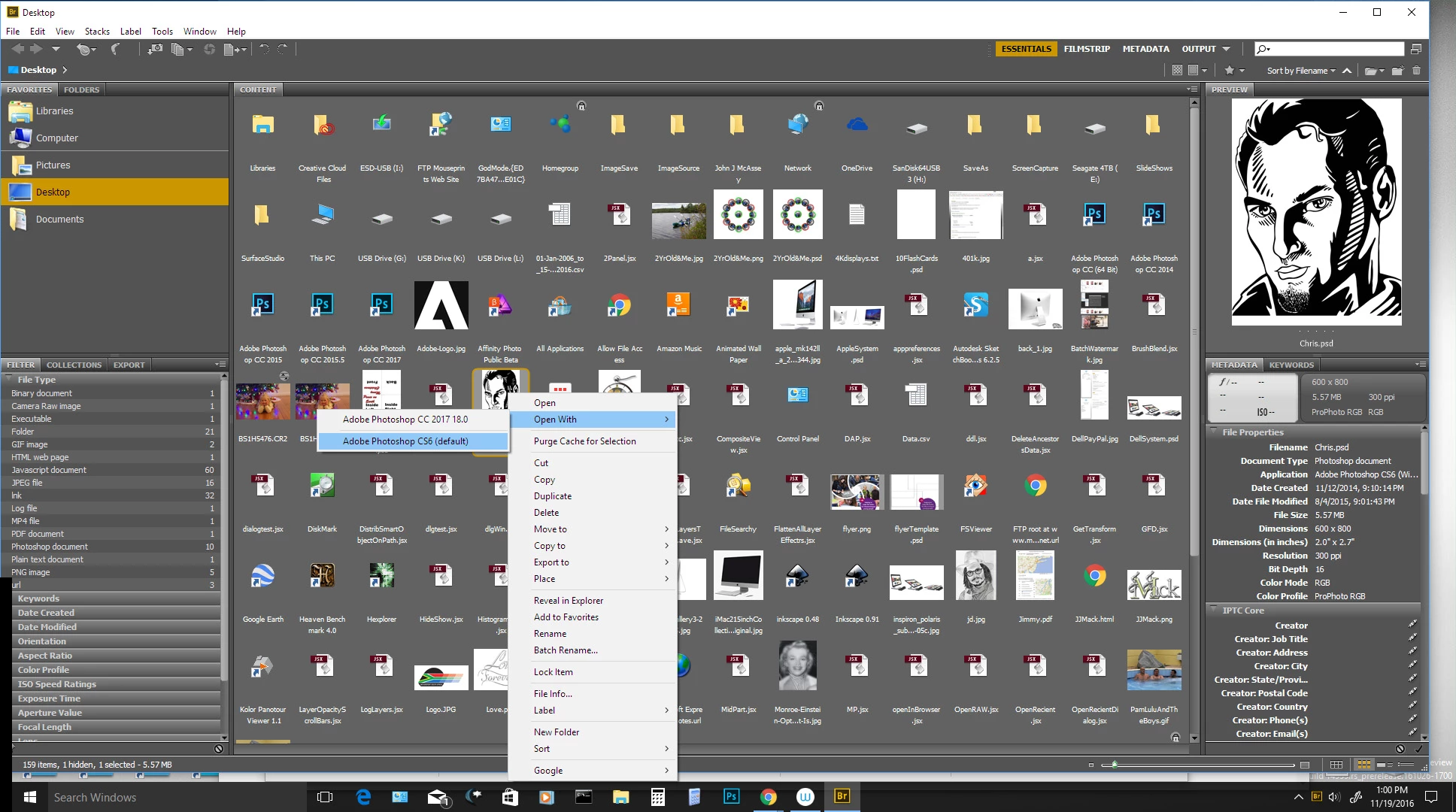
If you are on windows and Photoshop is opened(running) when you use any version of the bridge the what ever you select in the bridge version will be passed to the current running version of Photoshop. Make sure no version of Photoshop is running. Open Adobe Bridge CS6. Select a thumbnail to open in Photoshop. You should see some version of Photoshop start up.
If I open Bridge CS6 and double click on a thumbnail CS6 will start. If I right click and click open with when no version of Photoshop is running I can choose to start CC 2017 or CS6. CS6 is the default. If any version of Photoshop is running only CC 2017 will show in open with. However what ever version of Phothshop is running will open the image.
If I open Pgotoshop CC 2017 and the bridge is not open If I use menu File>Btowse in Bridge. Bridge CC 2017 will start. It there was a version of Brifge running. Bridge CC 2017 will not be started I can use the running bridge.
Already have an account? Login
Enter your E-mail address. We'll send you an e-mail with instructions to reset your password.
 AdChoices