
Inspiring
July 8, 2024
Answered

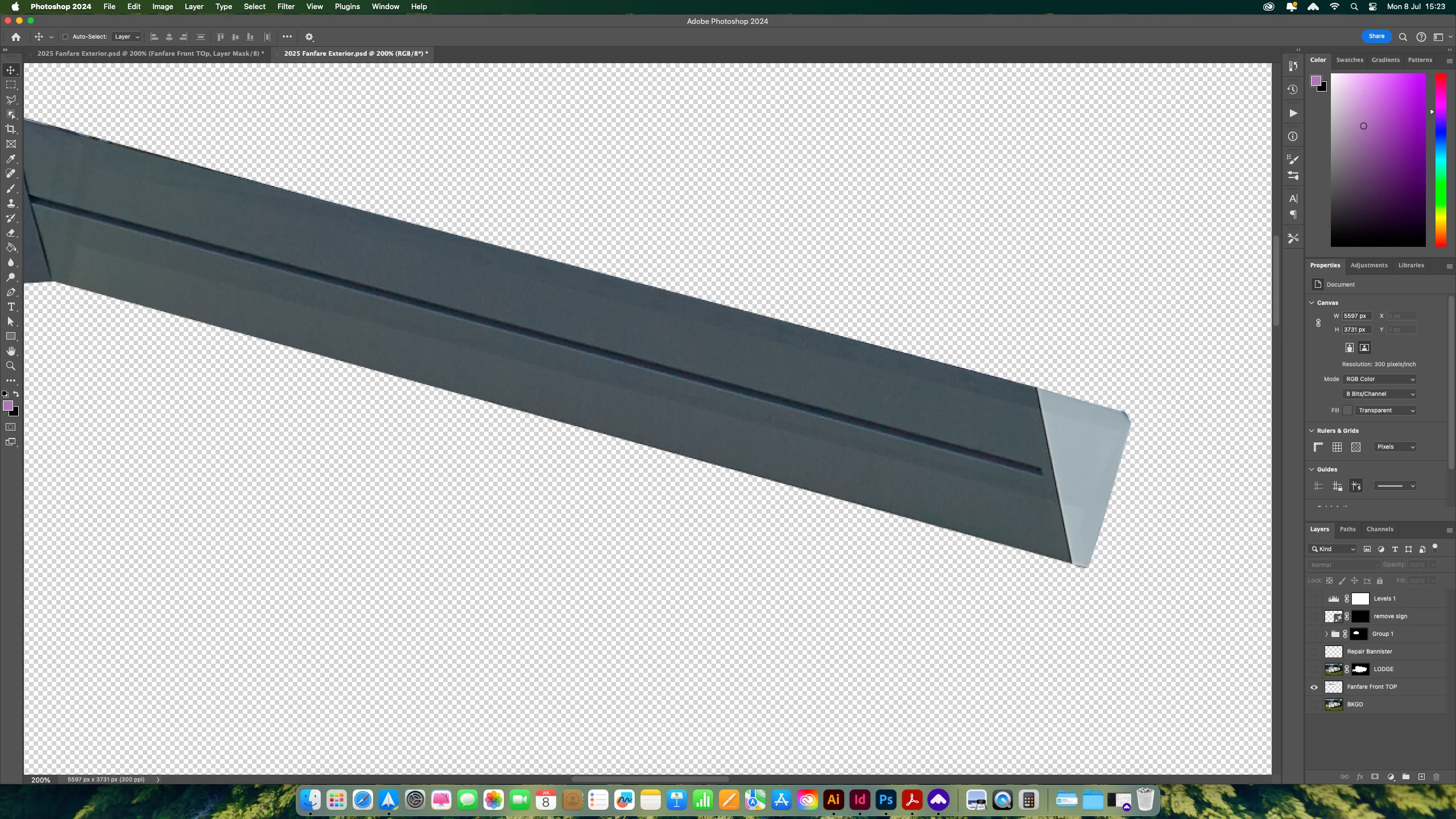
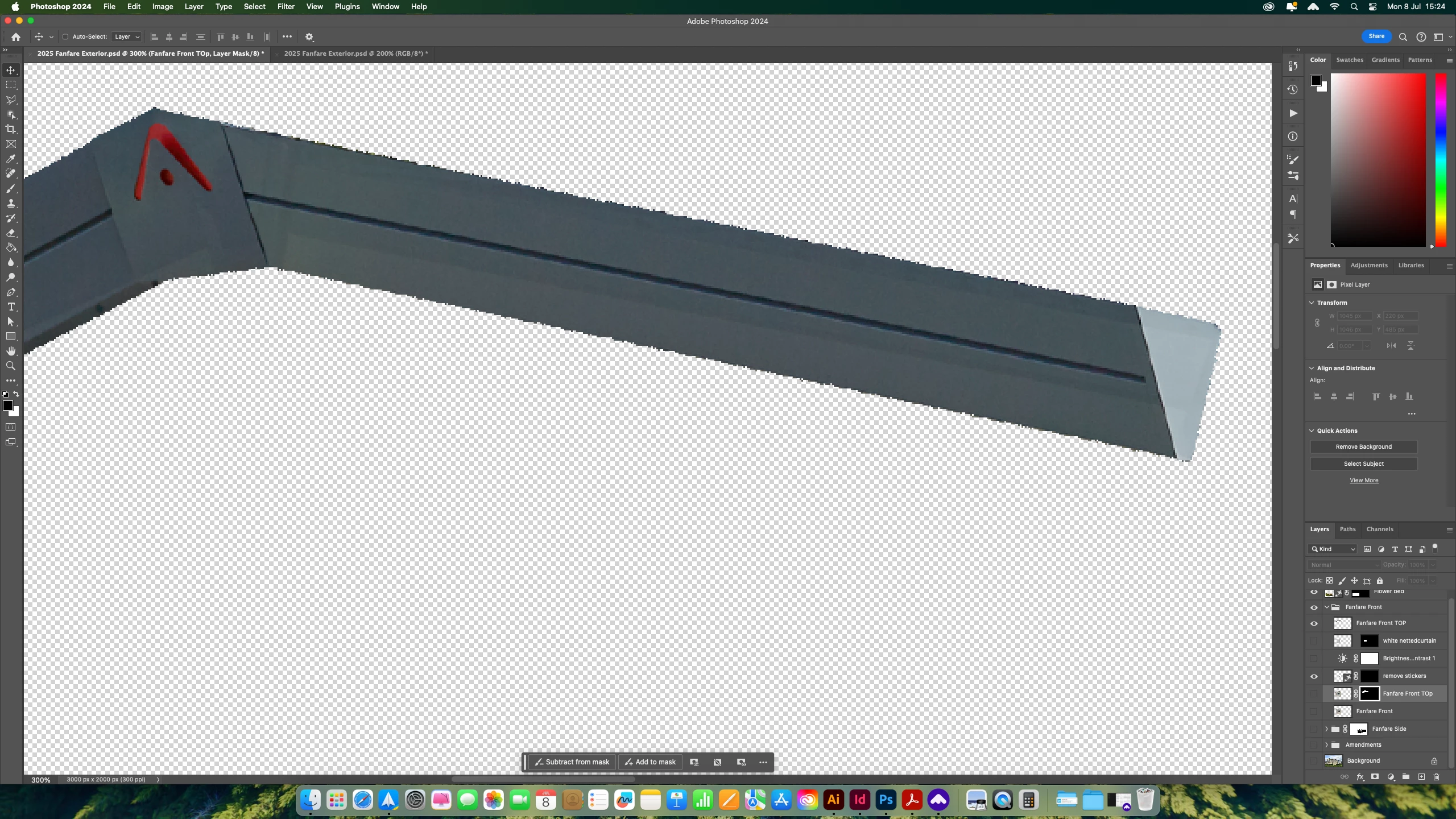
Bringing in images from other image, result are ragged edge!

  • July 8, 2024
  • 1 reply
  • 201 views

Hi

Having one of those days! Hopefully someone can help, I'm sure this is obvious.

I am bringing a cutout image from one picture to use on another picture. But the new one is incredibly ragged at the edges, and I can thnk out why!


The resulotion on the second is half the first, but it can't be that much of a difference. COlour modes the same. Bit stuck.


Thanks for any help.

Mark

This topic has been closed for replies.
Correct answer markw60549560

Hi Apologies All.


I have worked out that I had the folder that I piut this image in is set to DIssolve! rather than normal.


WHagt an idiot. Sorry for wating your time.

1 reply

markw60549560AuthorCorrect answer
Inspiring
July 8, 2024

Hi Apologies All.


I have worked out that I had the folder that I piut this image in is set to DIssolve! rather than normal.


WHagt an idiot. Sorry for wating your time.