Question
Brush icon showing on background layer
- A friend is running ver. 22 and having a problem with an icon popping up on the background layers of any new image.
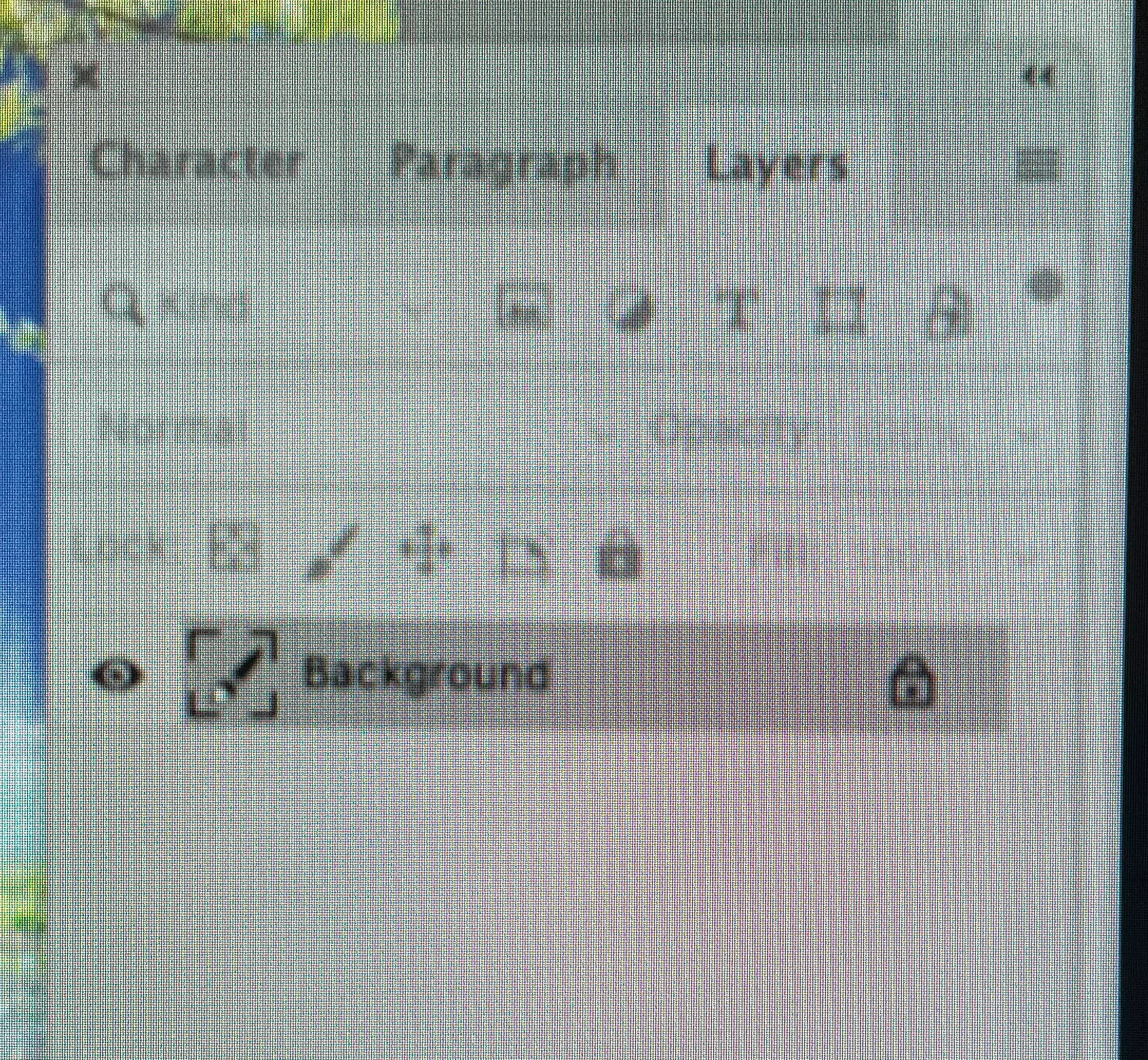
Does anyone know what it represents or how to get rid of the thing?

Does anyone know what it represents or how to get rid of the thing?
Already have an account? Login
Enter your E-mail address. We'll send you an e-mail with instructions to reset your password.
 AdChoices