
minglessis
Inspiring
July 29, 2022
Answered

Brush names too long, how to see them? Hovering not working either

  • July 29, 2022
  • 1 reply
  • 361 views

Hello

PS2021 here.  Catalina 10.15. 

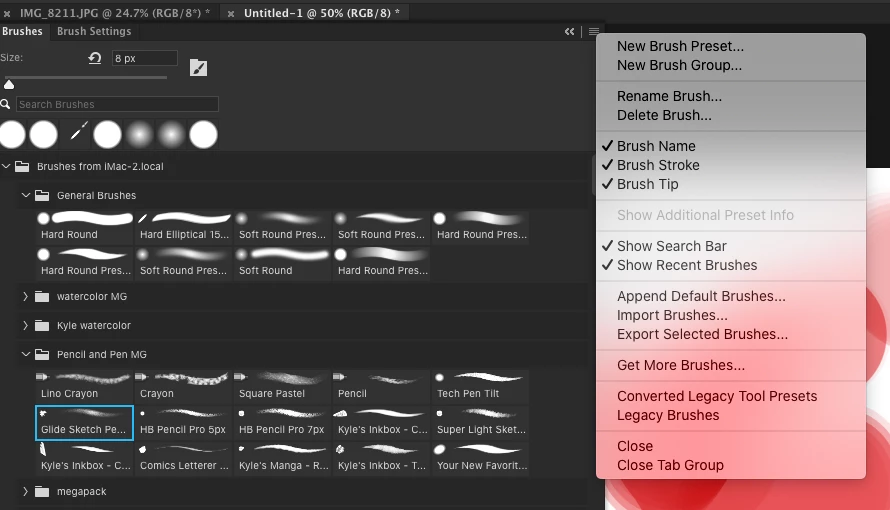
I'm unable to see the last part of the brush's names, for example, to see if it's pressure opacity or size, etc.  Hovering works sometimes (having figured out when it does and when it doesn't), and I was wondering is there is a way to have the name show without having to hover over it. Thanks!


This topic has been closed for replies.
Correct answer Jeff Arola

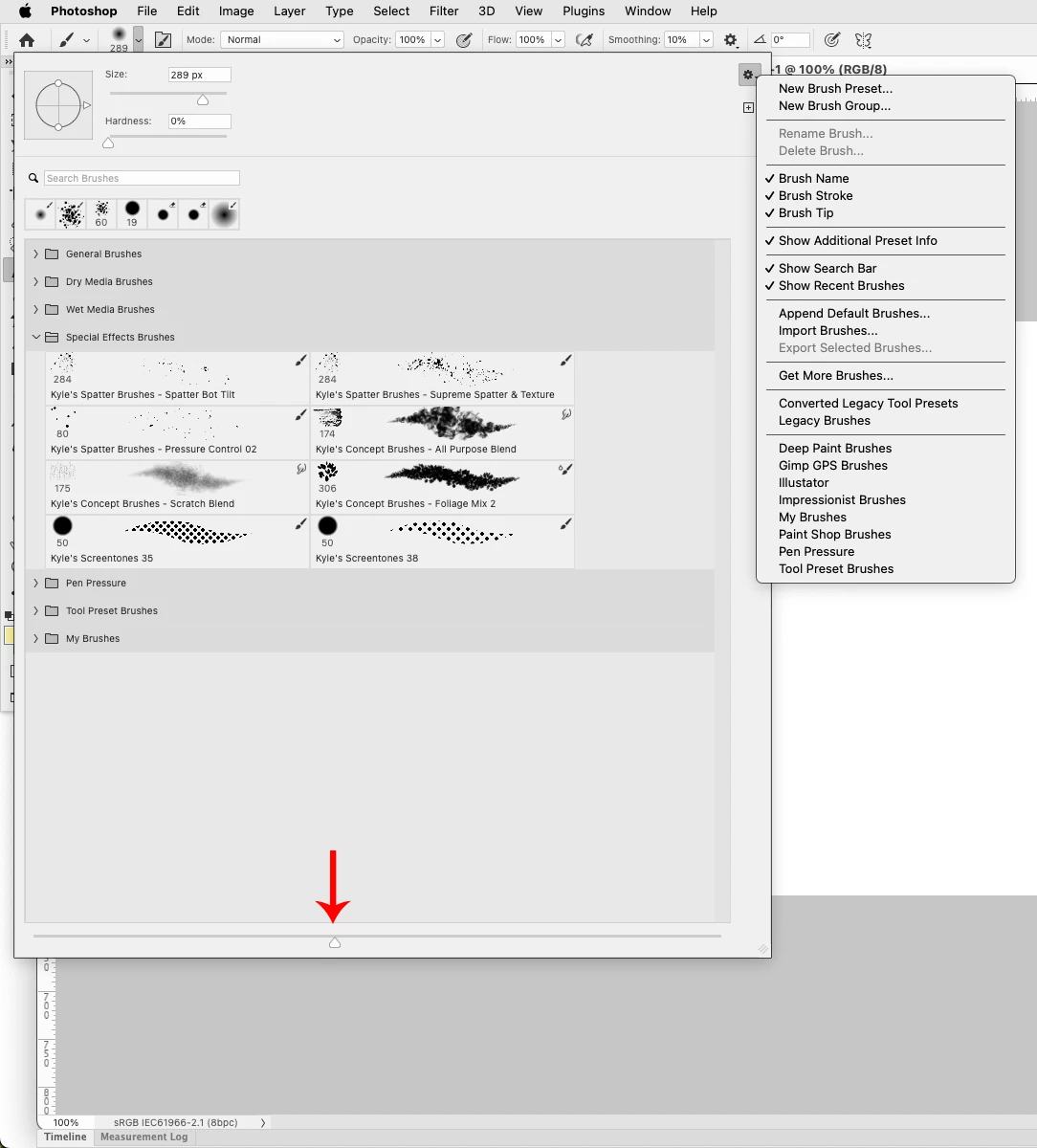
You can increase the size of the previews by using the slider at the bottom of the Brush picker.


1 reply

Jeff Arola
Community Expert
Jeff ArolaCommunity ExpertCorrect answer
Community Expert
July 30, 2022

You can increase the size of the previews by using the slider at the bottom of the Brush picker.


Trevor.Dennis
Community Expert
Community Expert
July 30, 2022

A good solution Jeff.  I tend to think that the brush panel search window is under utilized by too many people.  Pressure size or opacity is not a great example of when to use it, as I can't think of a single use of that naming outside the four in the defualt brush group.  Not even in the Kyle Megapack!

I believe the search window is turned on by default nowadays. (IIRC that was not always the case.)