
Brush opacity jitter never reaches 100% opacity Windows 11 Surface Pro 7
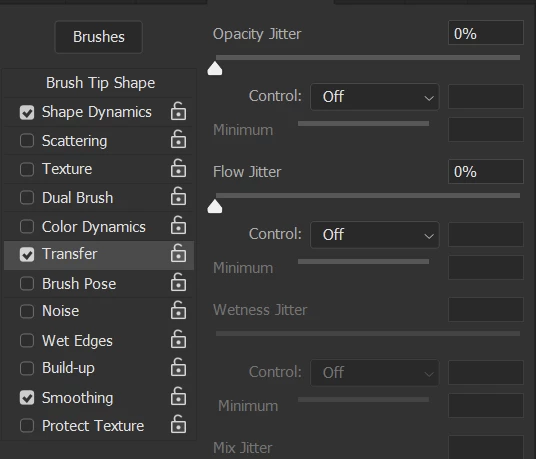
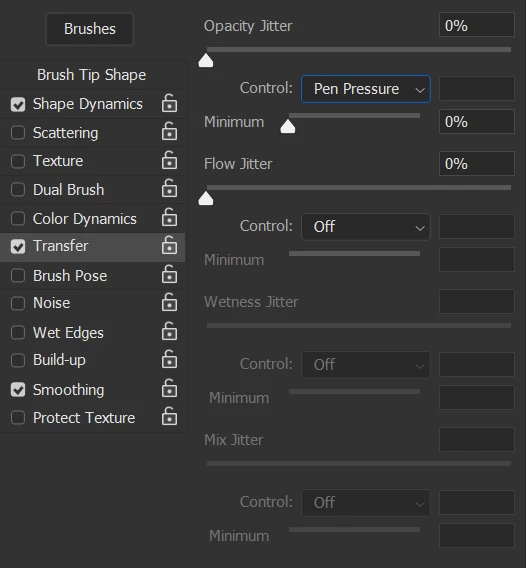
I'm having an issue where I can never reach 100% pen pressure when using the brush tool no matter how hard I press. The first stroke seems to only ever reach 75% or so and the second stroke, fully raising my pen from the screen and pressing down again, brings the opacity to 100%. This is a huge problem as any subsequent application of color, even the same color, always yields a darker area at the point where colors meet. I have tried numerous fixes including uninstalling and reinstalling photoshop, uninstalling and reinstalling the surface app, manually adding the text file PSUserConfig.txt which contains the text # Use WinTab UseSystemStylus 0, and adjusting the pen pressure manually in the surface app. The only thing that has made a difference so far is changing the pen pressure in the surface application however this creates another issue where reaching lower levels of opacity becomes impossible. Here are images of my brush setting and the related strokes they yield:
Pen pressure off


Pen pressure on


Pen pressure on #2
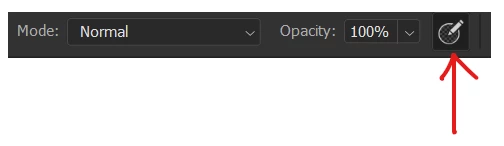
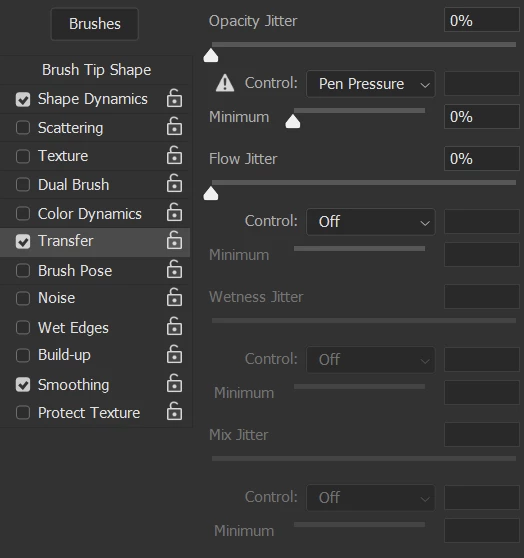
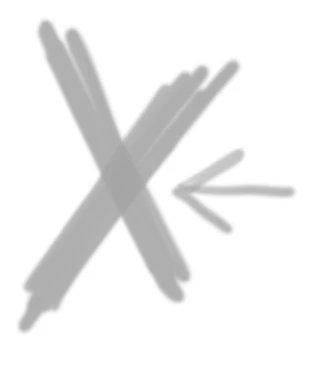
Even after resetting the brush tool the results are the same.
Please help.
 AdChoices