Question
Brush Preset Picks Issues
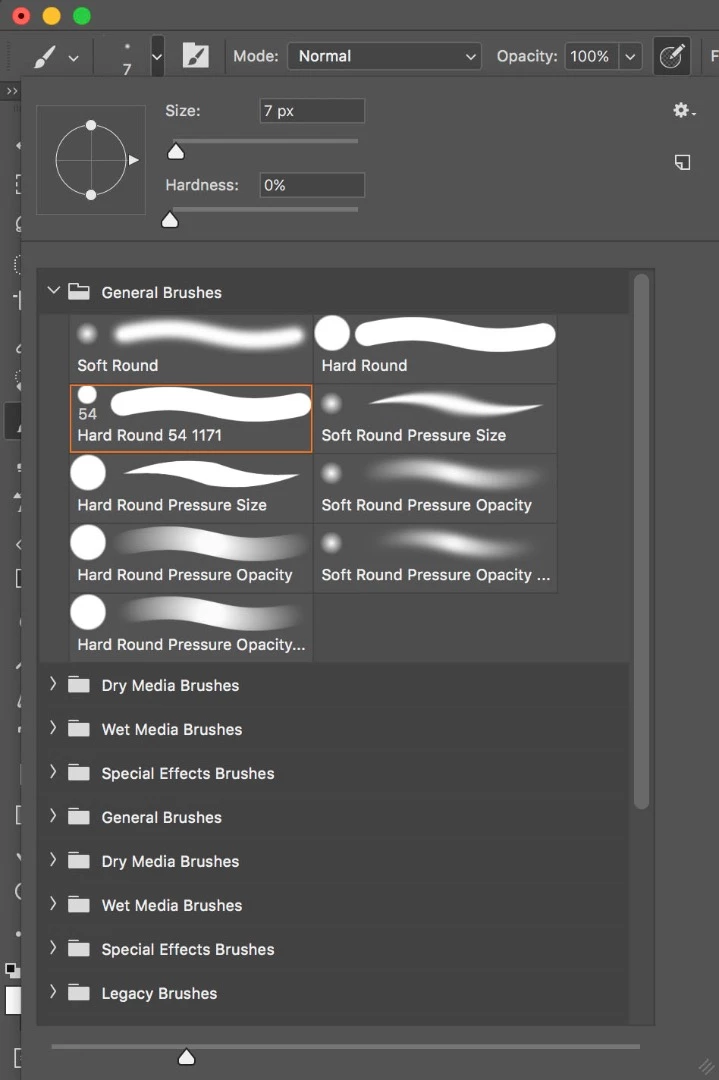
On the below image is what I see when I select the Brush Preset Picker. It's in folders
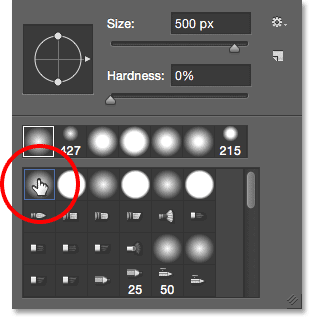
But I want it to change to this so I can see it as icons. How can this be done? I'm working on a MAC Sierra

On the below image is what I see when I select the Brush Preset Picker. It's in folders
But I want it to change to this so I can see it as icons. How can this be done? I'm working on a MAC Sierra
Already have an account? Login
Enter your E-mail address. We'll send you an e-mail with instructions to reset your password.
 AdChoices