Brush stroke as layer style?
Context -
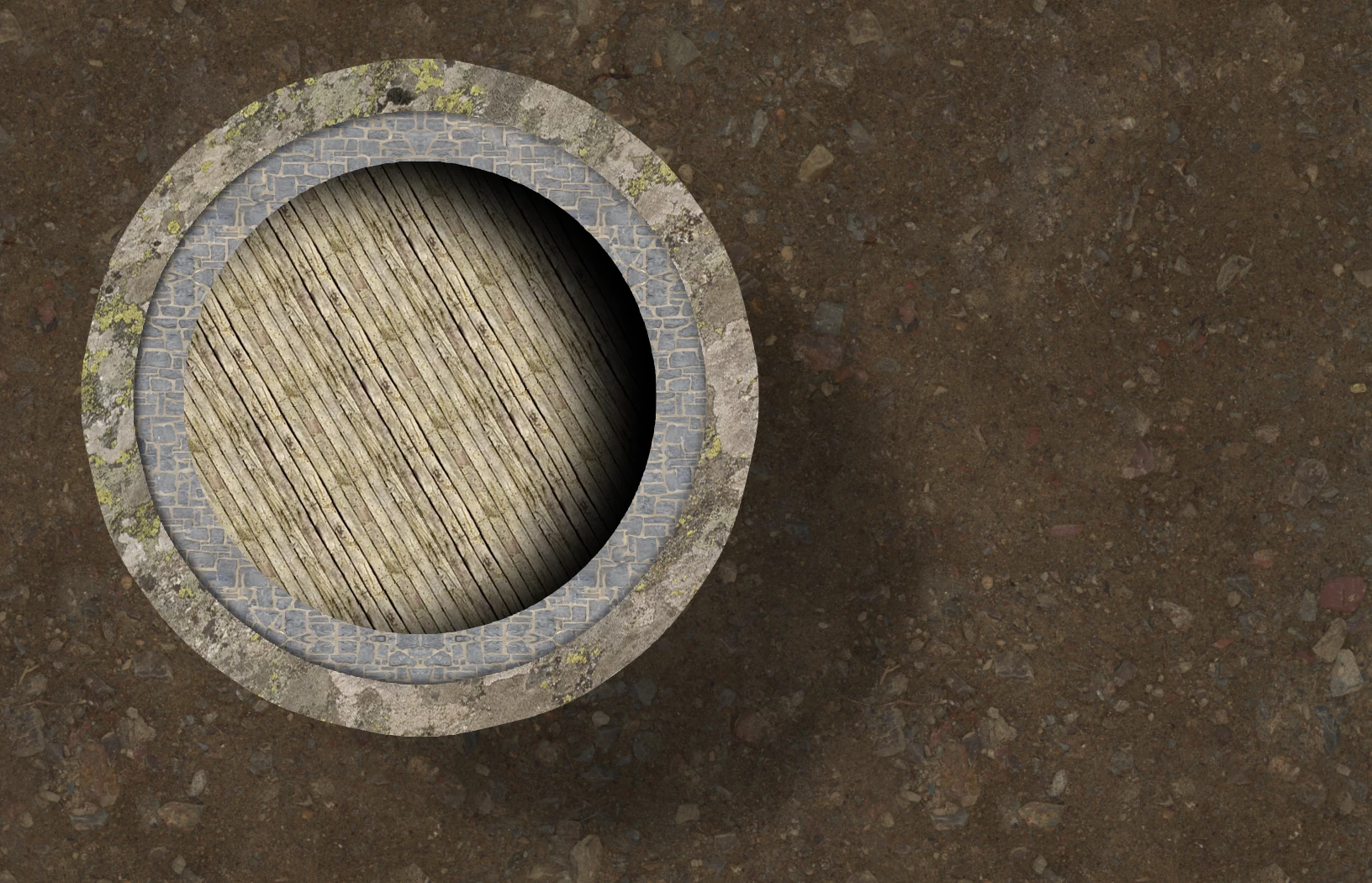
Hi all - the above is an overhead view of the inside of a building, for the project of a fantasy board game. It is simply a circle with a solid color fill - the rest of the aesthetic comes from layer styles only. (pattern overlays etc) I am doing as much of this as I can in layer styles as a time saver, as I will be doing these in the future. 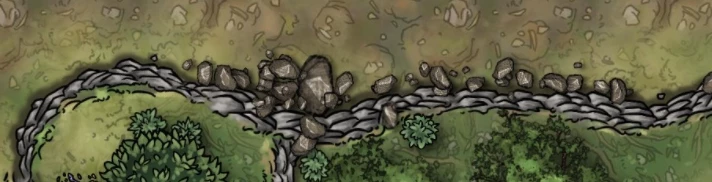 Problem-
I would like to add loose rocks along the edge of the edges of that building, similar to how this artist on the left placed them to the north of the ledge. Is there a way to stroke an object with a brush (in this case, a custom 'loose rock' brush) as a layer style? If I attempt to create a custom rock pattern overlay, I've noticed there is no way to direct a patterned stroke to follow the contours of the circle, and instead lays on top of it as a grid, looking unnatural.
I know the 'create layers' workaround but thats not quite what I am looking for for this one.
TIA!
 AdChoices