


Question
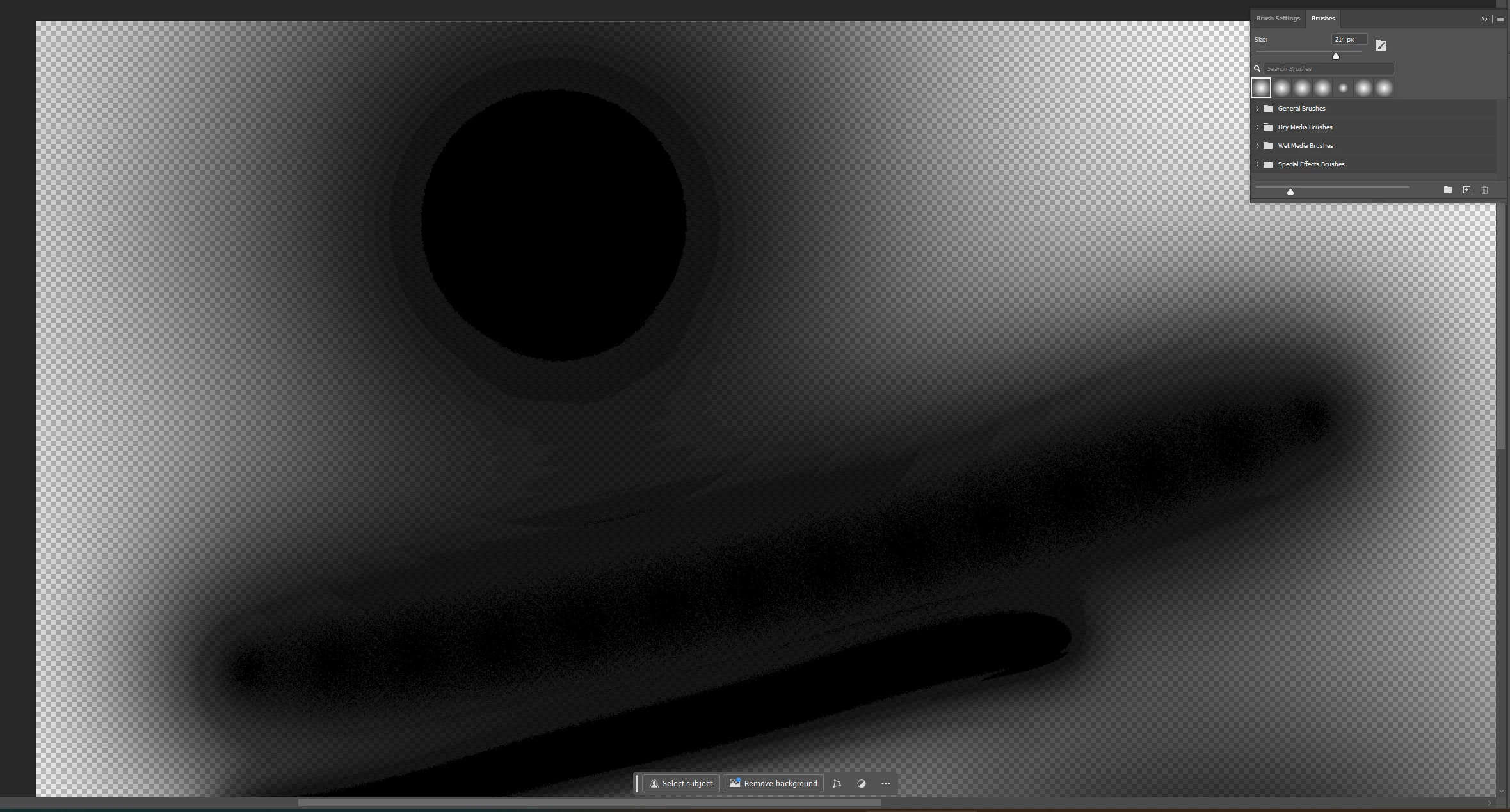
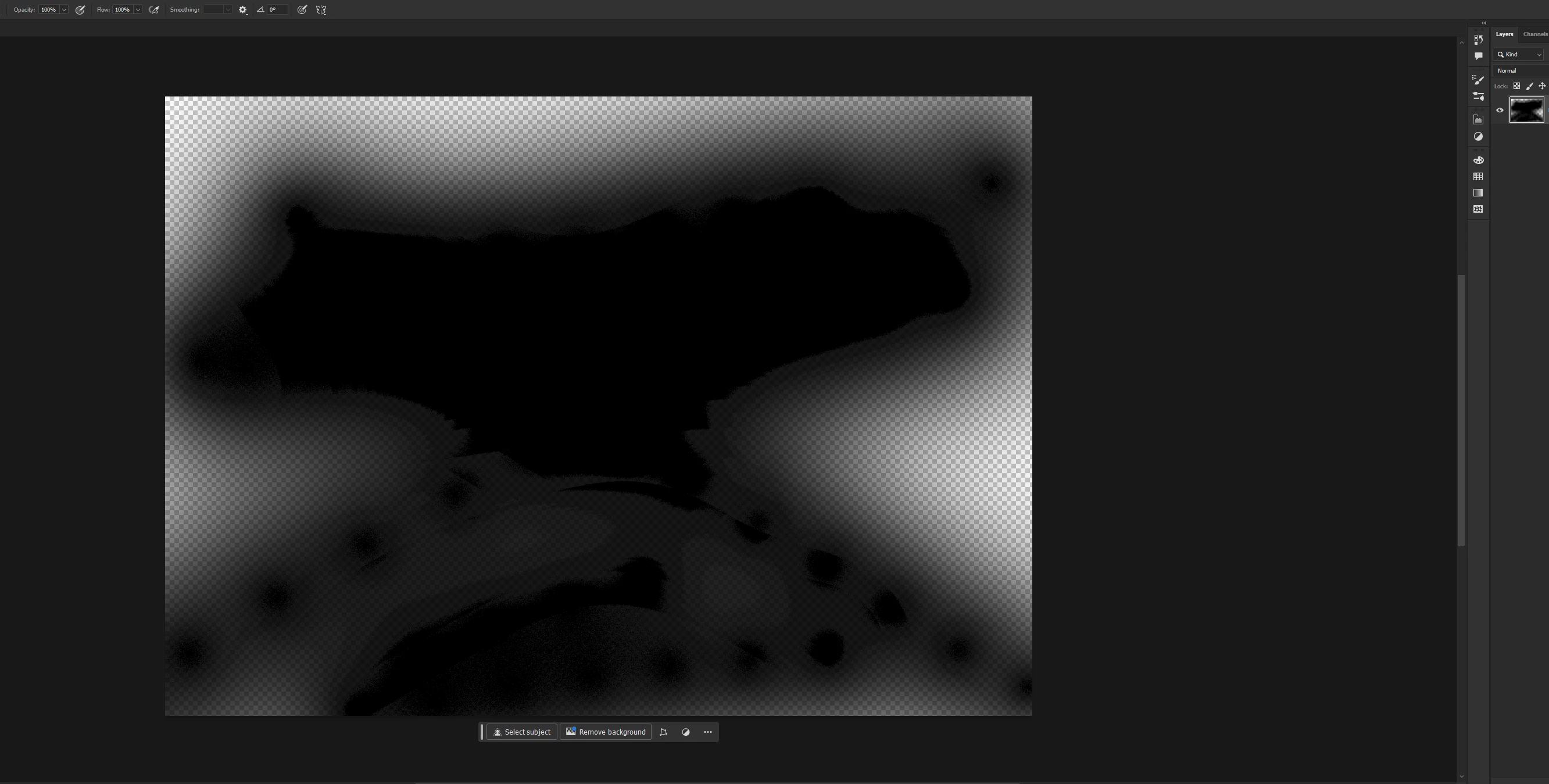
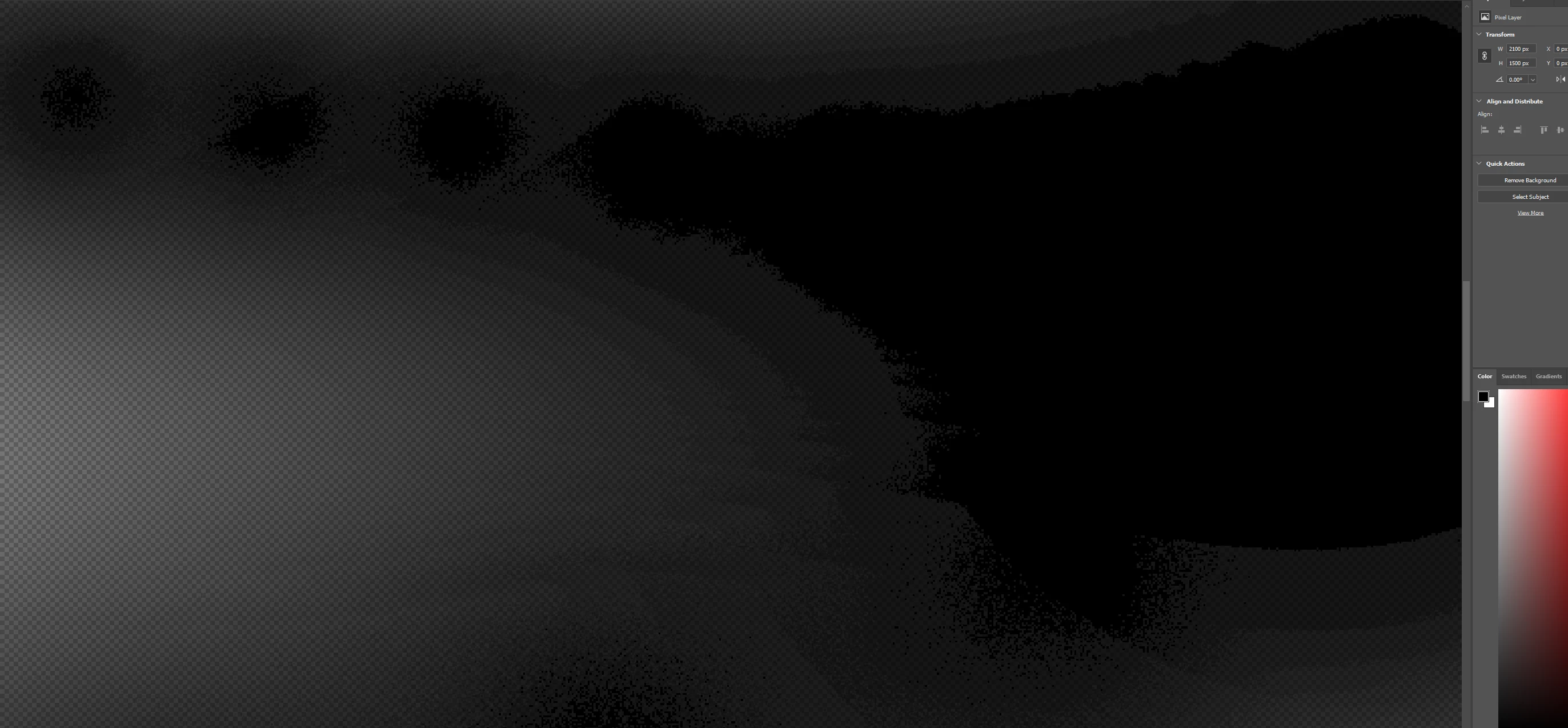
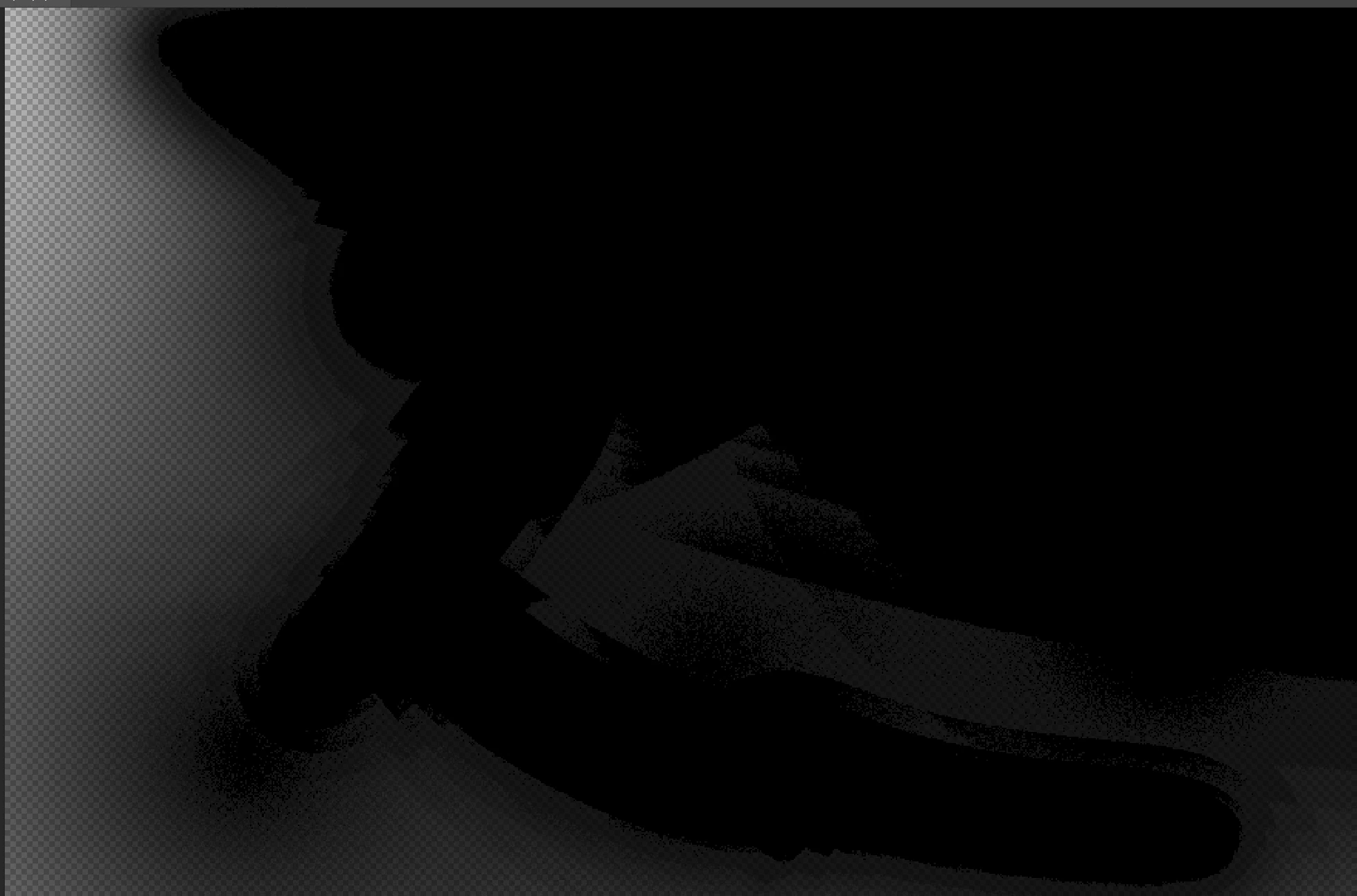
Brush strokes and Gradients aren't displayed correctly (showing artifacts)
When I draw in Photoshop, the paint doesn’t blend smoothly, it leaves a sharp edge in the middle of the brush stroke instead of a soft transition. Everything just ends up looking rough and patchy. (see images)
-
I’m working in 8-bit sRGB and have tried both a mouse (MX Master 3s) and a tablet (XP-Pen Deco 01 v2), but the results are the same.
I’ve reinstalled Photoshop, updated to the 2024 and 2025 versions, and even downgraded to 2017, 2018, 2019, 2020, 2021, and 2022, same issue everywhere. It’s still happening even with 16/32-bit files.
blending mode is set to Normal, the brush is default soft brush.
I'VE ALSO RE-INSTALLED WINDOWS BUT THE ISSUE IS STILL THERE.
 AdChoices