
Inspiring
November 16, 2019
Question

Brush-to-eraser function not working correctly anymore in PS 2020

  • November 16, 2019
  • 3 replies
  • 442 views

Hey guys,

I have the problem, that the new brush to eraser function does not use the chosen brush but changes it to round and soft and stays there. That's extremely annoying. Can anyone help me out here? What am I doing wrong? I am using Photoshop on my Microsoft Surface (2017).

Chosen brush:
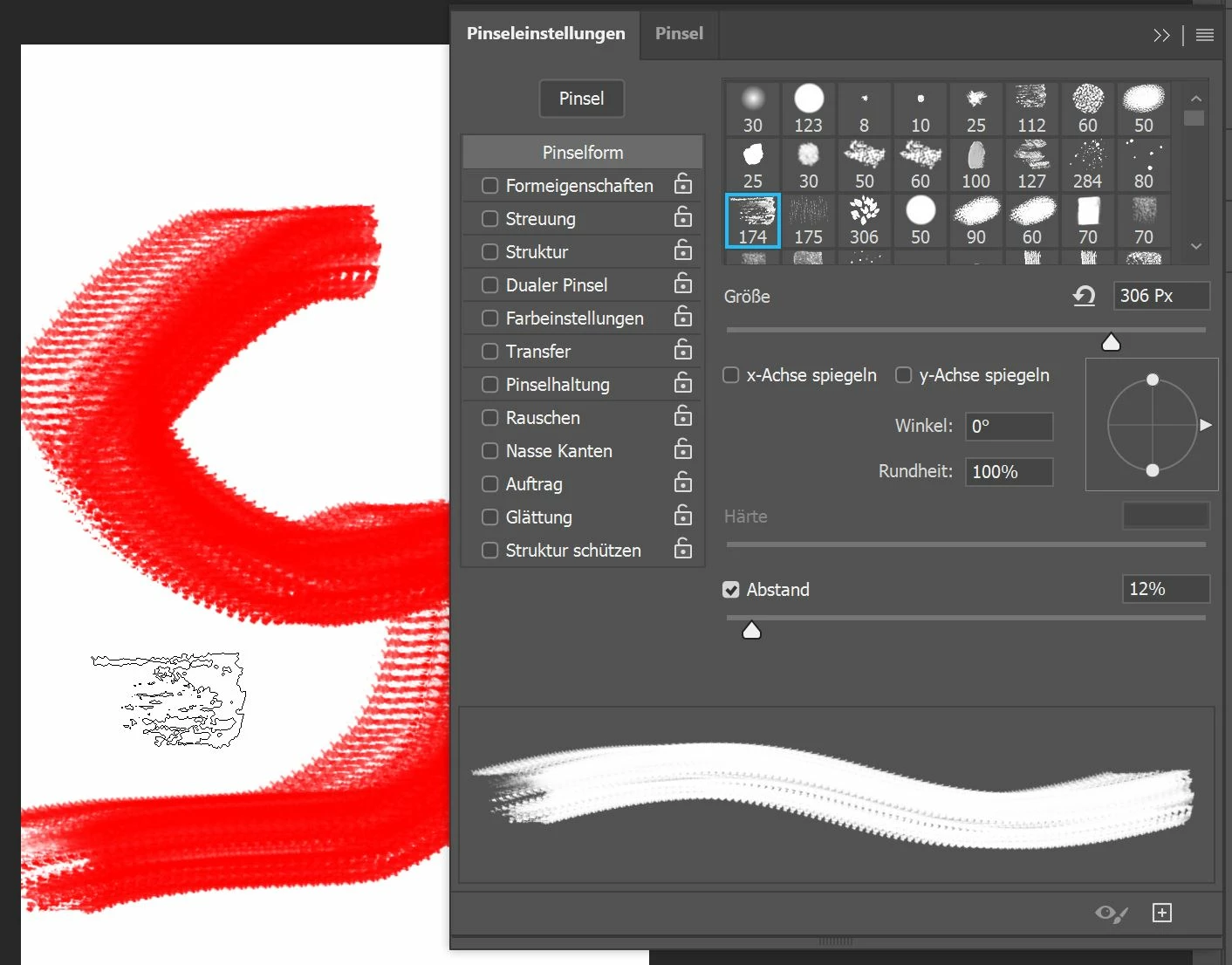
Hitting the '<'-key on the German keyboard layout (on English keyboards it's the '~'-key) leads to:
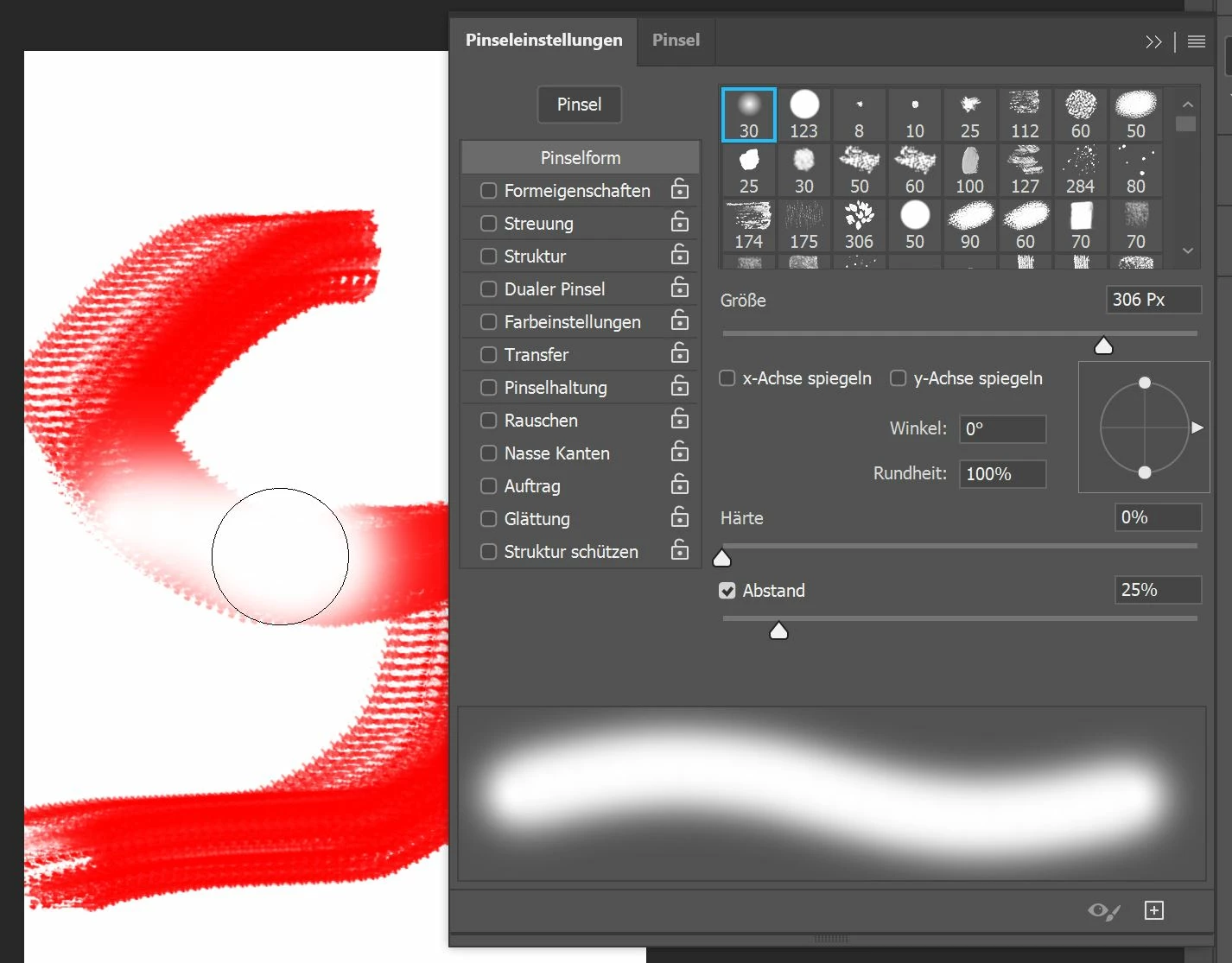
The form of the "quick eraser" stays:
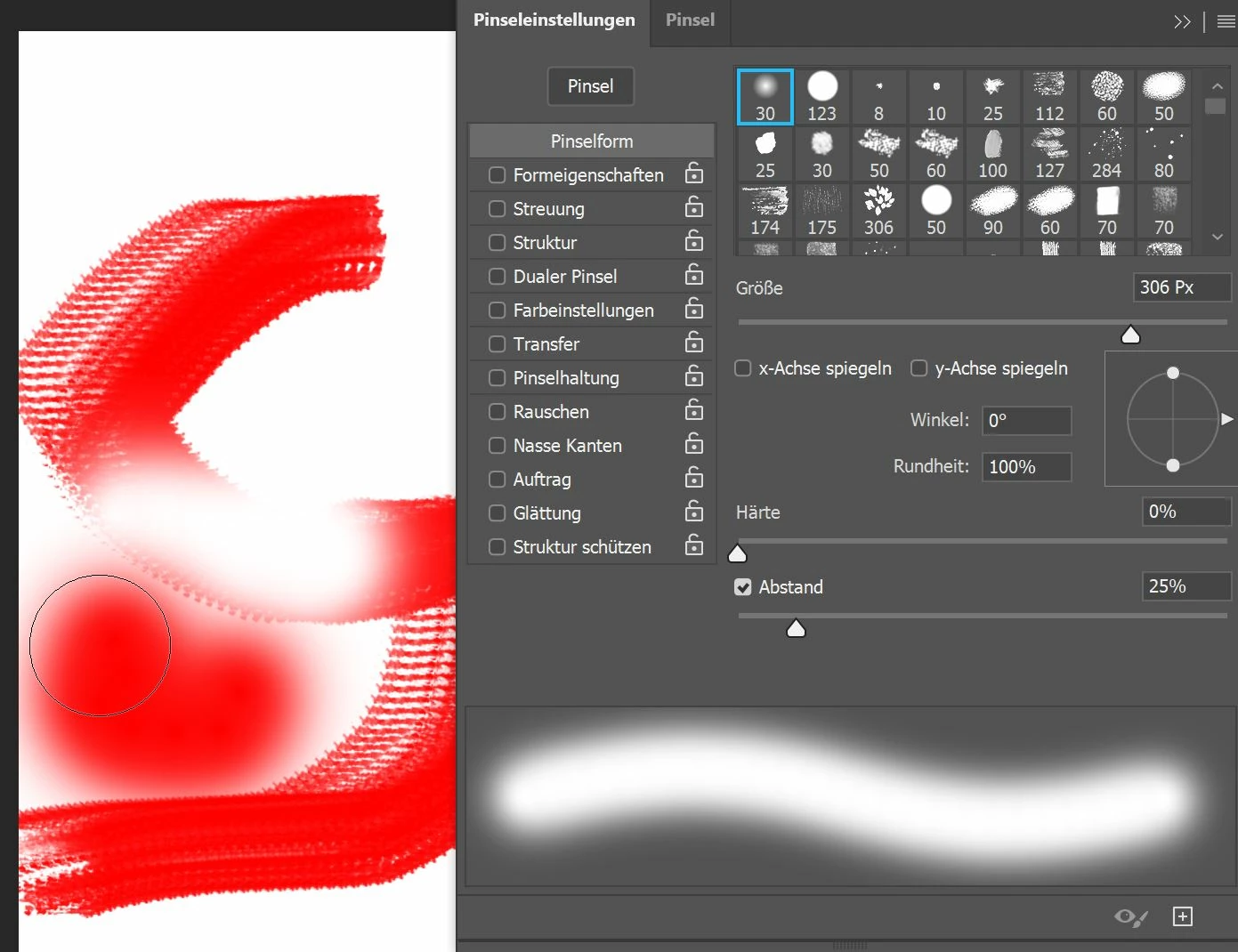
Thanks for your help in advance!

Best regards

Jens

This topic has been closed for replies.

3 replies

Inspiring
November 17, 2019

Resetting the brush tool didn't work. But I had some findings:

1. The key binding on the German keyboard layout somehow seems to interfere with the English layout. Because when I change the language in Photoshop to English and press the '<'-key, I'll get the same brush but not as an eraser. 

2. It is the very first brush in the brush list.

3. When you're hitting the '<'-key and the left mouse-button simultaneously, the brush isn't changed to eraser mode. After letting the '<'-key loose, the brush tool stays in eraser mode until I end painting (letting loose the mouse-button). After letting loose the mouse-button the tool jumps to the very first brush in the list (round and soft) again.

JJMack
Community Expert
Community Expert
November 16, 2019

Yes try resetting your Preferences for it did work for you in the past. If you find out what caused the problem please post what you found.  I may want to use it to make an option for that behavior on my machine.  That way I would not have to switch to the eraser tool or turn my pen over.  


Does problem also lose the other brush setting like scattering? 

JJMack
Chuck Uebele
Community Expert
Community Expert
November 16, 2019

Have you tried resetting the preferences for the brush tool?