marshalld59842374
Participant
December 2, 2020
Question

Brush tool hiding image in select and mask after creating layer mask

  • December 2, 2020
  • 1 reply
  • 328 views

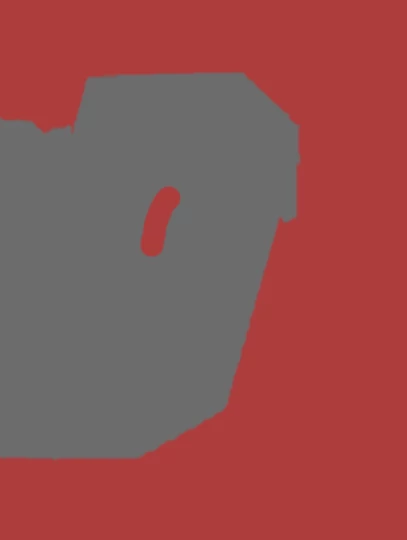
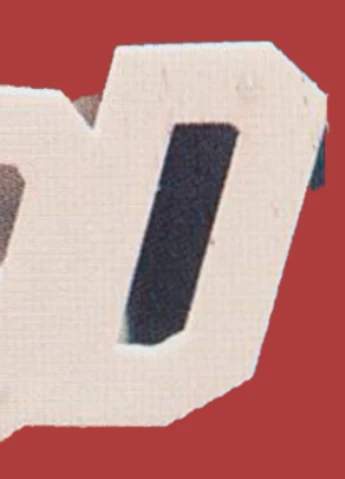
When refining mask using select and mask, using the brush tool to subtract or add to the mask hides the image I'm trying to mask. Please find attached an example.


Any help is greatly appreciated!
This topic has been closed for replies.

1 reply

JJMack
Community Expert
Community Expert
December 2, 2020

You sample look like you may have a layers in you document. Some layers may have visibility on some off  how the image displayed depends on starking order visibility blending modes opacity masking etc. Could you shed some light on what is being displayed?


JJMack
marshalld59842374
Participant
December 2, 2020

Hi JJMack,

In this example there is only the active image layer and the solid background (grey) visible. I'm doing a batch of images but the others are all hidden.  The visible image layer is on top of the rest of the layers, and they all have their blending mode set to normal. Hope this helps!
Thanks for the response!

JJMack
Community Expert
Community Expert
December 2, 2020

Has a Layer mask been added to the layer that is letting the gray background layer show through in the second image?

JJMack