
Brush Tool not working in "Select and Mask" workspace
I am pulling my hair out trying to use the Brush tool on the Select and Mask Screen which is clearly not working and would love to know if there is something I am doing wrong.
Brush Tool is set to normal mode, 100% opacity, flow etc... default settings.
1. Open a photo.
2. Duplicate Background
3. Create new Layer - 50% grey fill.
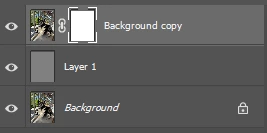
4. Click Select and Mask
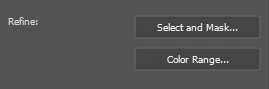
5. These are the settings (View = On Layers)
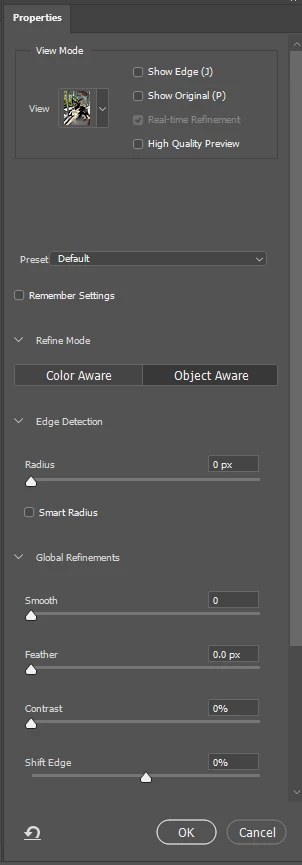
6. The Select and Mask Workspace has these settings shown below (I've tried many many variants but these are the defaults).
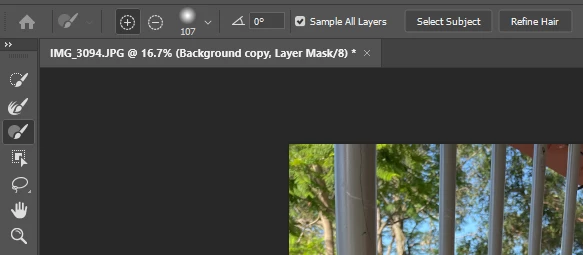
7. I click "Select Subject" and the expect area of the image is masked correctly as expected.
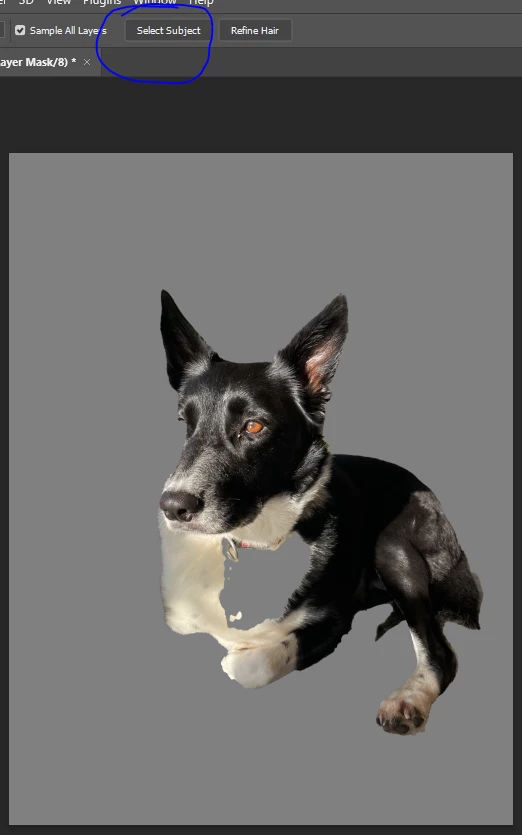
8. Using the refine edge brush tool works as expected
9. However, and this is my problem, when I select the standard Brush tool, and perform just one innocent click with the mouse, the entire image is "unmasked" and displays (except for a smaller square box in the top right which still has some masking applied?!?)
10. NOTE: When the View Mode is set to "Black and White" it does work as expected!
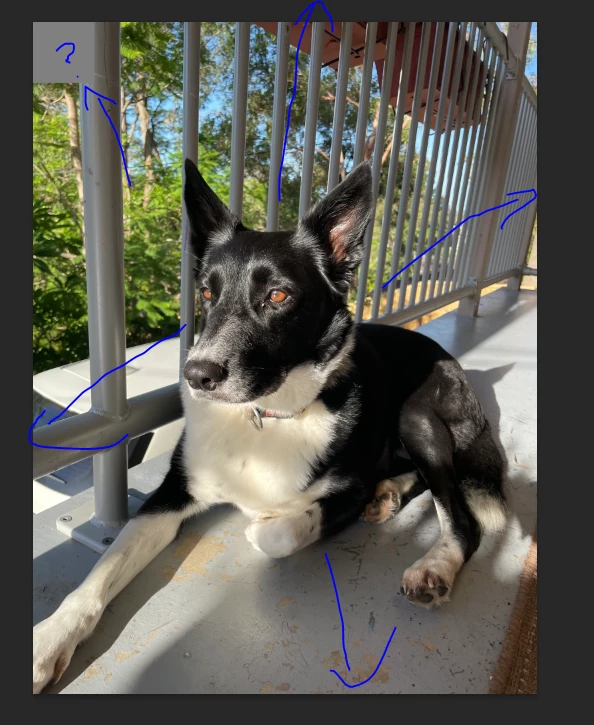
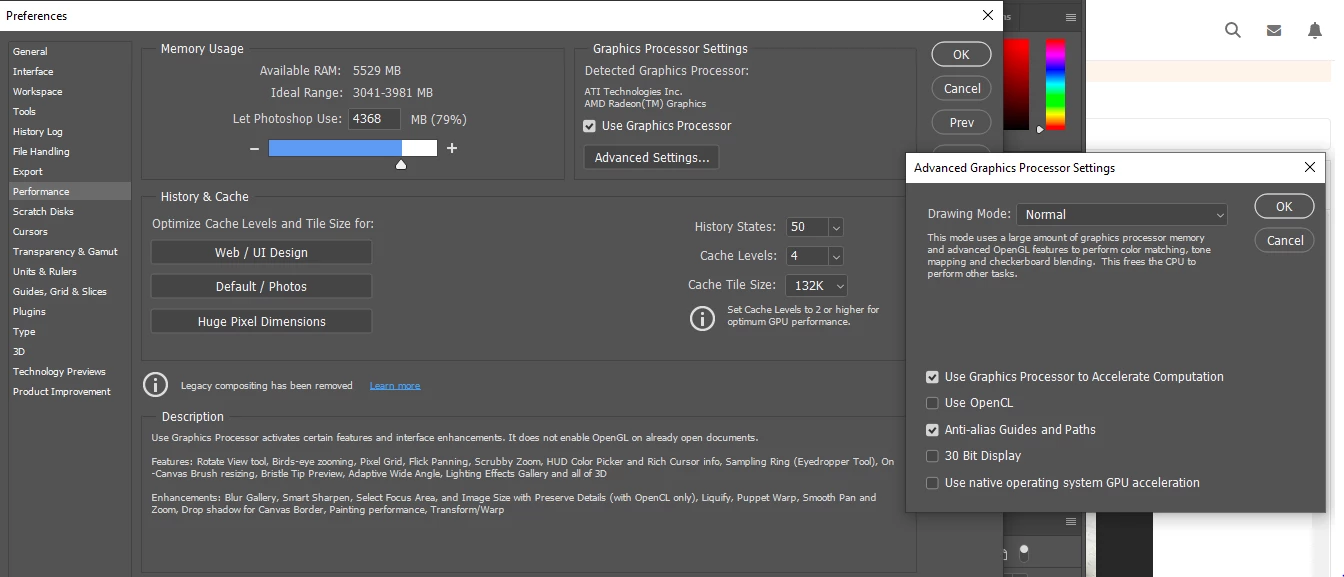
11. I've tried many different settings all over the place (canvas size, image size, advance settings - see below for example) and nothing seems to work!
12. I've restarted every single change and it's the latest version of photoshop (updated recently) on a relatively new computer (Windows 10).
- Processor AMD Athlon Silver 3050U with Radeon Graphics, 2300 Mhz, 2 Core(s), 2 Logical Processor(s)
- Installed Physical Memory (RAM) 8.00 GB
Your assistance is muchly appreciated!!!
 AdChoices