
Chabot Creative
Participating Frequently
July 18, 2021
Question

Brush tool not working like it use to when doing a layer mask - PLEASE HELP

  • July 18, 2021
  • 1 reply
  • 235 views

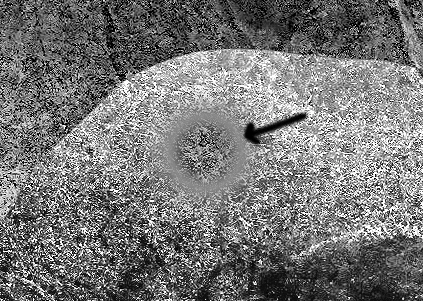
When I would use the brush tool in previous versions of photo shop I could brush away the layer and add it back with a nice clear transparency. Now when I use the brush tool it looks like it is smudging or adding grey - how do I get it back to brush away clear and not look like it is smudging… driving me crazy as it has completely messed up my work flow
This topic has been closed for replies.

1 reply

JJMack
Community Expert
Community Expert
July 18, 2021

Did you check the layers setting and adjustment, mask etc. Did you check all the Brush settings and tool bar brush tool option are the correct ones you user in the Past. If you have try resetting all Photoshop  tools and if that does not fix. Reset your Photoshop preferences.

JJMack
Chabot Creative
Participating Frequently
July 18, 2021

Been playing with all the settings, reset preferences etc and no go… even installed a earlier version of photoshop.


I use to be able to use the airbrush and brush away the layer and it was like transparent, I could blend with the image below etc, now it is giving that blurry outer edge making it look grey… so frustrating as I'm on a deadline and now I can't do what I need to…

Chabot Creative
Participating Frequently
July 19, 2021

No suugestions or fixes?