
Question
brush tool not working like it used to on layer mask in Photoshop 22.4.2
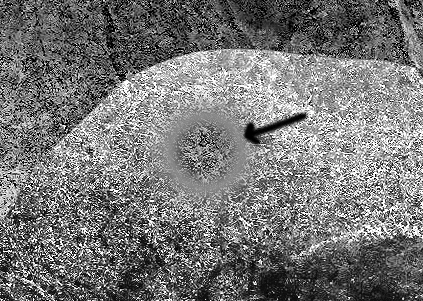
I updated my photoshop to the latest 22.4.2… When I used my airbrush in the last version my brush would add and subtratct the image with a clear transparency - now when I use it, it seems to be gradiating the edge and making it look grey? How do I eliminate this effect and get it to feather with a clear transparency when brushing away on the layer mask… it is absolutely driving me nuts… Costing me hours of lost work! I've reset all settings and PS… No change, layer set is normal…
 AdChoices