Participant
May 2, 2023
Answered

Bug Photoshop

  • May 2, 2023
  • 3 replies
  • 565 views

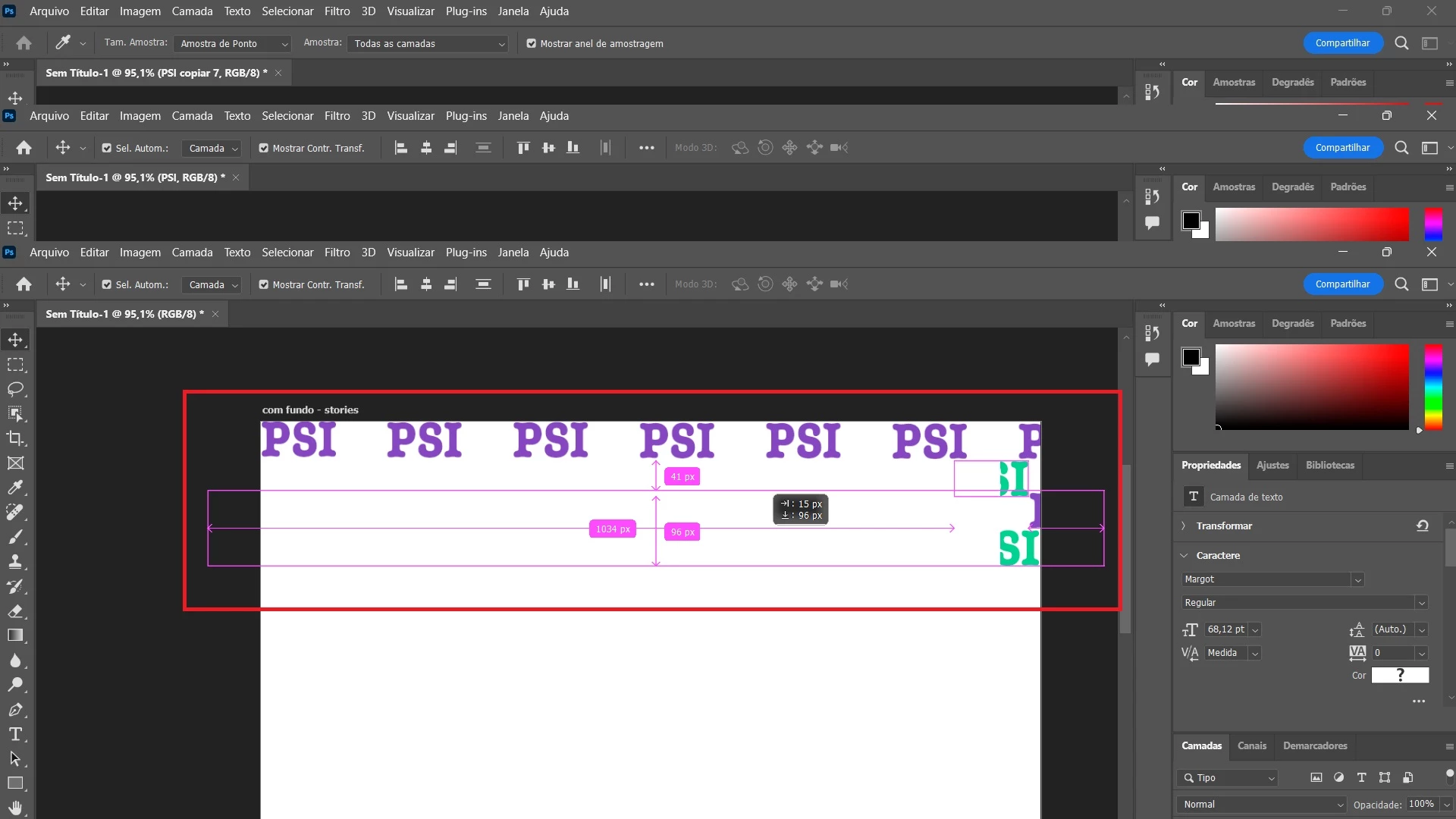
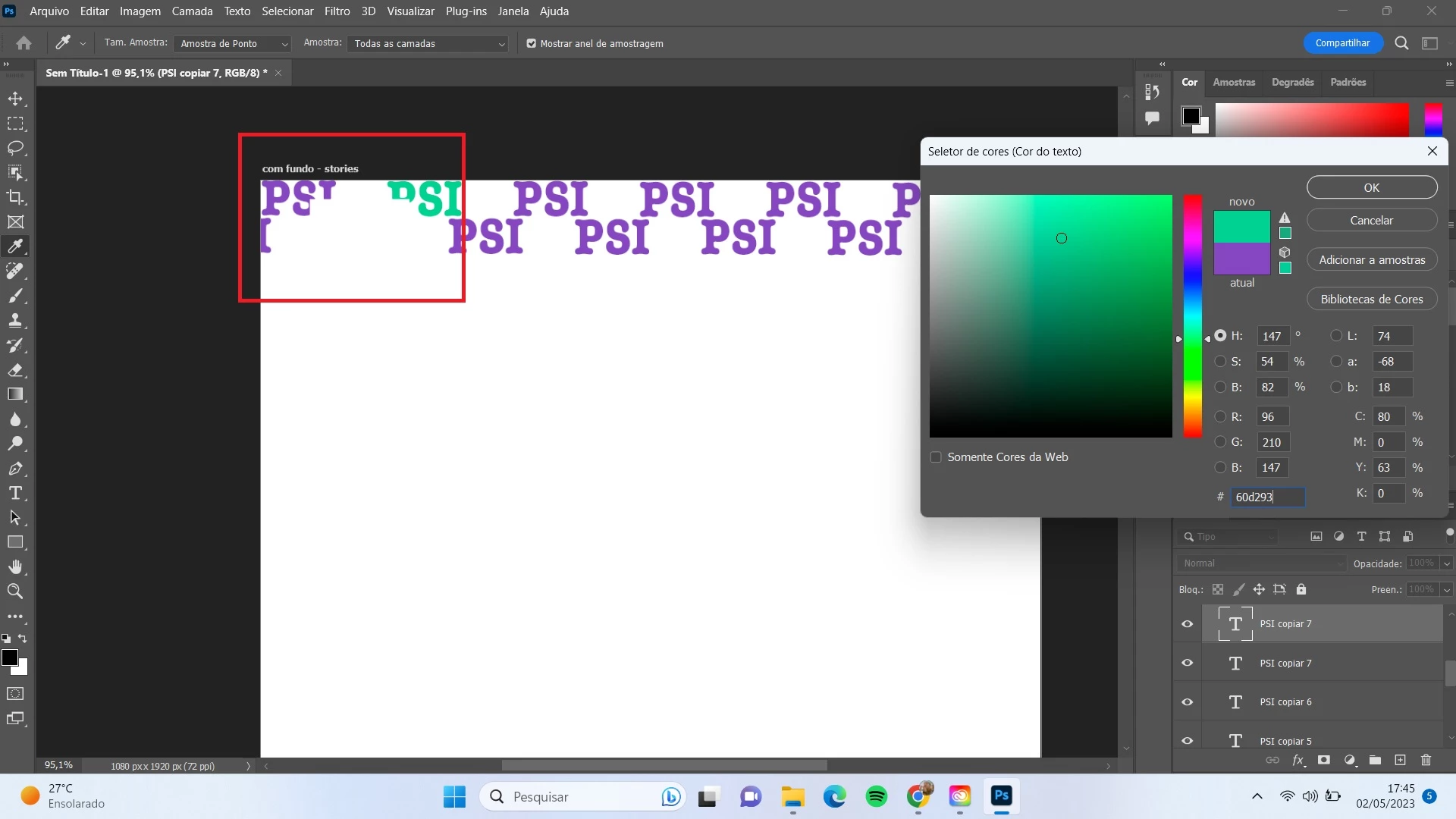
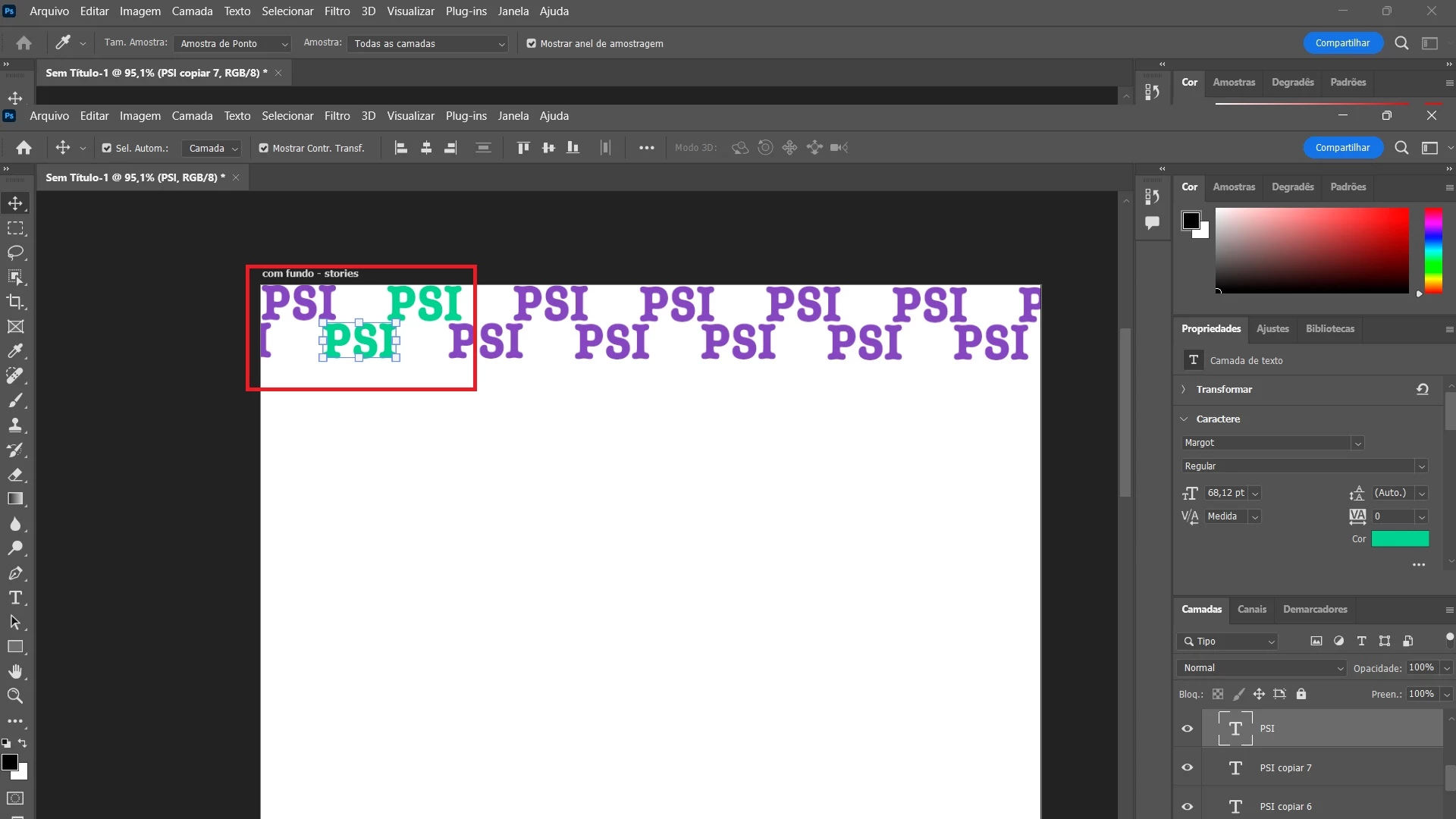
Meu photoshop depois de uma atualização apresenta problemas de desempenho, quando vou mudar cores de um texto ou forma, ou arrastar esse objeto o photoshop apresenta um quadriculado branco, além de ás vezes travar muito. Isso só ocorre com o photoshop, o illustrator está funcionando normalmente. Já reiniciei, desinstalei e o problema retorna. Preciso de ajuda. Coloquei imagem do bug para vocês verem.

My Photoshop has been experiencing performance issues after an update. When I try to change the color of a text or shape or drag an object, Photoshop displays a white checkerboard, and it sometimes freezes frequently. This only happens with Photoshop; Illustrator is working normally. I have already restarted and uninstalled the program, but the issue still persists. I need help.

I have included an image of the bug for you to see.
 

This topic has been closed for replies.
Correct answer CShubert

Hi @FilipeNobre if the suggestions @TheDigitalDog don't work, try:


Go to Preferences > Technology Previews... and enable “Older GPU mode (pre 2016)” - Restart Photoshop. Does the problem persist?


3 replies

CShubert
Community Manager
CShubertCommunity ManagerCorrect answer
Community Manager
May 3, 2023

Hi @FilipeNobre if the suggestions @TheDigitalDog don't work, try:


Go to Preferences > Technology Previews... and enable “Older GPU mode (pre 2016)” - Restart Photoshop. Does the problem persist?


Participant
May 2, 2023

Thank you, I will try.

TheDigitalDog
Inspiring
May 2, 2023

Try the "Deactivate Native Canvas" options in preferences, and restart: is the color gone?
On Windows, In Windows display settings > Windows HD color, make sure that HDR is not on!

Author “Color Management for Photographers" & "Photoshop CC Color Management/pluralsight"