Participant
December 16, 2021
Answered

Bug using the CROP tool with macOs Big Sur

  • December 16, 2021
  • 1 reply
  • 283 views

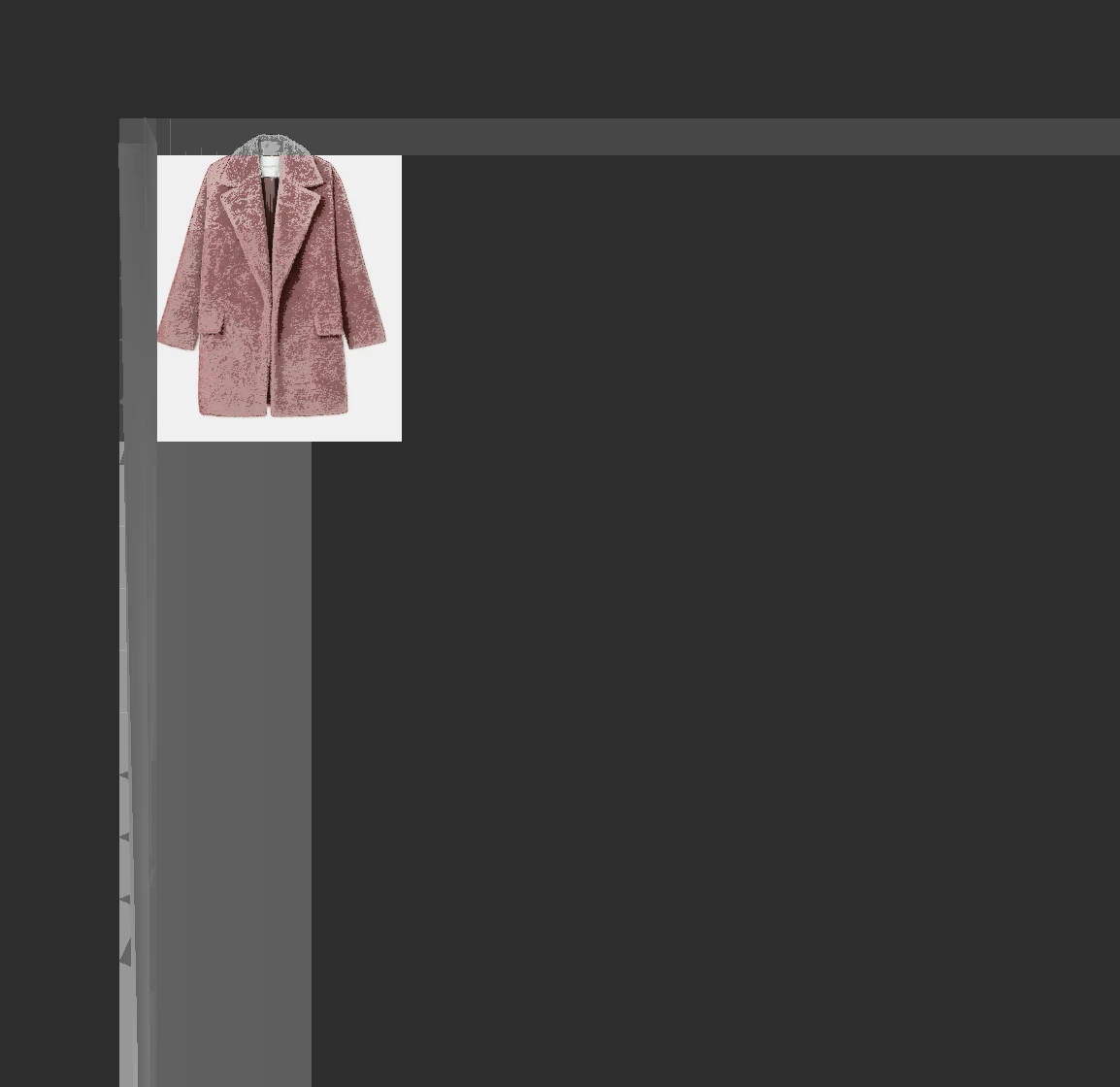
I am using the 23.1 verion of Photoshop and an intereseting bug happend when I use the crop tool. See attached the screenshot. It is impossible to see the selection box so I don't know what I am cropping and some shading will apprear on the image and background. when I zoom in/ out. 

This topic has been closed for replies.
Correct answer J453

Go to Preferences > Technology Previews... and check "Disable Native Canvas" - then restart Photoshop. Does the problem still occur?

1 reply

J453Correct answer
Legend
December 16, 2021

Go to Preferences > Technology Previews... and check "Disable Native Canvas" - then restart Photoshop. Does the problem still occur?

Participant
December 16, 2021

Thank you the issue is fixed!!

A similar bug happended with the previous verion of photoshop when using multiple artboards.


Thanks again!