
Bug while panning/zooming (with spacebar) using Wacom Intuos Pro
Hello!
I've recently built a new PC and I keep getting this bug. I don't know what triggers it, though. It only starts happening after a while.
I always use spacebar or ctrl+spacepar for zooming and panning around, and it always worked without any problems on my old laptop.
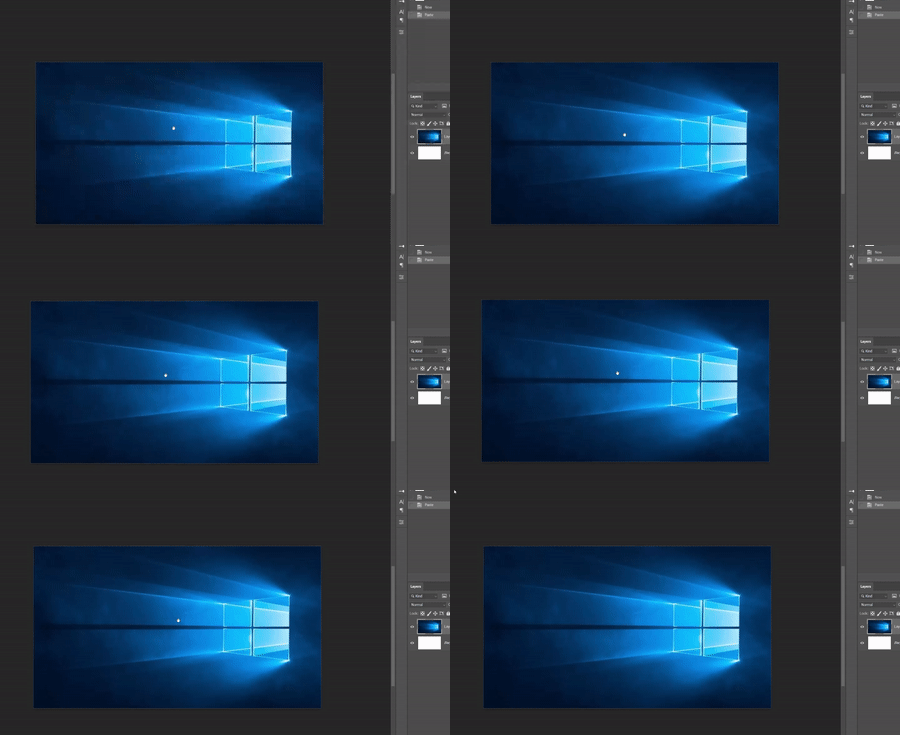
The bug:
When I use this feature, I proceed pressing ctrl+spacecbar normally, then touch the pen on the tablet's surface and drag it to move things around; BUT, sometimes, when I release the pen photoshop, doesn't recognize it and keeps moving the canvas, like if I hadn't released.
When this bug happens, even releasing the keys (crtl/spacebar) doesn't help. Things keep moving. The only way to stop it is to touch the pen on the tablet's surface back again.
I have to close and open photoshop to temporarily fix it.
Photoshop version: 41.4.1
Wacom device: Intuos Pro PTH-460
Windows 10 pro
 AdChoices