
BUG - Wrong size of image windows when Options Bar is relocated
When I normally open / create document it appears on screen like it:
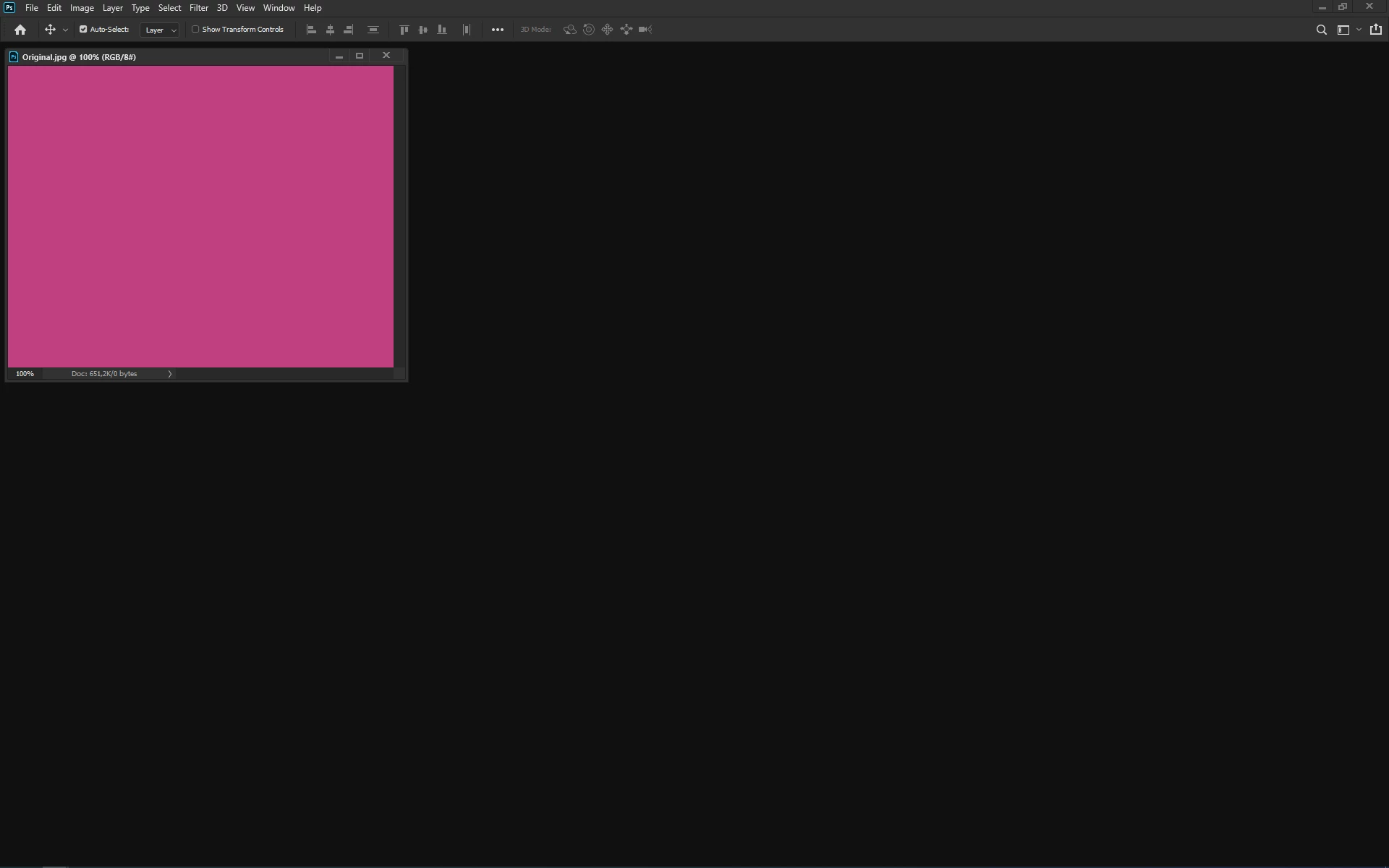
But if first I unbind Options Bar from its default location (top of workspace) and put it somwhere in upper left part of workspace (like on below image example), then open / create document it's going to be shrunken:
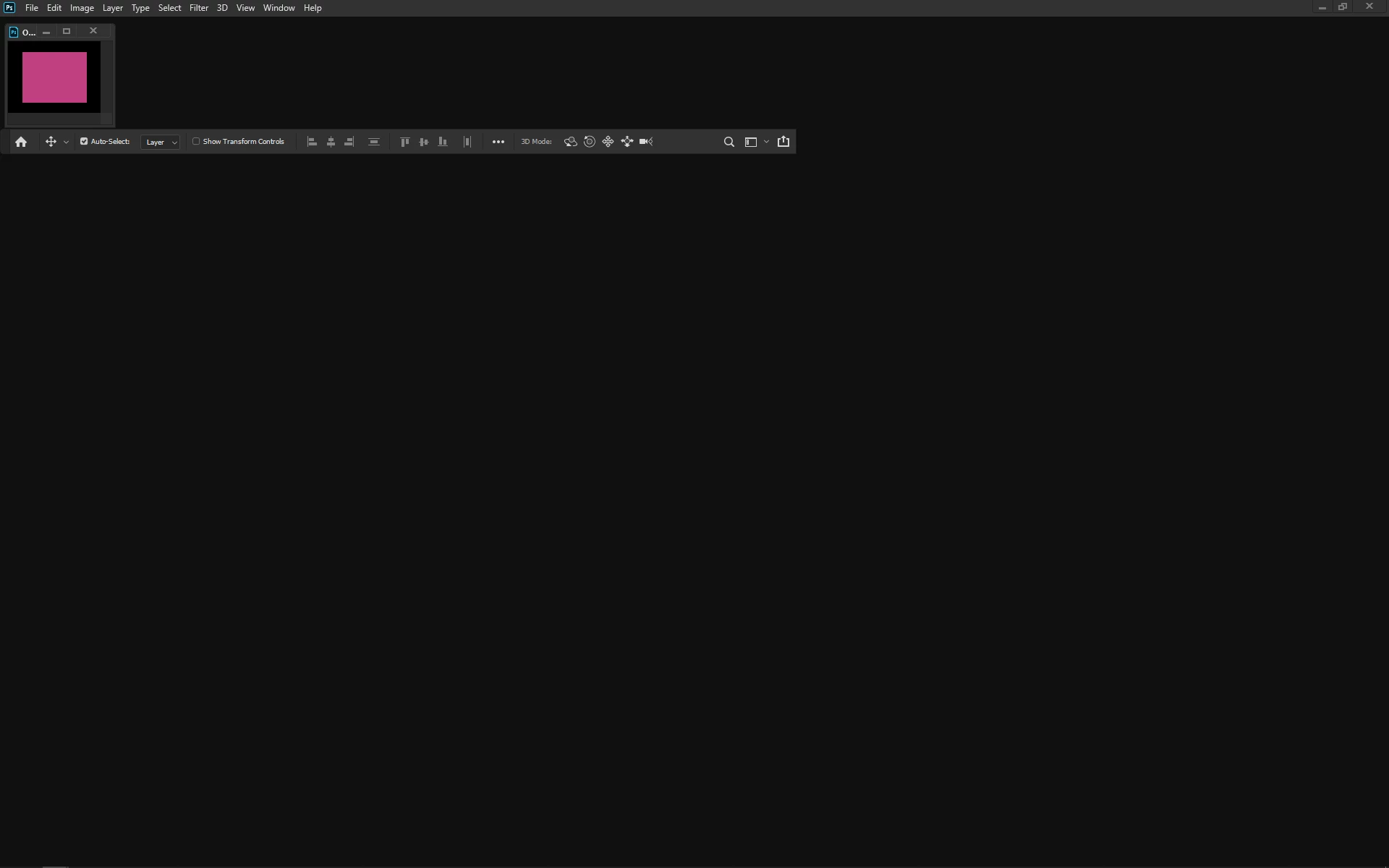
It's impossible to make it bigger then by View menu items: Zoom In / Out, Fit (Layers / Artboard) on Screen, 100 / 200% and Print Size. It's going to fit the space over Options Bar only. Even if I move the Window with image under Options Bar, it's going back to previous place when using View Menu items.
The same problem occured in CC 2018 in case of Tools Bar, that was solved for CC 2019.
Windows 10 / Photoshop 2020 (21.1.1) / problem sent also to PR engineers.
 AdChoices