


Question
Burnt Square on one Layer
Hi guys,
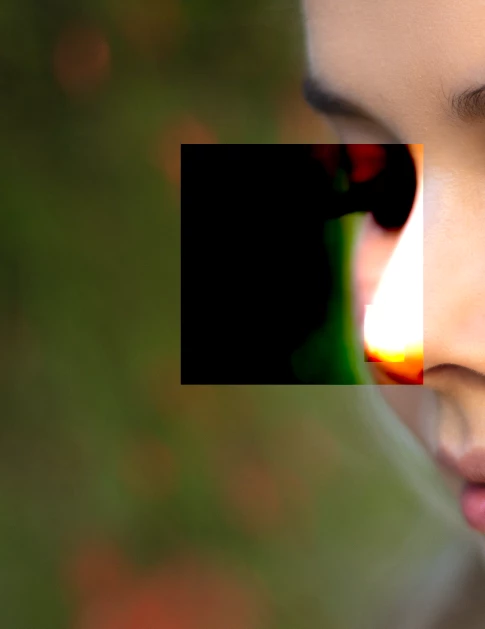
So upon opening Photoshop to continue an edit, the image I got quite far into frequency separation with has this strange burnt box and a smaller box within it. It's only present on the textures layer (HF). I'd hate to have to start over, so any help would be much appreciated.
So far I've tried unchecking use of the gpu in the performances section of preferences and restarting my pc. The issue hasn't shown on any other images thankfully, but the square is even apparent on the home page where there's the small preview of the image. See attached.
Thank you for reading!
P.S. I really didn't know what to describe the issue as, tried my best to find it on here.. apologies if it has already been discussed.

 AdChoices