
Answered
Camera RAW AI Noise Preview Window Not Available
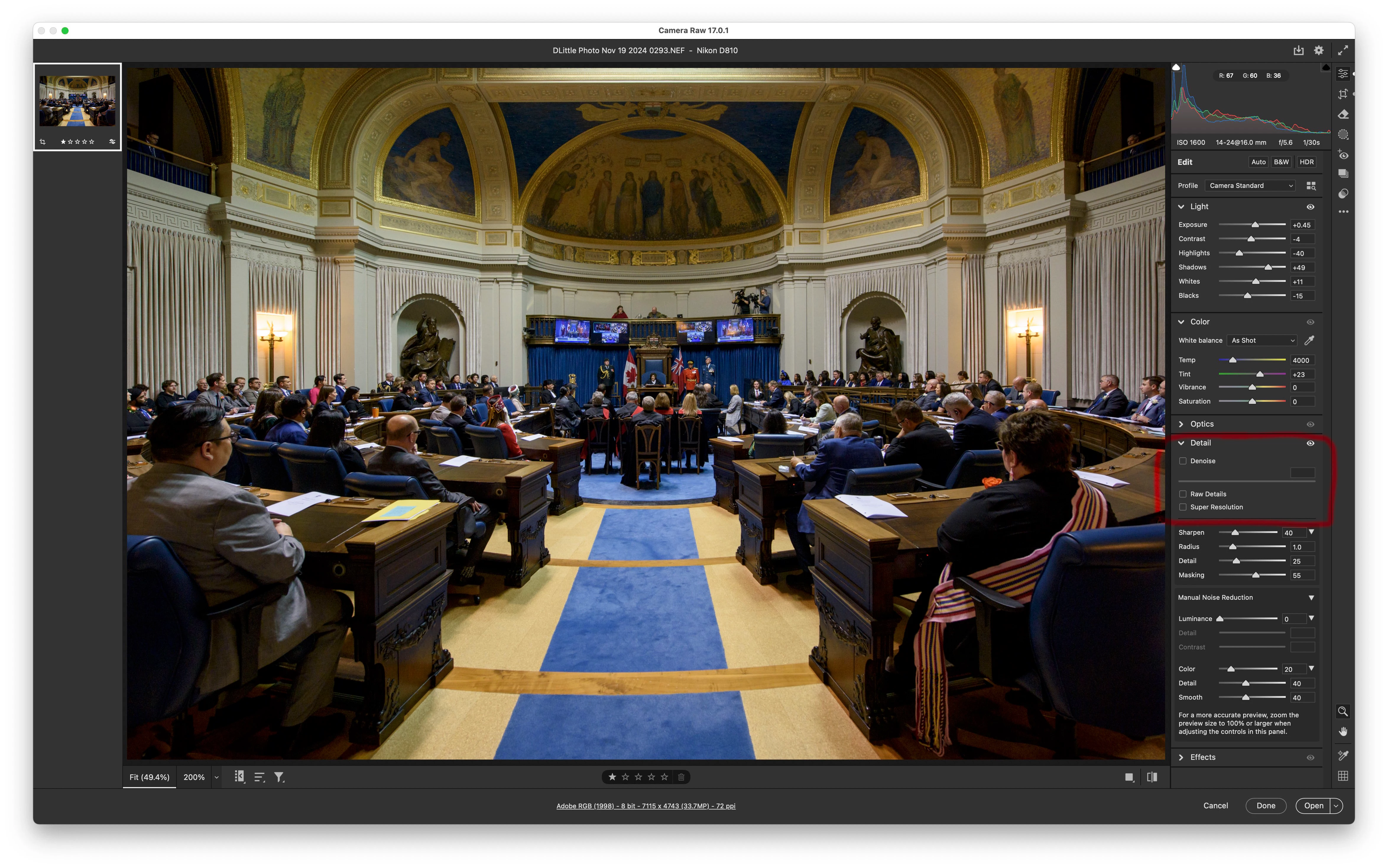
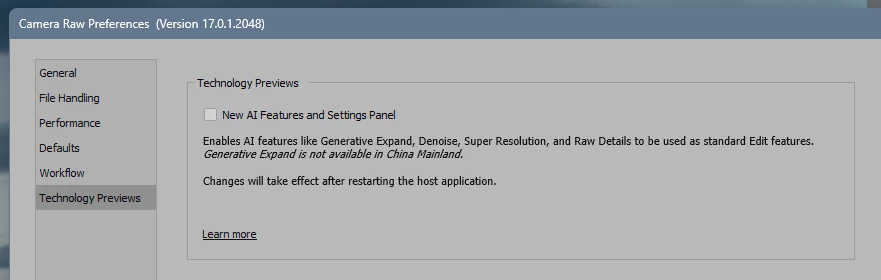
When using Camera Raw AI Noise Reduction, I don't have a preview window - it only shows me the entire image after rendering, and if the default 50 setting is too much, I have to decrease the slider and wait for it to apply to the entire image again. . with Nikon D850 files this is painfully slow. . how do I get the preview window with the 100% zoomed in portion, as opposed to the entire image displaying? This driving me nuts. . .
Thanks in advance for any help!
 AdChoices