

Camera Raw Issue
Hi there,
Please can you help,
I am running Photoshop CC on Windows 10 and I have recently updated my graphics card to the latest Drivers. I have a Nvidia GTX 675M.
This problem fixed itself for a few months after updating the Graphics Card Driver previously, but since today it has come back. (I don't believe I have used Camera Raw since I updated my Graphics Card.)
Here is the problem:
Whenever I use Camera Raw and use any of the sliders or Adjustment Brush, the image I am working on breaks up into many small block versions of itself, whilst using the brush or any sliders.
Here is original that I was working on:
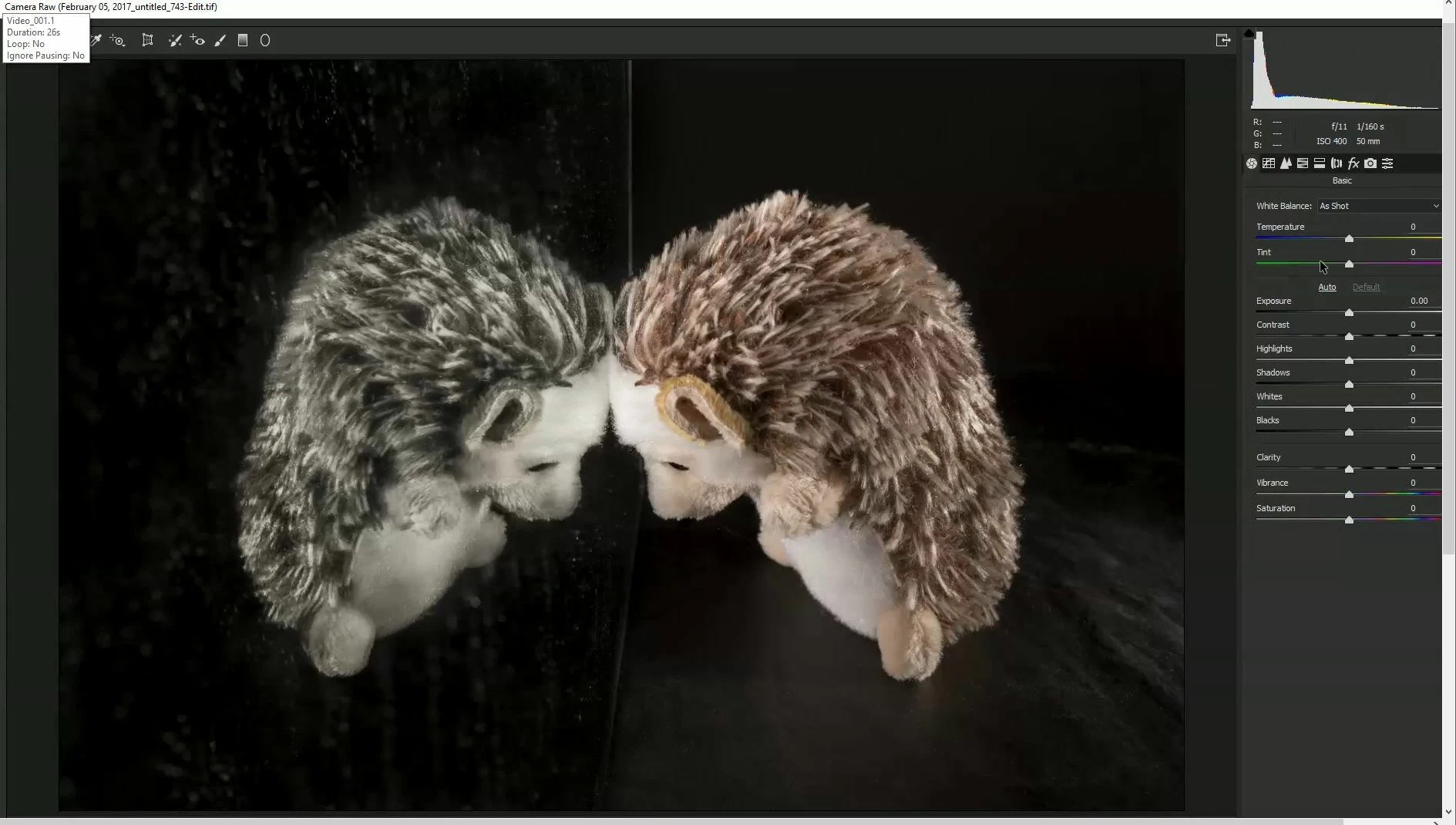
Here is the broken up, block fault when I use sliders or adjustment brush, you can see in the screenshot that I am adjusting the Exposure:

I have tried uninstalling Photoshop and reinstalling it. It did not change anything. I had to update the Drivers in my Graphics card a few days ago as I was having a problem with the shape tool and Pen tool: All curved object and straight lines were jagged, but that is now fixed, they are smooth. But this problem has come back now.
Any help would be appreciated.
Thanks
 AdChoices