
Participant
April 13, 2020
Answered
Camera Raw White Balance Tool isn't applied when "Opening Image"
- April 13, 2020
- 2 replies
- 1087 views
Like the title says, if I make a correction on a raw image (.arw) using the white balance tool it isn't reflected when opening the image. Other changes from camera raw are applied, such as croping, shadow/highlights, noise reduction, ect...
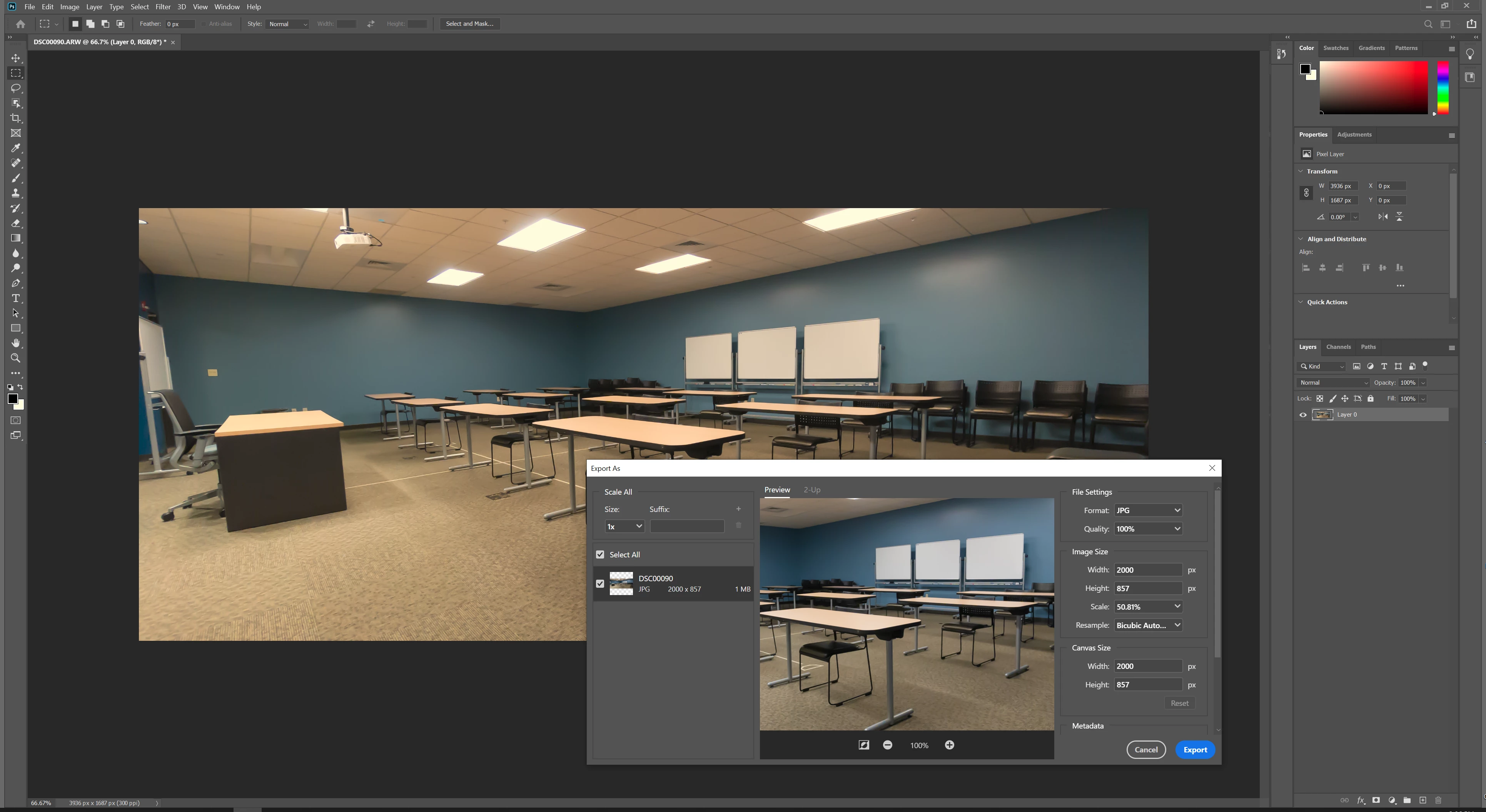
The weirdest part is that if I go to export the image I see the white balance changes I made in the camera raw effect (attached example). This is happening on every image I'm trying to edit.
Using:
Windows 10
Photoshop 2020
Video Card: 2x RTX 2080
CPU: Threadripper 2090WX
This isn't the only bug I've been having with Adobe products lately, I'm also having some serious problems in Premiere Pro. It's insanely frustrating.
 AdChoices