Answered
Can I resize an image without color variation?
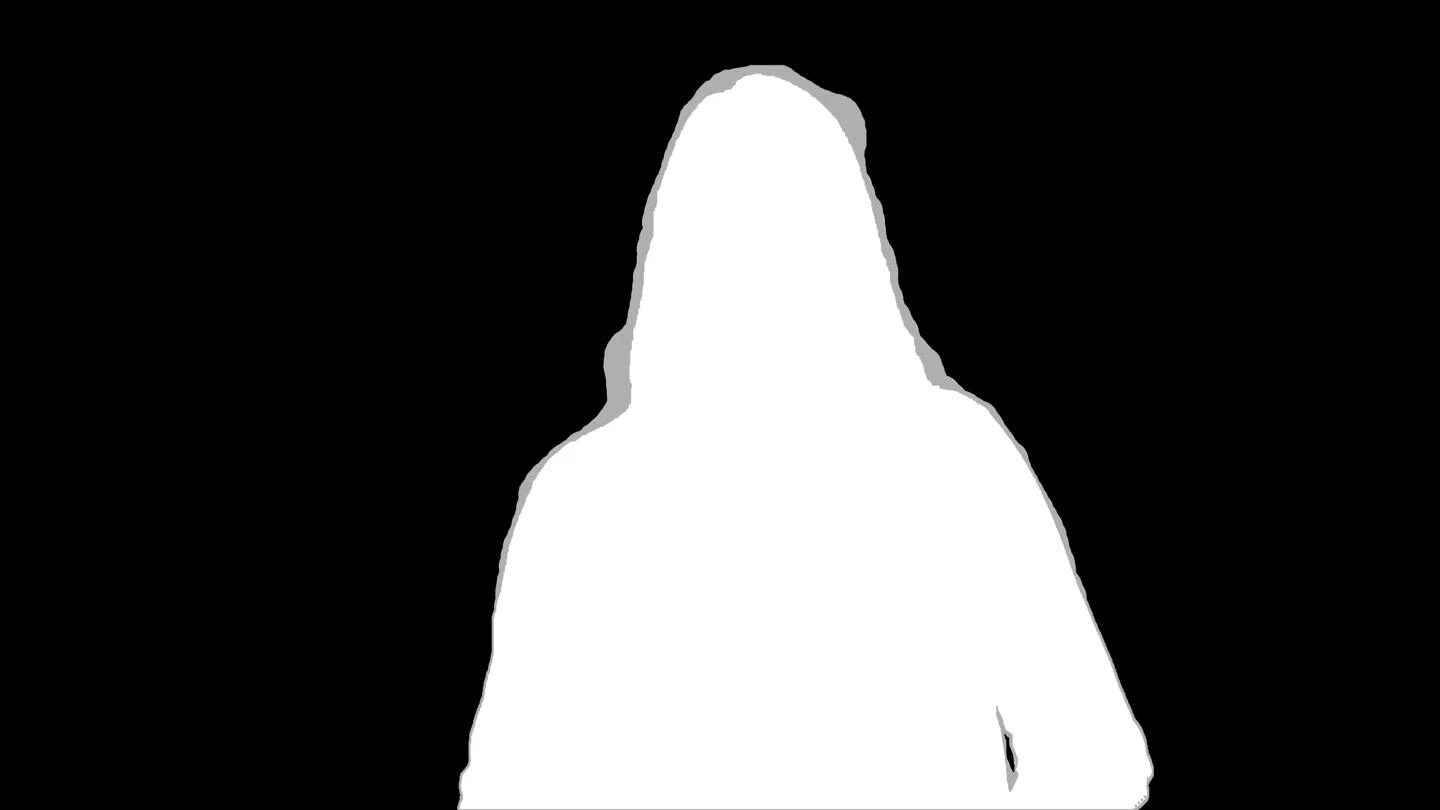
I'm working at a project of image segmentation assessment, and I've to generate the masks (groundtruth) in Photoshop. The masks are black, gray and white, but I need to have just three tones of those colors, in other words: #afafaf #ffffff and #000000 .. I need to do these masks for 15 other resolutions, but when I resize these images, I noticed that there are color tone variations in the new one.
Can someone help me, please? How can I resize the images without changing or varying the original colors, keeping only the three colors defined?
Thanks!!
 AdChoices