
Participant
September 28, 2018
Answered

Can't add stroke to pen tool with shape layer Photoshop CC 2015

  • September 28, 2018
  • 2 replies
  • 2043 views

Hi All:

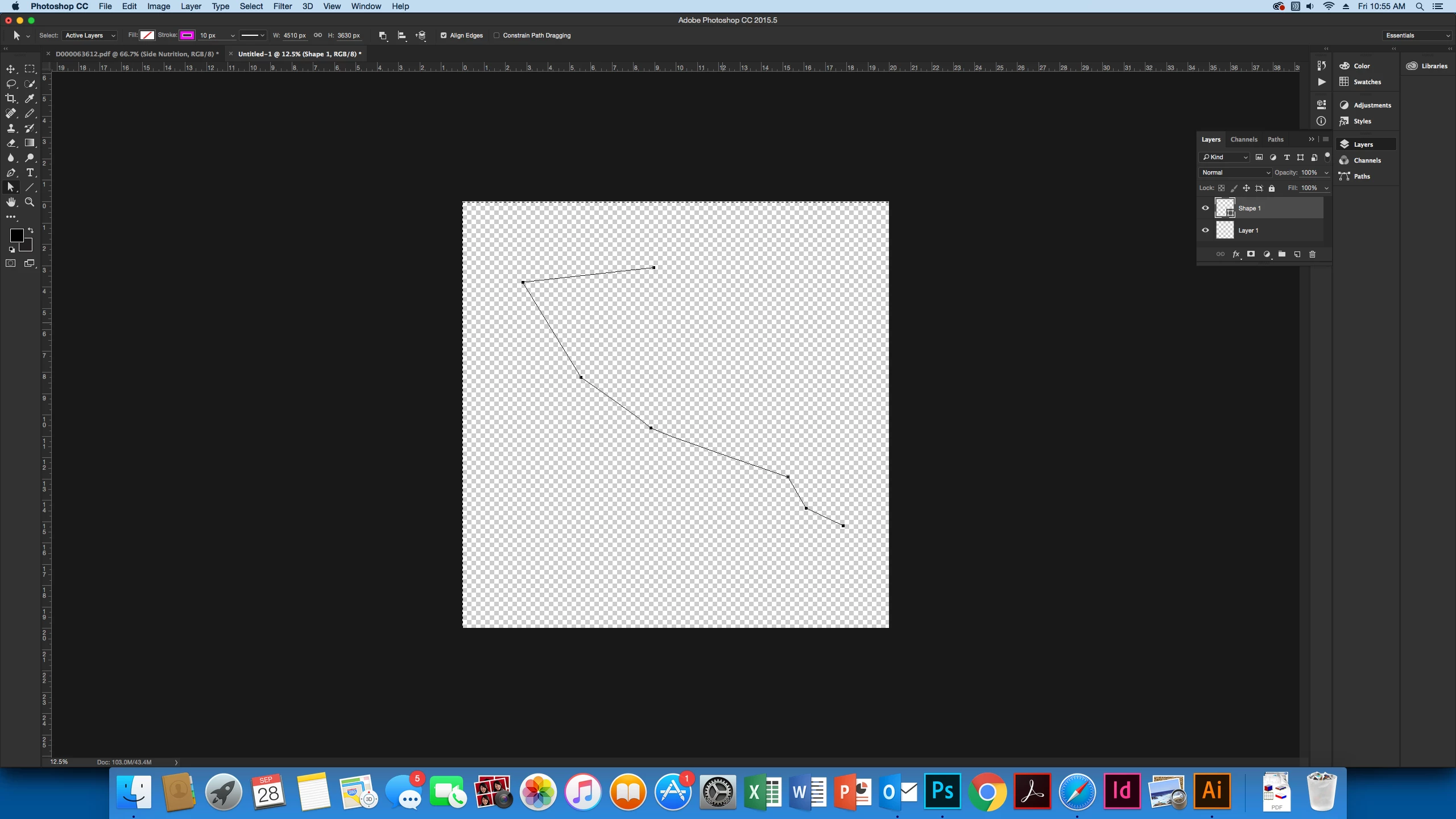
Im struggling with figuring out what is not allowing me to add stroke to a path. I tried do it with the pen tool AND with shape layers.

I converted the pen tool path into a shape layer, when I try to change the stroke size and stroke color, no changes show.

Any way I can work around this?
Thanks,

Lucy
    This topic has been closed for replies.
    Correct answer lambiloon

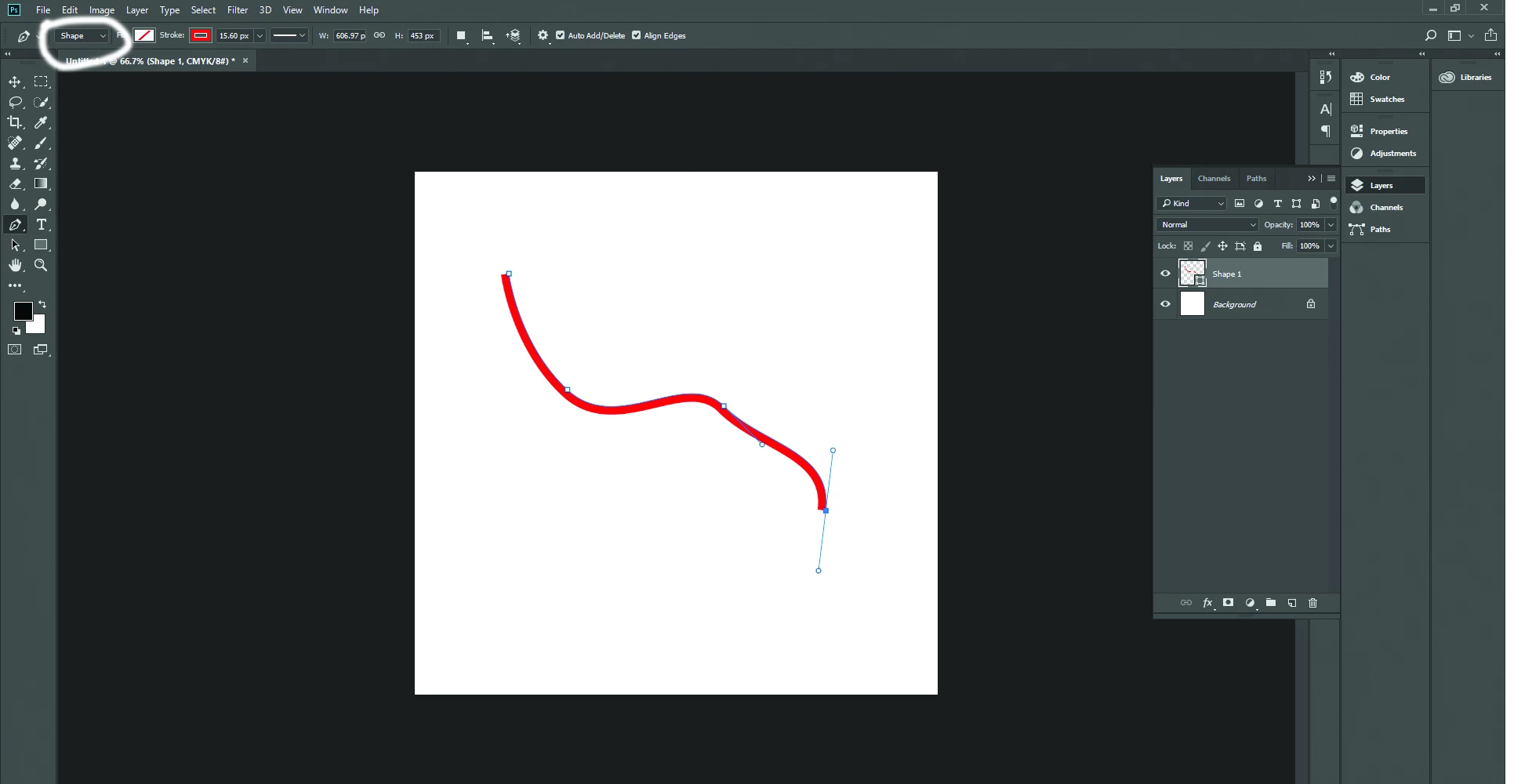
    hi not like this just choose pen tool and set from top shape then empty the fill and apply stroke its very simple..Thanks.

    2 replies

    Muqqarib Hassan
    Inspiring
    September 28, 2018

    Hi, First make sure you select the shape and then fill is off and stroke is on. Increase the stroke value for clearly show.

    lambiloon
    Community Expert
    lambiloonCommunity ExpertCorrect answer
    Community Expert
    September 28, 2018

    hi not like this just choose pen tool and set from top shape then empty the fill and apply stroke its very simple..Thanks.

    Ali Sajjad / Graphic Design Trainer / Freelancer / Adobe Certified Professional