tammyn71278176
Participant
October 17, 2017
Answered

Can't align straight lines in Photoshop CC 2017?

  • October 17, 2017
  • 2 replies
  • 1540 views

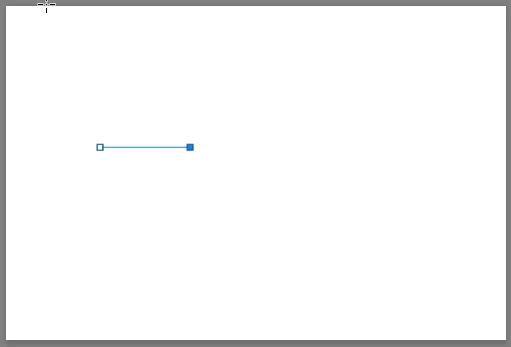
Am I missing something, or is it just not possible? I was working on a perspective drawing and simply just wanted to align a simple 2 point straight path line in the center of the canvas, but every time I click any alignment option, nothing happens. I wasn't sure if I was using the alignment tool right, but I made a slightly skewed line, and the alignment tool works perfectly for that. Not sure what is different about aligning a straight line as opposed to a not straight line, wanted to check to see if I had to do anything differently. I have align to canvas checked.

This topic has been closed for replies.
Correct answer davescm

To follow on from my last post

You may wish to check out today's update to Photoshop CC (version 19.0). It is fixed . How's that for service from Adobe

Dave

2 replies

davescm
Community Expert
davescmCommunity ExpertCorrect answer
Community Expert
October 18, 2017

To follow on from my last post

You may wish to check out today's update to Photoshop CC (version 19.0). It is fixed . How's that for service from Adobe

Dave

Brad Lawryk
Legend
October 17, 2017

Have you tried simply dragging it to the centre until the smart guides show up?

tammyn71278176
Participant
October 17, 2017

Smart guides were not popping up, but I realized I had to press cmd+u to turn the smart guides on. So is there no way to use the alignment tool with straight lines?

Trevor.Dennis
Community Expert
Community Expert
October 18, 2017

No you can't use the alignment tools with work paths, because you can't use the move tool with them.  You have to use the selection tool (black arrow) and drag the path, which will trigger the Smart Guides if they are enabled.  You can do the same thing using Free Transfer on a workpath providing it is not a single straight line (it must enclose some pixels).