
Answered
Can't delete custom shape preset
I am really new at using Photoshop and I have tried to google the answer but I can't find it anywhere.
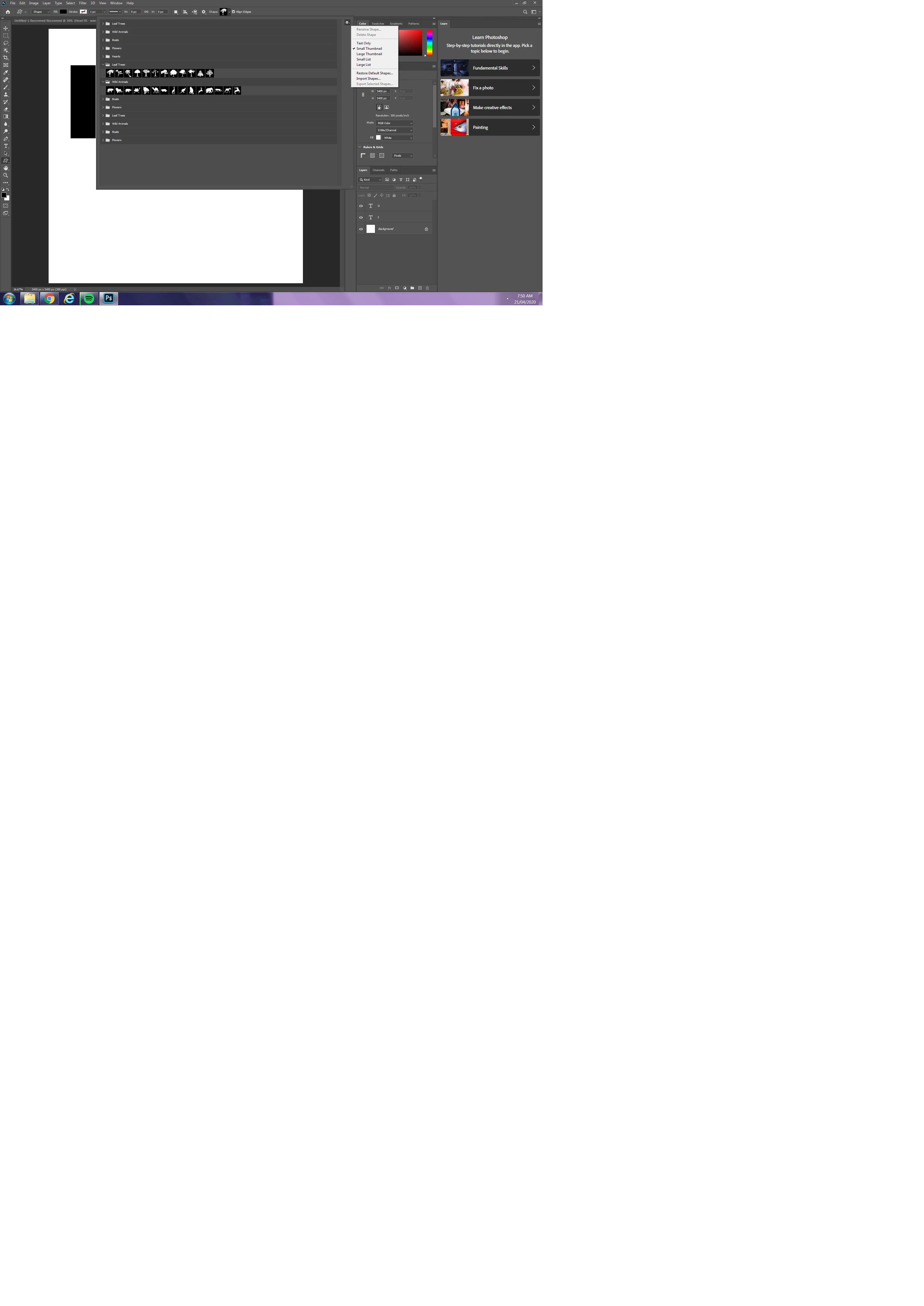
I was trying to delete a shape folder, but the option was greyed out, so I thought if I clicked 'Restore Default Shapes' it would take my folder back to the original settings, however it has multiplied the folders, stupidly, I thought if I chose that option again, it would fix it (I know, I know), but I have more folders and I can't for the life of me figure out how to delete them!
Please help.
I seen a similar topic and he found the problem was 'shape panel' but I don't know what that means.
 AdChoices