
Can't deselect lasso in Photoshop anymore...
We have Adobe Photoshop 23.1.1 for Mac, running on Ventura 13.2.1,, on a MacBook Pro, 16 inch, 2021.
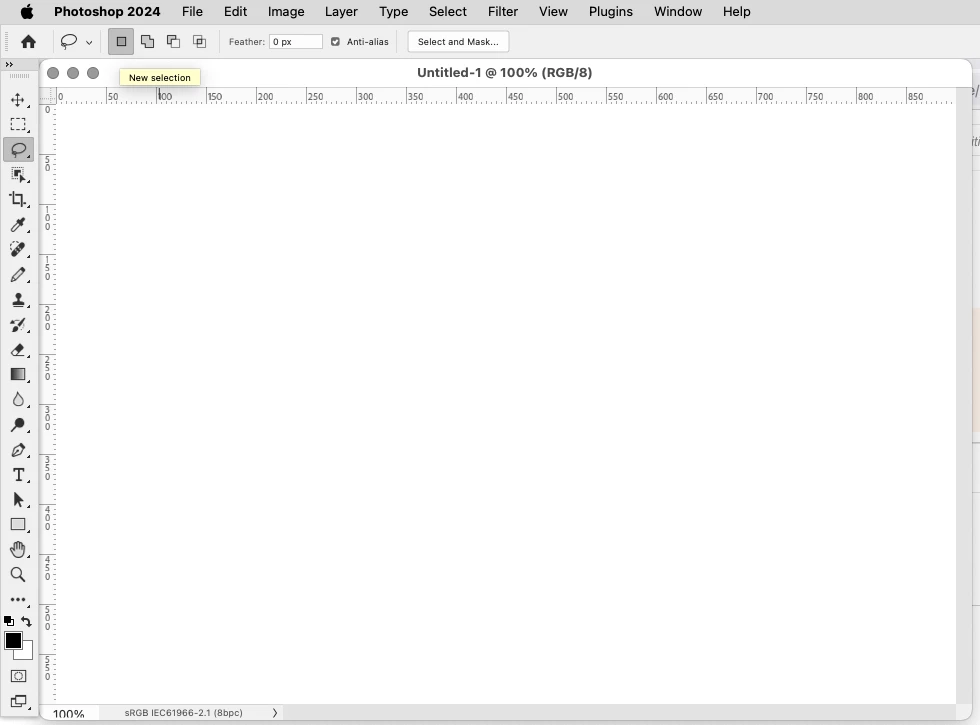
Normally, we have been using mostly the lasso select to remove items from the document. Then we would select the lasso tool, click somewhere else on our work, and the selection border would disappear.
Out of nowhere, we are unable to deselect a selected area in this way.
Instead, we are left with multiple selections on their work.
We discovered that a right-click on their work would bring up a menu, and the first item is deselect which fortunately does the job.
Is there a setting that allows for multiple selections that was unintentionally turned on, or a bug?
How can they gat back to deselecting with a second click of the lasso tool?
Thanks.
 AdChoices