Inspiring
August 11, 2019
Answered

can't get snap to grid working perfectly

  • August 11, 2019
  • 2 replies
  • 1073 views

Im doing low poly art- using the polygonal lasso tool i want to do triangles to snap to the corners of the grid. I have went to preferences - grid and made the grid black and the squares smaller. I have went to view snap and snap to grid. Im on a mac and using alt helped but not all the time some were crooked- any idea what to do. Using photoshop cc 2019- thanks
    This topic has been closed for replies.
    Correct answer JJMack

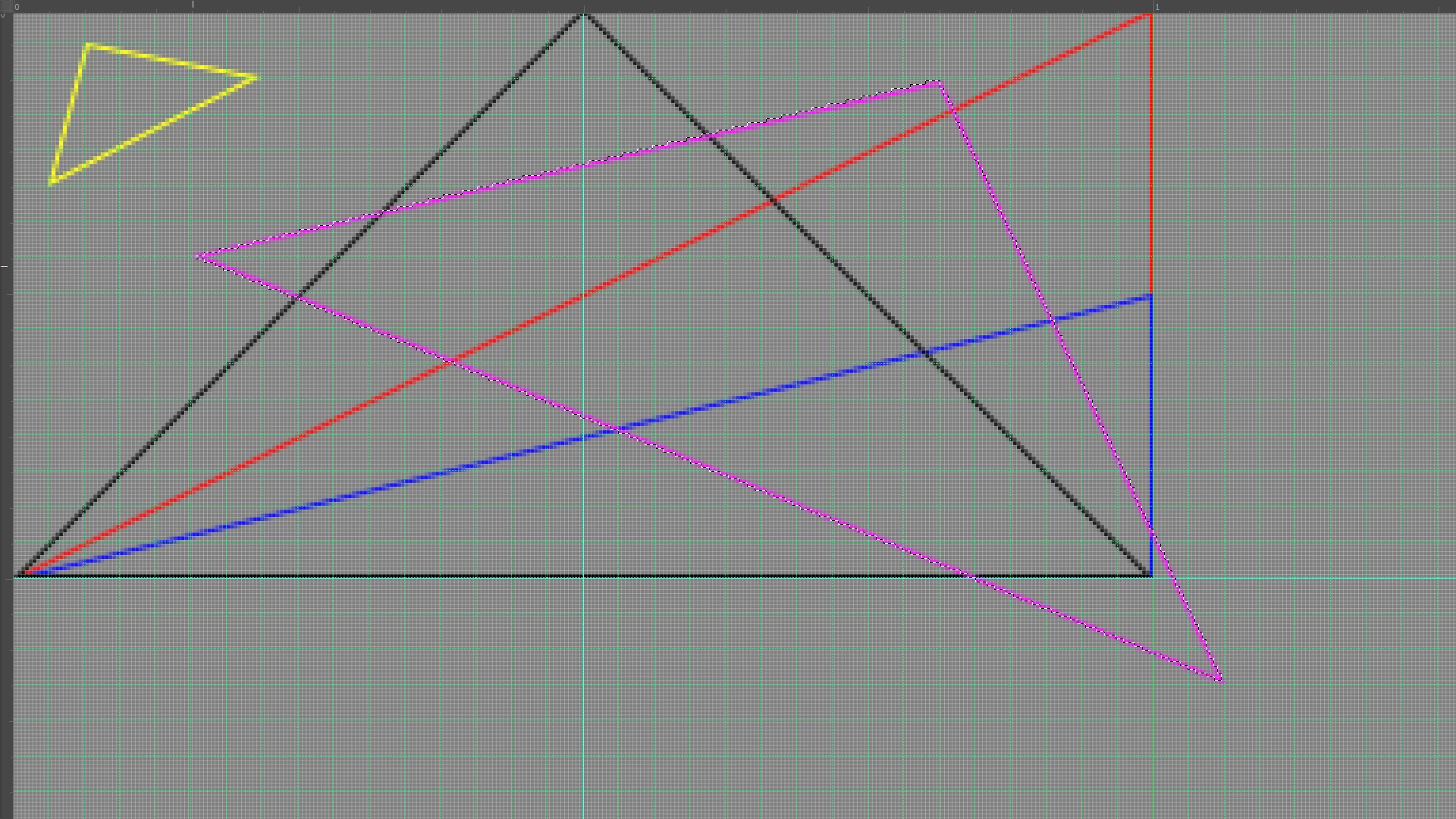
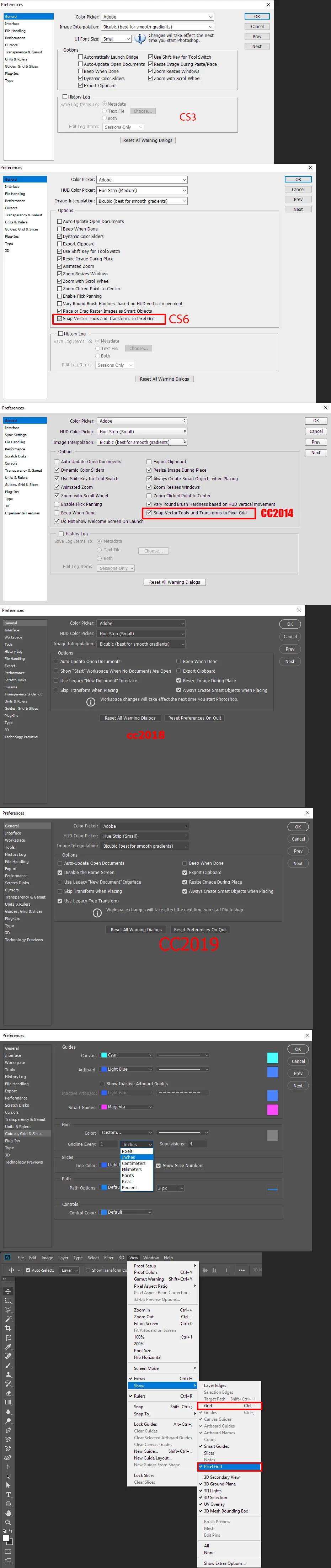
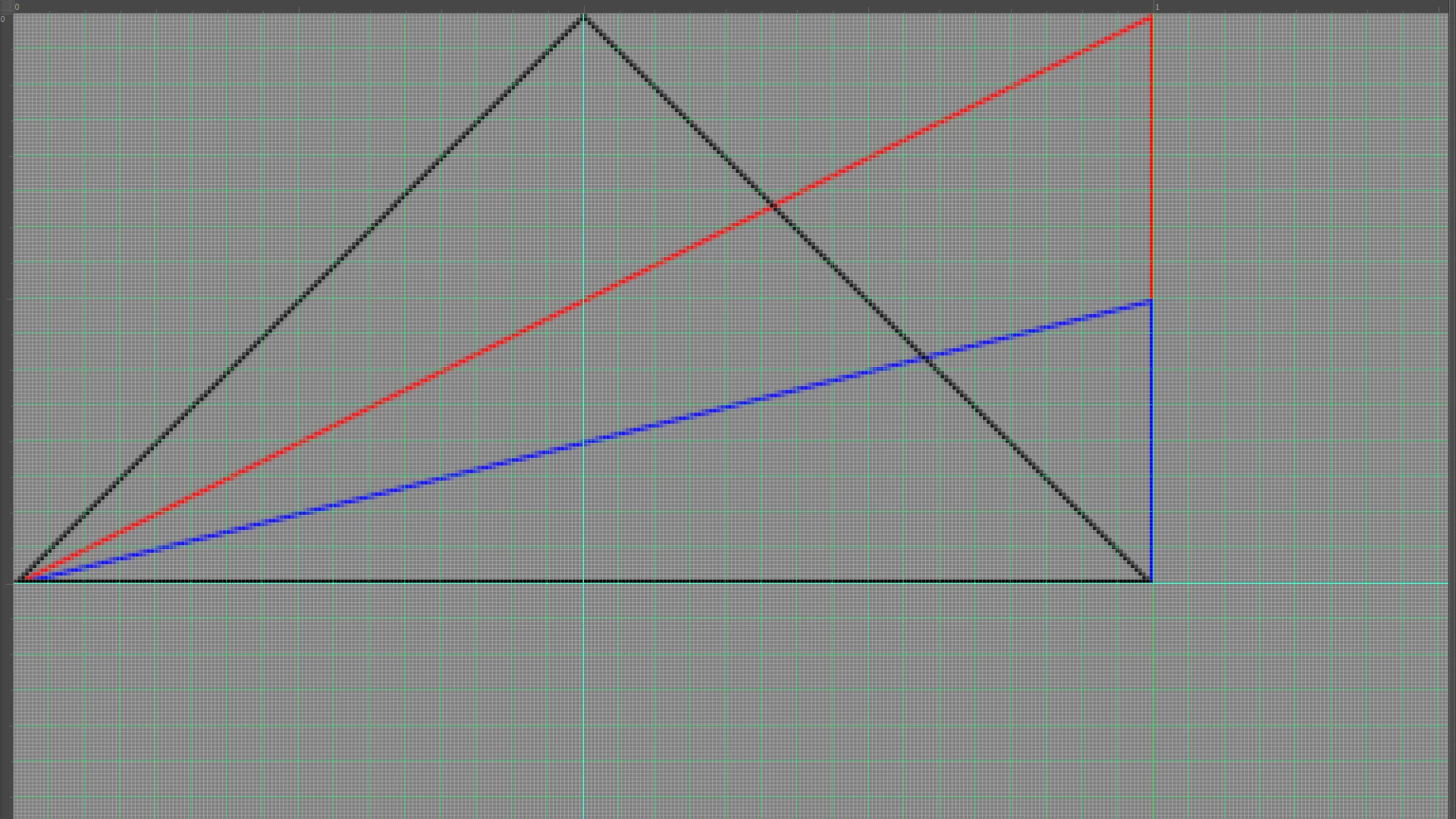
    I would think the vast majority of triangles will have at least one side drawn with a crooked line. A 45 degree line  may not have any stair casing still it not a solid line only vertical and horizontal line are solid on a display. How can you draw an angled line straight with square pixels? Math rounding can add to the effect.  There is the document canvas Pixel grid and there grids that Photoshop can overlay on a document. You can customize grids any way you like these may not line up with the document Pixel so rounding to  the nearest canvas pixel will most likely need to be done when you snap to your grid.  You may have notices settings in you preferences.

    Also you yout GPU is enabled you may want to Zoom in to 501% or more

    Poly lasso tool use to select the 1px stroked pink triangle

    2 replies

    JJMack
    Community Expert
    JJMackCommunity ExpertCorrect answer
    Community Expert
    August 11, 2019

    I would think the vast majority of triangles will have at least one side drawn with a crooked line. A 45 degree line  may not have any stair casing still it not a solid line only vertical and horizontal line are solid on a display. How can you draw an angled line straight with square pixels? Math rounding can add to the effect.  There is the document canvas Pixel grid and there grids that Photoshop can overlay on a document. You can customize grids any way you like these may not line up with the document Pixel so rounding to  the nearest canvas pixel will most likely need to be done when you snap to your grid.  You may have notices settings in you preferences.

    Also you yout GPU is enabled you may want to Zoom in to 501% or more

    Poly lasso tool use to select the 1px stroked pink triangle

    JJMack
    Inspiring
    August 11, 2019

    Thankyou that’s great! Explains a lot! Thanks for ur help!  

    Abambo
    Community Expert
    Community Expert
    August 11, 2019
    Discussion successfully moved from Adobe Creative Cloud to Photoshop

    ABAMBO | Hard- and Software Engineer | Photographer