
Question
Can't initialize Photoshop: 'Scratch disk full' message
Hi, I hope someone can help me with this as I really need to be able to access Photoshop. Everytime I launch Photoshop on my Windows laptop, it comes up with a scratch disk full error message, and I have no idea what to do. I've attached an image of the message that comes up in the hope that someone can help me. I have Photoshop 2020 version. 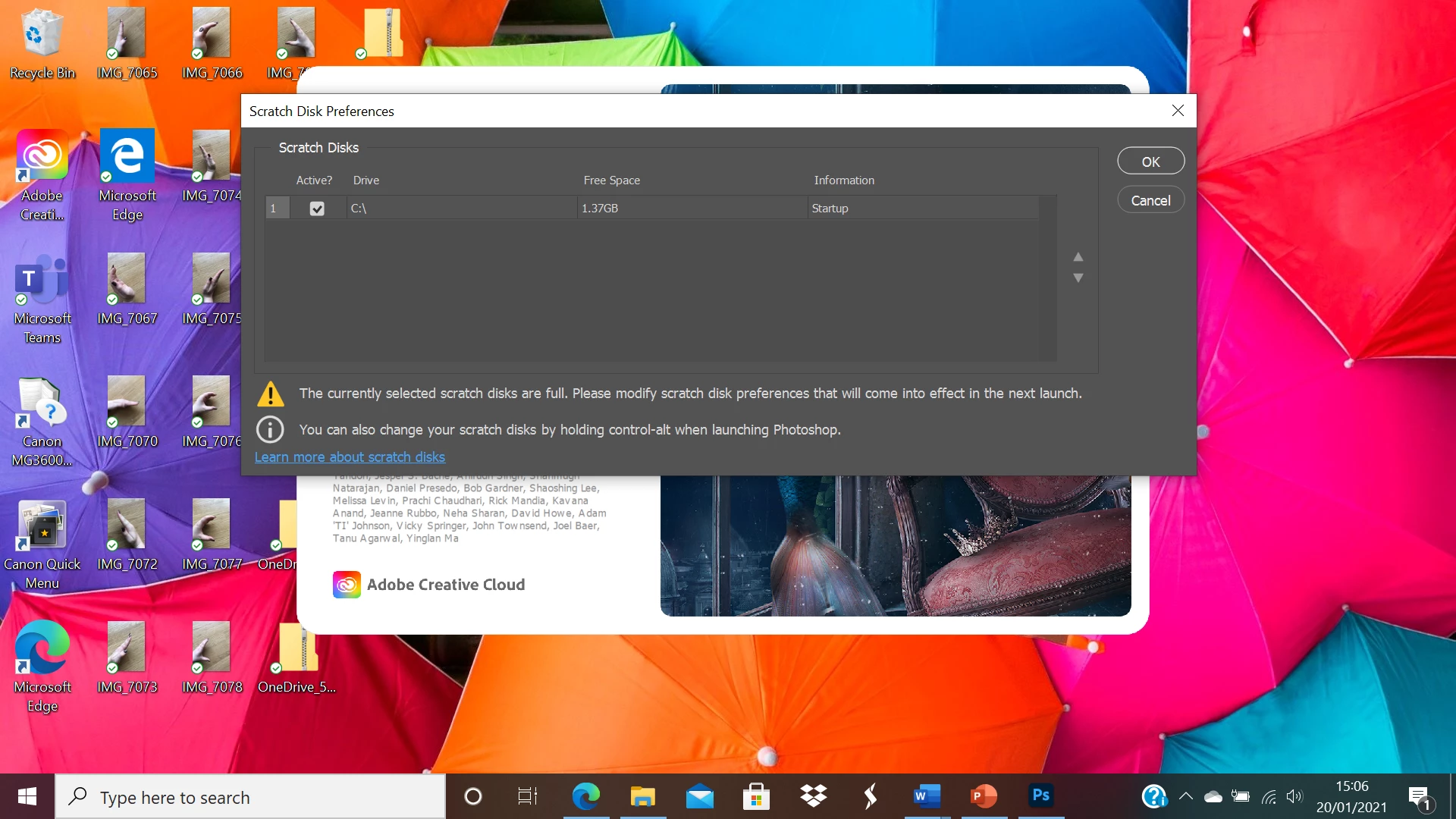
 AdChoices