
Can't install plugins, error code pops up.
Hey guys!
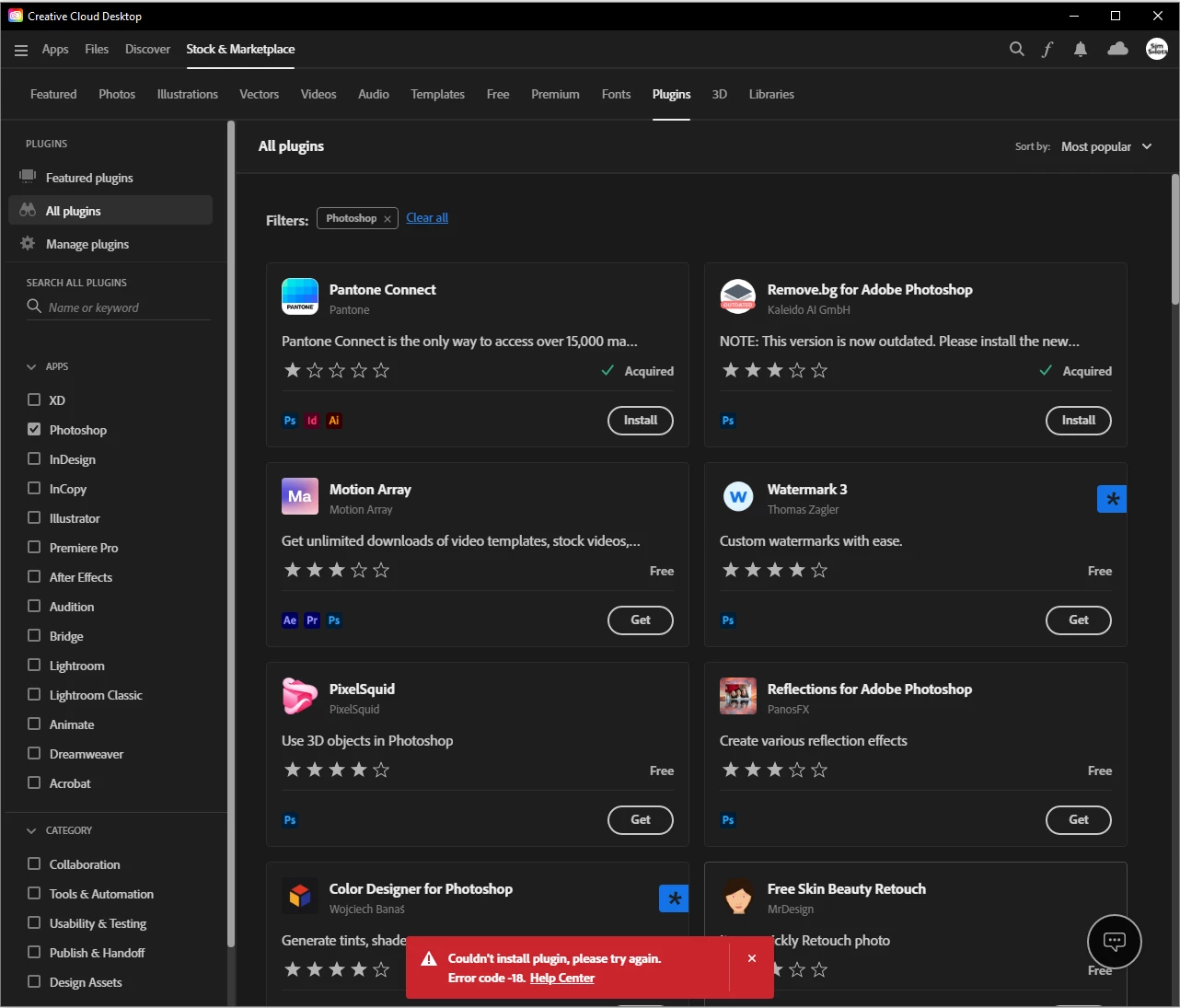
I recently bought the full creative cloud student package. I mainly use Photoshop and Lightroom. I was trying to install a plugin earlier, and when I click on 'get' it works fine. When I then however click the 'Install' button, to install the plugin, this error code pops up: "Couldn't install plugin, please try again. Error code -18. Help Center"
I have tried many times to close all applications, launch Creative Cloud again (in administrator as well) and install a few different plugins. None work. When I looked on the error code list on the Adobe site, it said that it had something to do with me not being logged in correctly(?). I logged out and back in, still the same issue occurs.
Would anyone be able to help me out?
Much appreciated!
 AdChoices