
Question
Can't open files because scratch disks too full
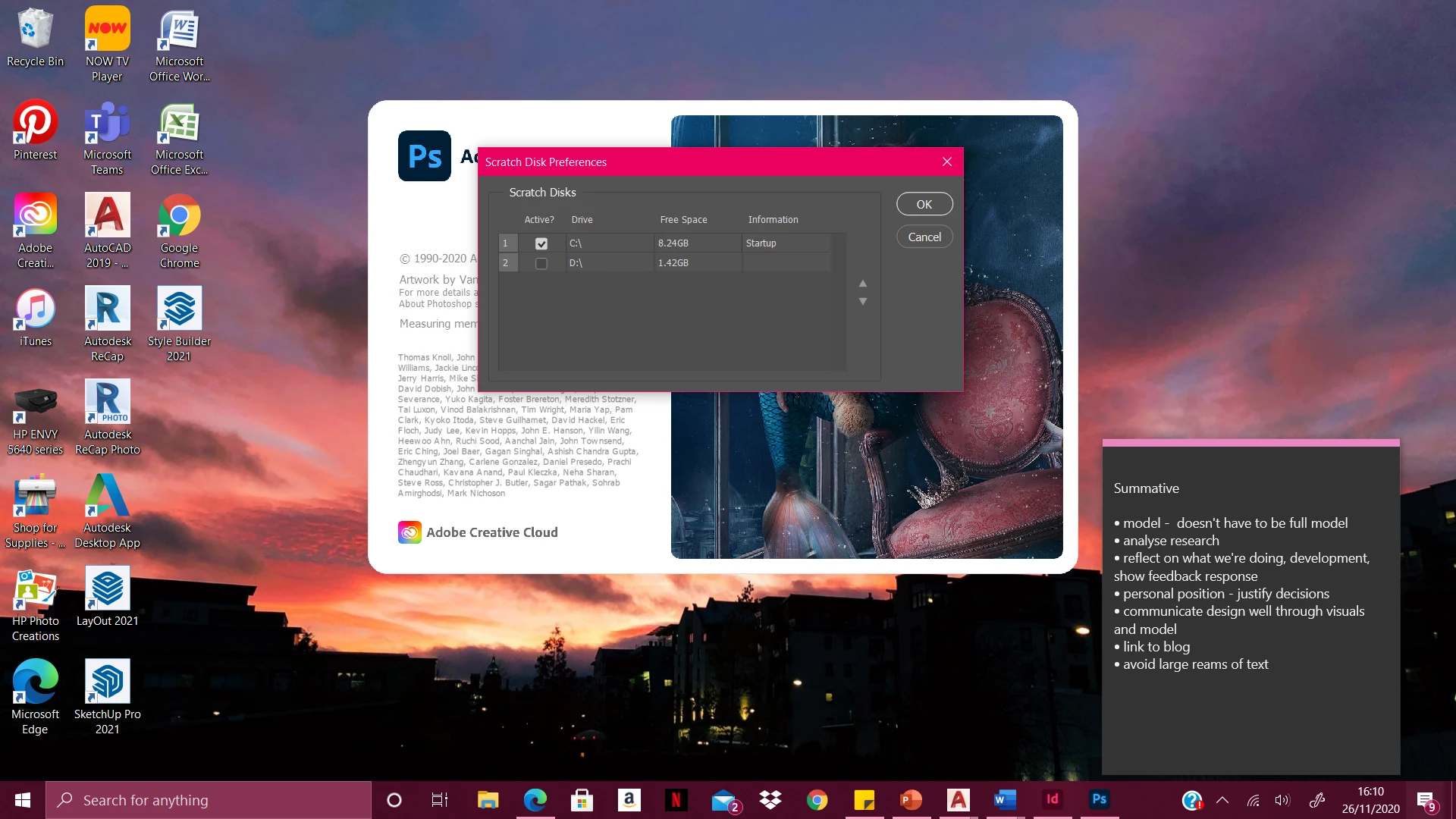
I have photoshop 2020, and have been using it for the last few days for a uni project. I've just tried to open a pdf to edit and save as a jpeg, and firstly, the file opened but said I couldn't crop the pdf because the scratch disks were full. Then, when I closed and reopened the app, I couldn't even open the file with the same message popping up. I've looked at other threads on here that have said to hold down ctrl
+ alt when the app is launching to access the scratch disks but this is all that is coming up (see attached)? I don't understand as it appears that there's still space on the scratch disk? I really need to use photoshop for a project that is handed in soon, so any help would be really appreciated.
 AdChoices