
Can't open psd file because of missing dynamic link
Hi everyone,
I looked everywhere on forums, youtube, etc. and I didn't find anybody with the same issue.
It's strange but I'm not able to open two files on Photoshop, when I try to open them it appears this message : “Impossible to open "file-name" because a dynamic link's file is missing" (French screenshot attached).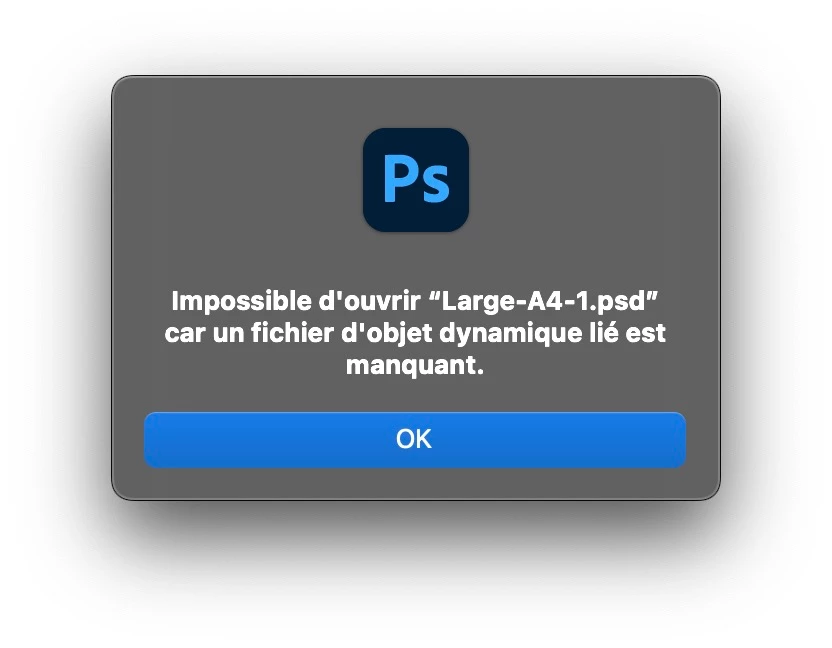
It's weird to me because missing dynamic links usually don't prevent Photoshop from opening a file, it generally indicates when it's opened that some links are missing. The thing is I can't open my file at all, and it's really anoying because I spent hours to work on it.
I tried to restart everything multiple times, I also tried to put the file supposed to be the dynamic link in the same folder as the psd file, but it didn't help. Does anyone have an idea of how to process?
I'm a bit desesperate 😔
Ps : I'm using the last version of Photoshop on an 2019 iMac
 AdChoices