The paint brush can obviously use infinite different presets, but if you right click with the Healing Brush, there is no option to select a diferent preset. However, there are a number of things you can set in the Options Bar.
Perhaps the most likely culpret is if it is set to Current Layer, which is the defult, and you have an empty layer selected.
The Blend Mode can also lead to confusing results, so set to Normal if not already.
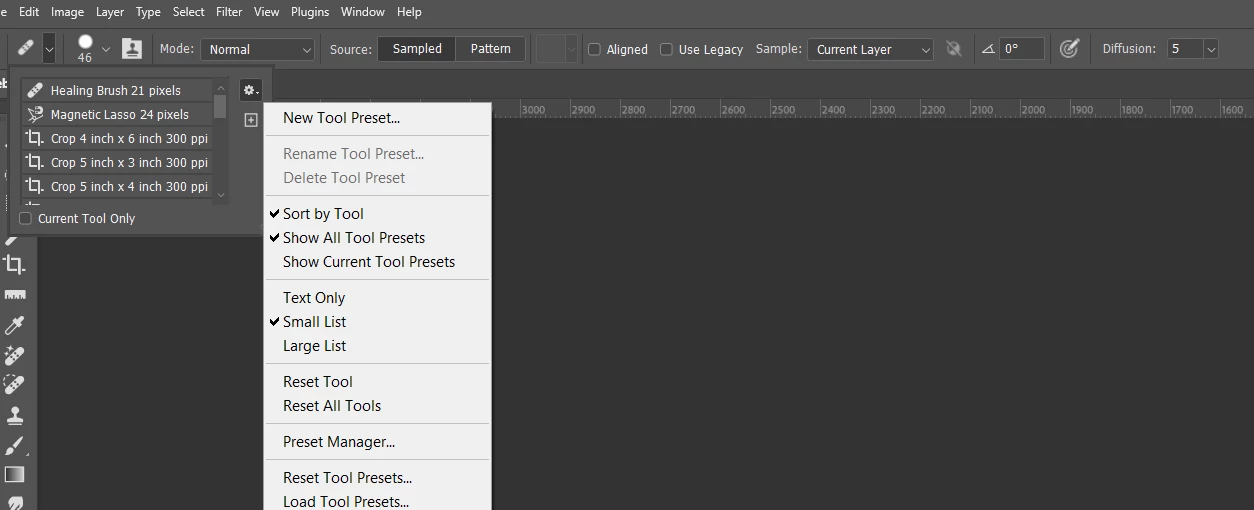
Or, if you want a quick fix, Reset the tool by using the drop-down (top left corner) and clicking on the little cog icon.
The Brush tool is a way more complex situation, as there are so many settings that can be changed. The issues I mentioned for the Healing brush also apply, but what do you see in the Brush Settings panel? You can reset it, but I always prefer to track down the issue when possible, because that way you learn something.

 AdChoices