Answered
Can't remove background color in Photoshop CC '18
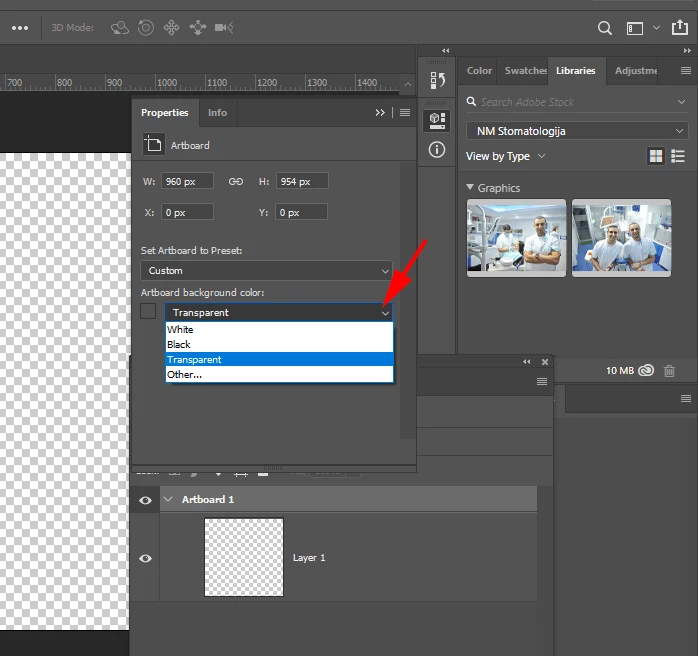
Hi. I have a document that was created with a white background and I need to make it transparent. But it's not as simple as isolating my artwork and deleting the white. It seems as though the white isn't a layer or pixels that can be deleted. It's just part of the file. Is there any way to change the "white background" setting of the file to transparent? Or do I have to start a new file with a transparent background and drag my artwork over? Just fyi, my color mode is RGB not indexed. Any help is appreciated. Thank you!
 AdChoices