January 21, 2021
Question

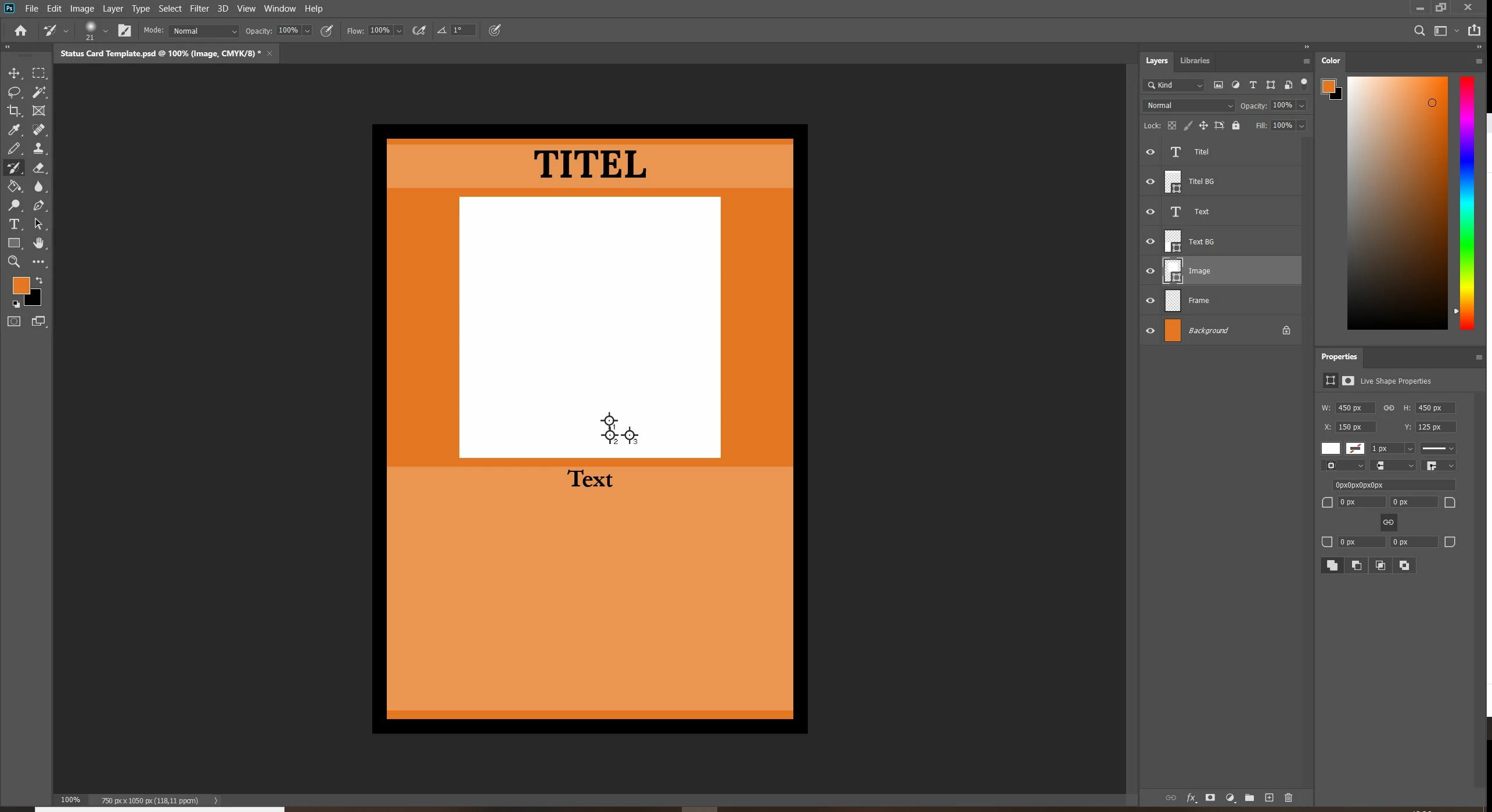
Can't remove dots from document, not sure how they got there
  • January 21, 2021
  • 2 replies
  • 242 views

Can anyone tell me what the three crosshairs with the number 1, 2 and 3 are? I think they came when I tried to select the image, but had some sort of tool active instead of the selection arrow.
How do I get rid of them?

This topic has been closed for replies.

2 replies

josephlavine
Community Expert
Community Expert
January 21, 2021

As previously mentioned, they are from the Color Sampler Tool. Along with using the Clear All, you can also simply click on them and drag them off the window to remove them.

warmly/j

January 21, 2021

Hi

They are from the Color Sampler Tool, just select it and then Clear All