
Can't save as a Jpeg even after switching color modes.
Hi everyone, I'm having problems saving my images as a JPEG image. The image sizes that I'm working with are 8.5x11in, with 300 resolution, but as soon as I put anything down on the page I have limited options to save. I've been using photoshop for about 10 years at this point and have never had problems with these settings, even switching from CMYK to RGB mode doesn't help half the time and even reverting it to grayscale/black and white doesn't work. I'm so stumped...
Ill start out on a blank page with the settings I mentioned above and it'll save as just about anything, but after placing a simple box down I'm only able to save as PSD, PSB, PDF, TIFF (pictured below) and SOMETIMES JPF/Jpeg2000, but when the Jpeg2000 is available I can't seem to send it anywhere and it won't load even if I email it to myself. I'm working on a windowns 10 laptop.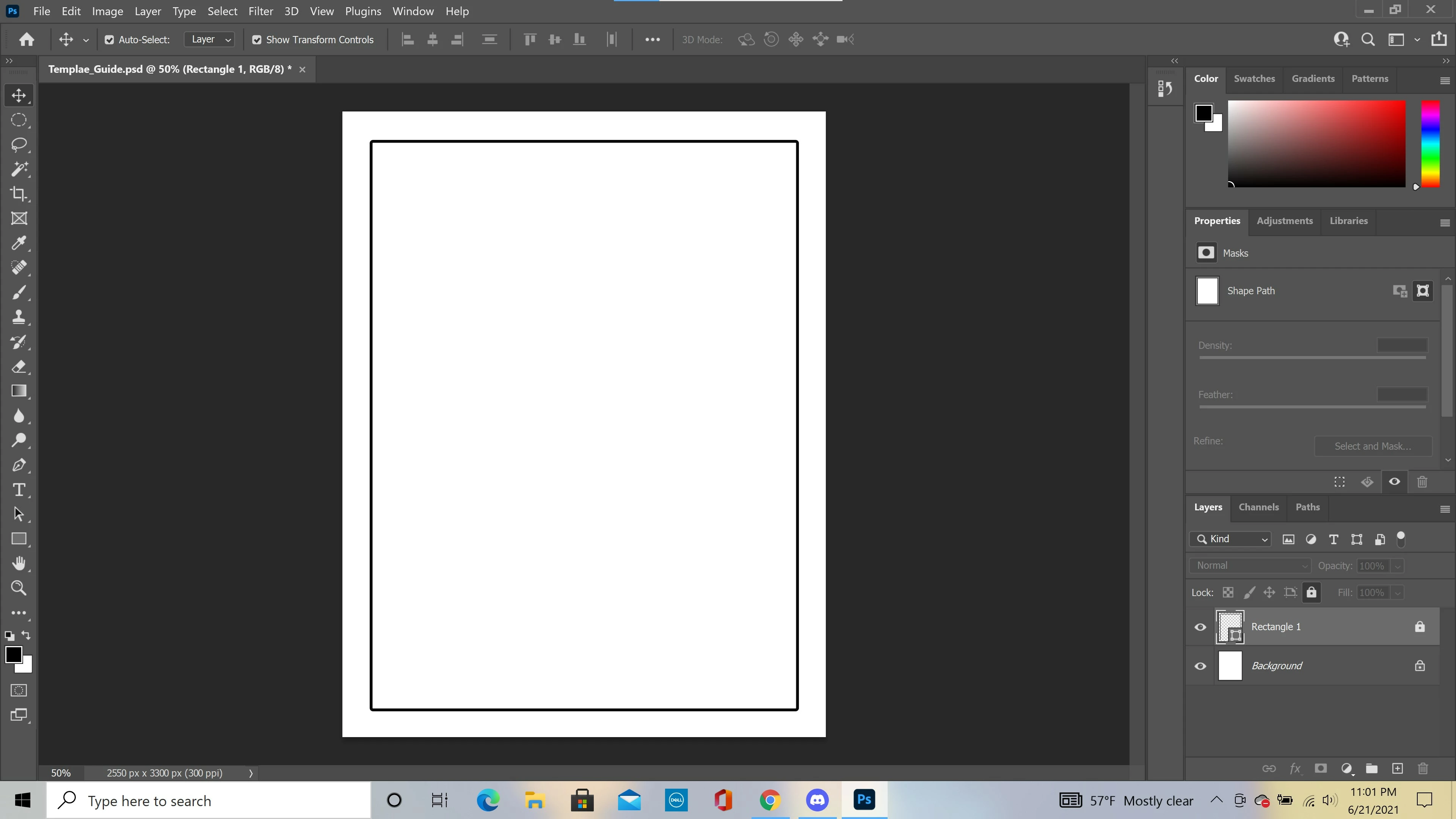
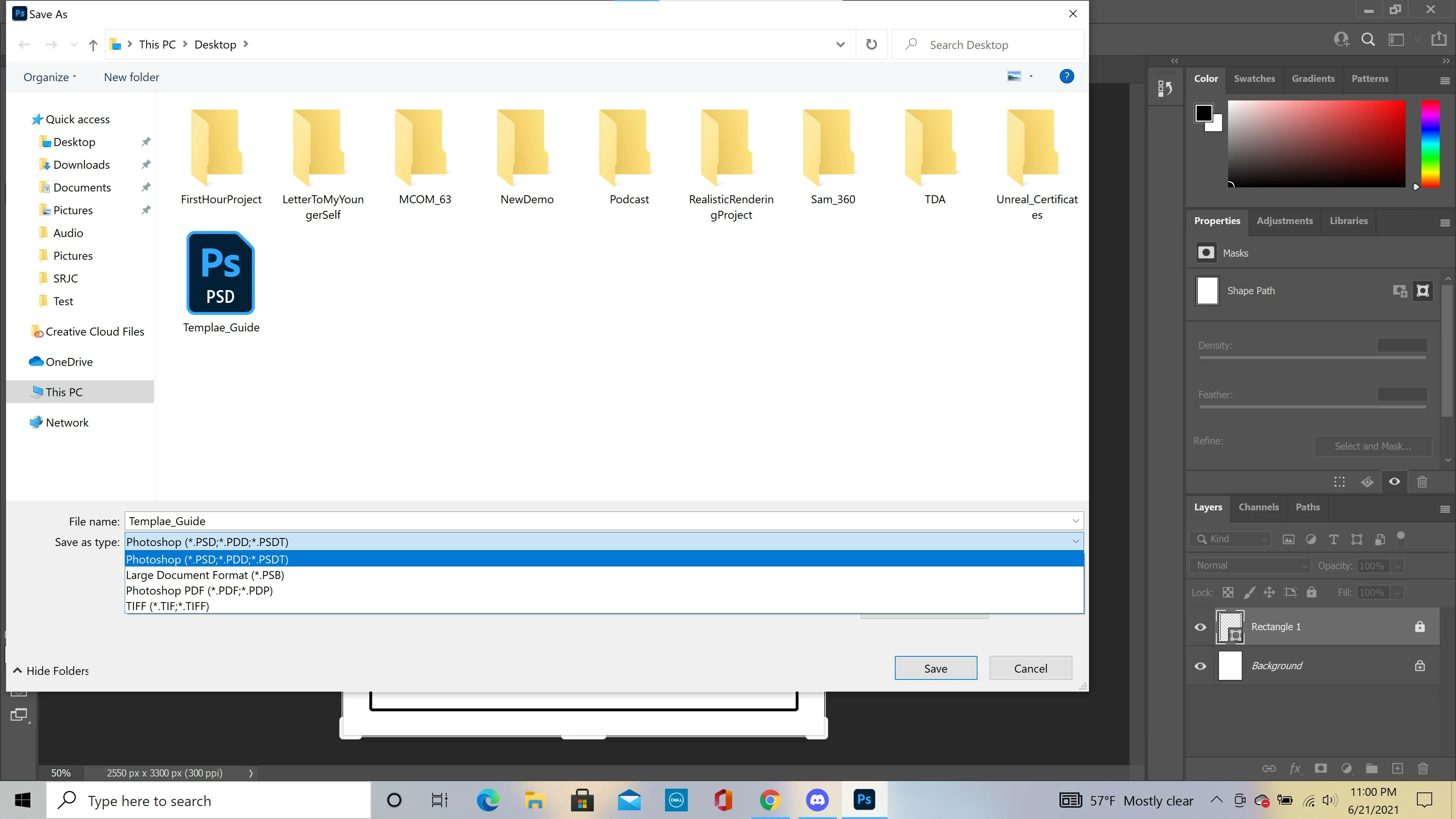
Has anyone else had this happen? I was thinking about resetting my preferences but I'm not exactly sure how to or if it would fix the solution, and any help is greatly appreciated...
 AdChoices