
Can't save file in Photoshop because file is locked
Yes, I saw the older post from 2017 with this issue, but nothing there has helped. I don't have Avast installed, only Windows Defender. I've check the settings and everything seems okay. Using Photoshop CC 2019.
The error message I receive when trying to save is: "Could not save 'file name' becasue the file is locked, you do not have necessary permission, or another porgram is using the file. Use the ''Propverties' command in the Windows Explorer to unlock this file."
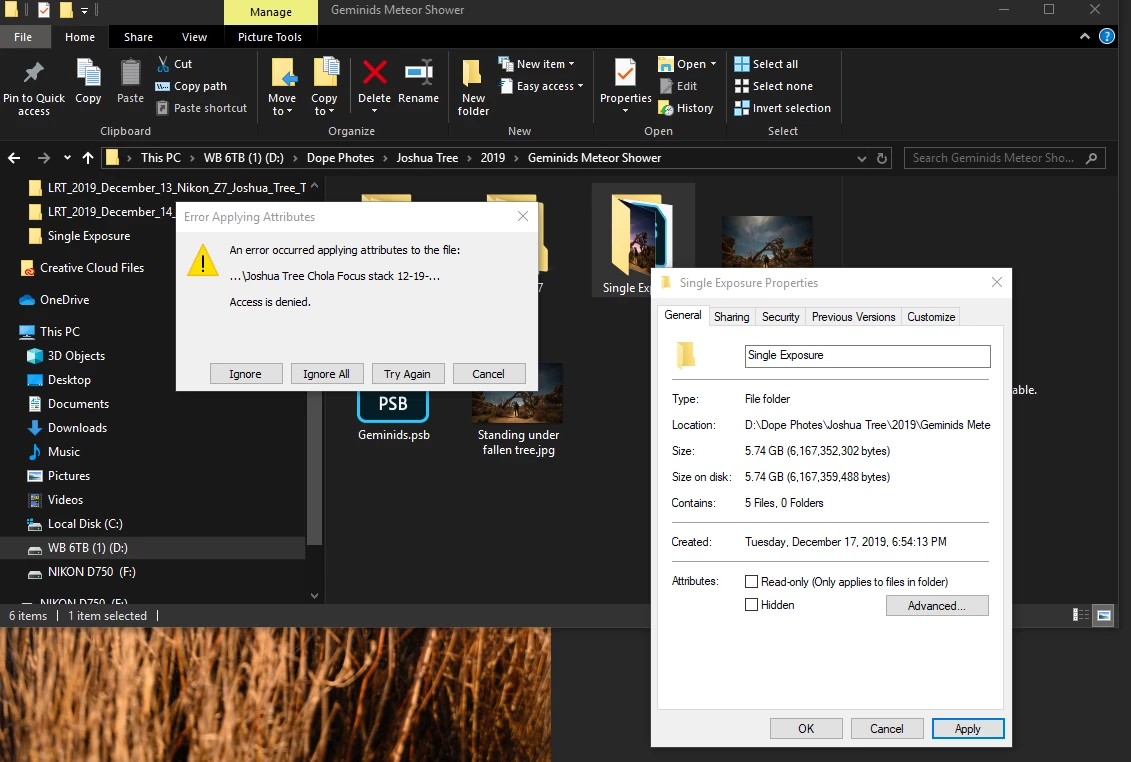
I have closed out of all other programs, including Lightroom Classic CC, but still receive this message. When going into the the file folder and clicking "Properties" I see that Read-only is checked. I uncheck it and hit "Apply" and receive this message" An error occured applying attributes to the file: 'File name"' ... Access is denied. I am the admin on this computer and have all permission checked for Allow: Full control, modify, read and execute, list folder contents, read, write. I've tried clicking on the parent folder and enable full permission and get the same error. Please help!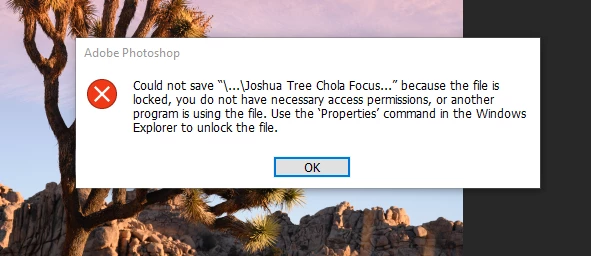
 AdChoices