
Participant
July 16, 2018
Answered

Can't seem to Download "Brushes" packs. - PS

  • July 16, 2018
  • 4 replies
  • 2278 views

Howdy,

So I wanted to get some new brushes for photoshop. So I open the brushes window - click the little menu icon - and click "Get More Brushes"

Takes me here:

Adobe Photoshop CC | Download exclusive brushes from Kyle T. Webster https://www.adobe.com/products/photoshop/brushes.html?promoid=XKMMHH6G&mv=other

Ok cool 

Each set says "Download"

I click it  - and it goes to a window that I can only describe as PC throw up.

Looks like this:
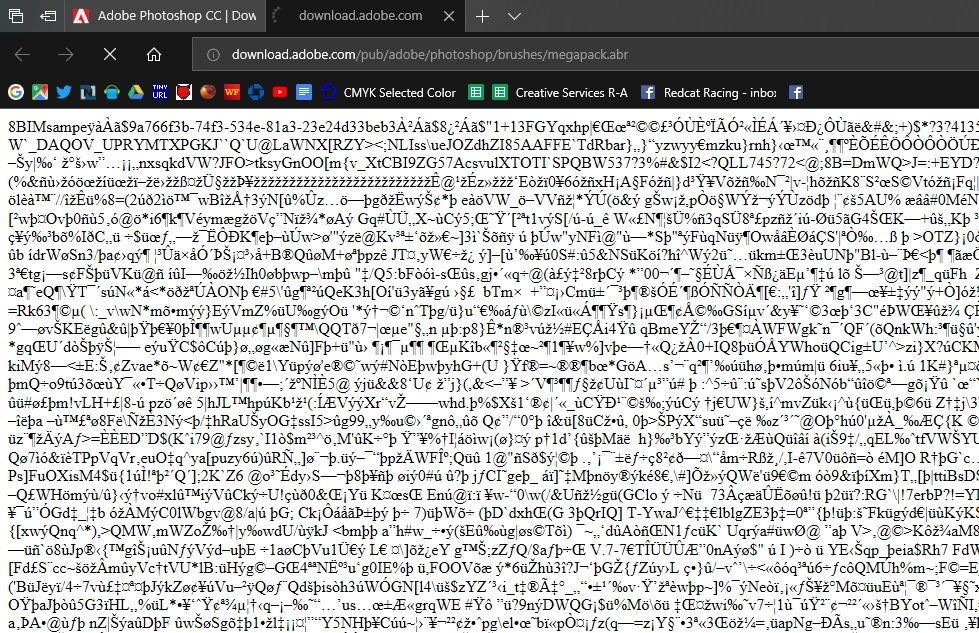
Not sure what I am doing wrong - or how/what to do to solve this issue.

Thanks in advance!

This topic has been closed for replies.
Correct answer W2BSuperman

davescm​ - GOOGLE CHROME...… Apparently the files do not like Internet Explorer... and the page even reads :

OOPS....

Used Google Chrome … Downloaded directly to my PC and the files are in my "download" folder... So yay

4 replies

W2BSupermanAuthorCorrect answer
Participant
July 17, 2018

davescm​ - GOOGLE CHROME...… Apparently the files do not like Internet Explorer... and the page even reads :

OOPS....

Used Google Chrome … Downloaded directly to my PC and the files are in my "download" folder... So yay

Trevor.Dennis
Community Expert
Community Expert
July 17, 2018

If you really can't sort it out, I cam email you the abr files.  But I feel sure you'll manage.  The files are OK, and Kyle's mega pack is awesome.

davescm
Community Expert
Community Expert
July 17, 2018

Hi

Try a different browser - just copy the URL from your screenshot into a different browser and you will hopefully be OK

Dave

Participant
July 17, 2018

davescm​ I tried that with Windows Edge and Internet Explorer - both produced the same PC garble.

I think something worked(maybe) though because - after I clicked all the "downloadable" files (and got the new window with the hieroglyphics) - I did a general search from my windows explorer on my "DATA" drive and found several "ARB" file packs on my drive. There is nothing in my "download" folder or anything. But I guess they go to this "cache" folder and are there temporarily? I don't know.

davescm
Community Expert
Community Expert
July 17, 2018

Hi

Try Chrome or Firefox. I have seen issues before with the brush site and the Microsoft browsers.

Dave

Bani Verma
Legend
July 17, 2018

Moving this query to Photoshop community.