Participant
March 11, 2020
Answered

Can't select "Add layer mask"

  • March 11, 2020
  • 2 replies
  • 725 views

Hi guys,

Having some issues with my photoshop today. I was wondering if anyone could help me out.
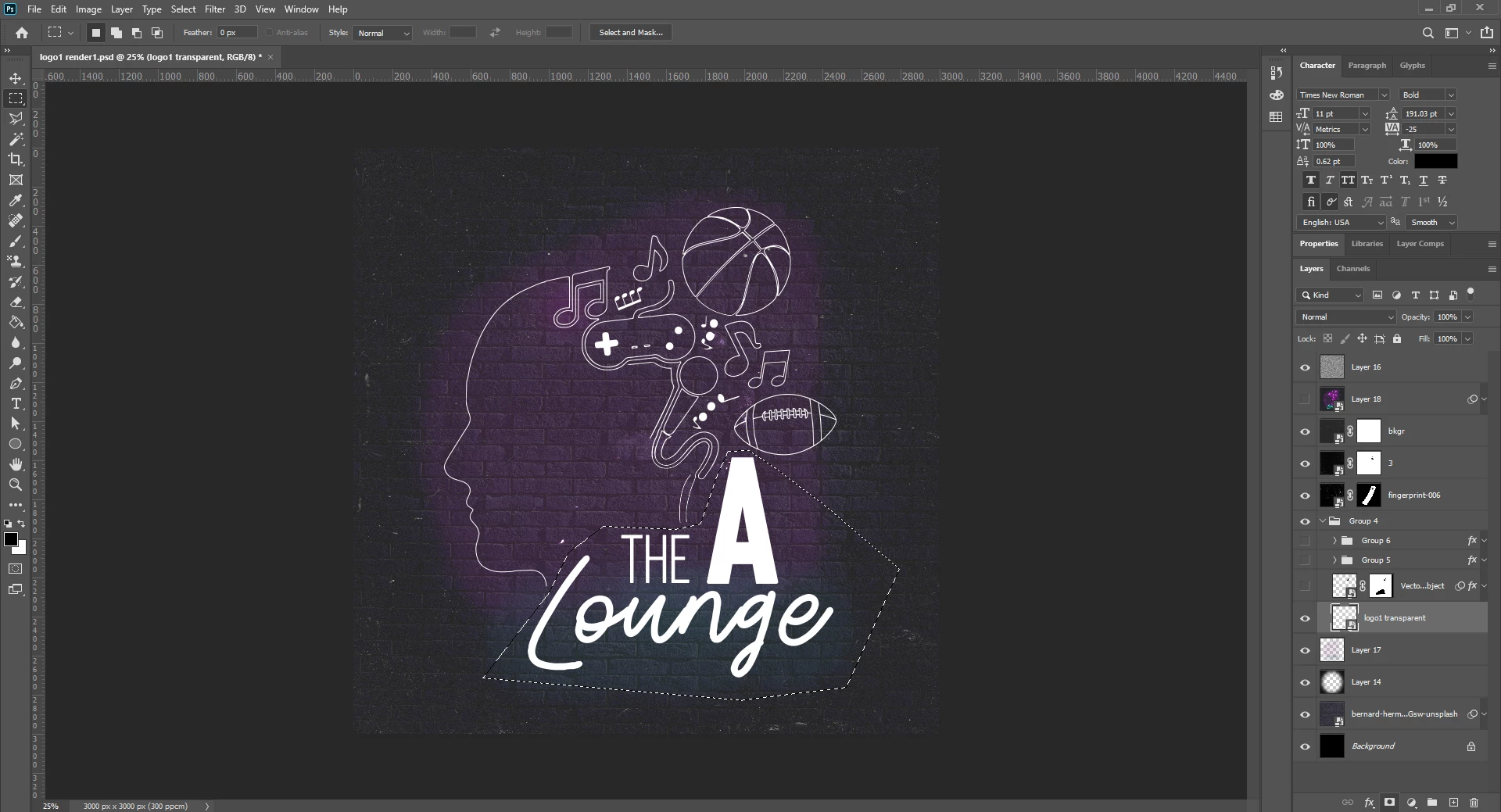
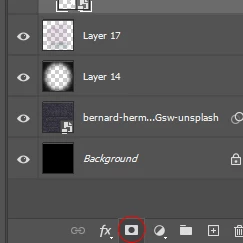
So for some reason unknown to me I can't seem to select the add layer mask tool. It appears to be permanently selected.

Here are some screen shots attached below so you can see what I am talking about.

Thanks in advanced to anyone who might know what the issue is.

Alex
 

    This topic has been closed for replies.
    Correct answer PECourtejoie

    Hello, you should to Ps 21.1.2, it fixes this very issue: https://helpx.adobe.com/photoshop/kb/fixed-issues.html#photoshop-desktop-fixed-issues

    2 replies

    PECourtejoie
    Community Expert
    PECourtejoieCommunity ExpertCorrect answer
    Community Expert
    April 14, 2020

    Hello, you should to Ps 21.1.2, it fixes this very issue: https://helpx.adobe.com/photoshop/kb/fixed-issues.html#photoshop-desktop-fixed-issues

    March 11, 2020

    Hi

    What exact version of Photoshop do you have, found this thread that may be related to the issue you have

    https://feedback.photoshop.com/photoshop_family/topics/create-layer-mask-icon-gets-permanently-disabled-until-restart-after-upgrade-to-ps-21-1-0-release