
Participating Frequently
July 13, 2018
Question

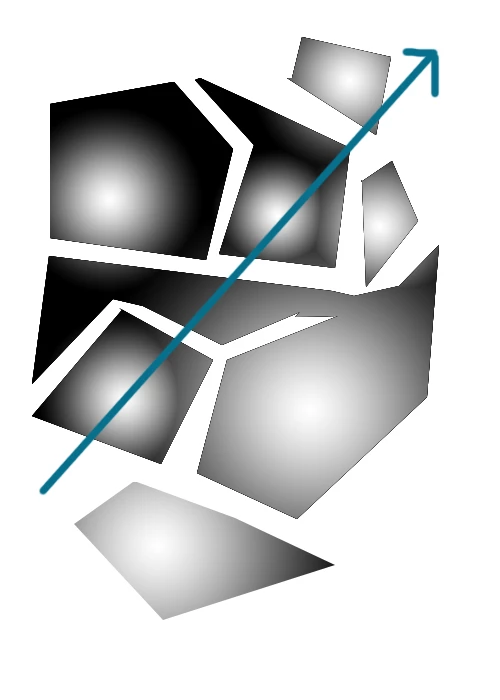
Can you apply multiple gradients individually to multiple selections with only 1 drag?
  • July 13, 2018
  • 1 reply
  • 1138 views

My question is if I have multiple selections can I somehow use the gradient tool and apply multiple same gradients with 1 drag with each gradient starting at the center of the selection?

This topic has been closed for replies.

1 reply

Chuck Uebele
Community Expert
Community Expert
July 13, 2018

No: one drag, one gradient that will fill all the selections.

Participating Frequently
July 14, 2018

What about with scripting? All I have to do is write a loop right?

Chuck Uebele
Community Expert
Community Expert
July 14, 2018

You could do it with a script, except that a script would lump all the selections into one selection. You would have to make either separate alpha channels, or separate shape layers to create individual selections.