Participant
December 27, 2021
Answered

Can you have a single layer visually projected in multiple spots in the same document?

  • December 27, 2021
  • 2 replies
  • 312 views

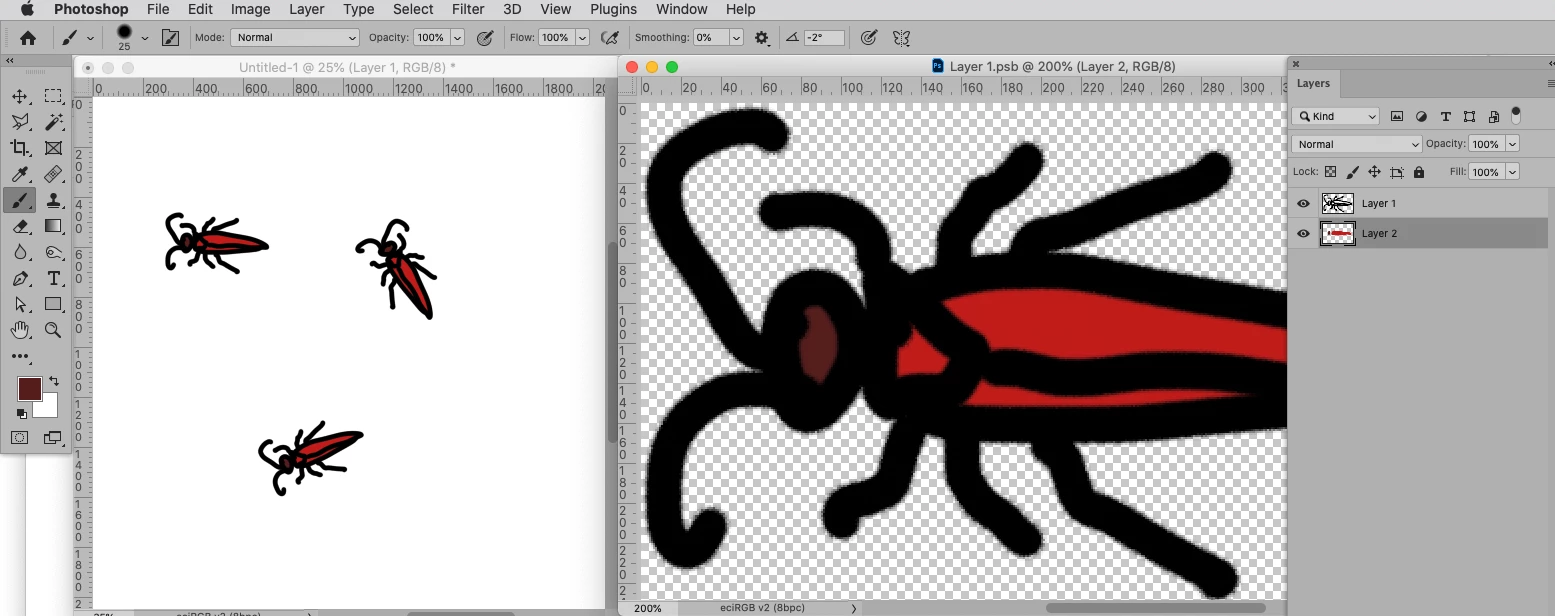
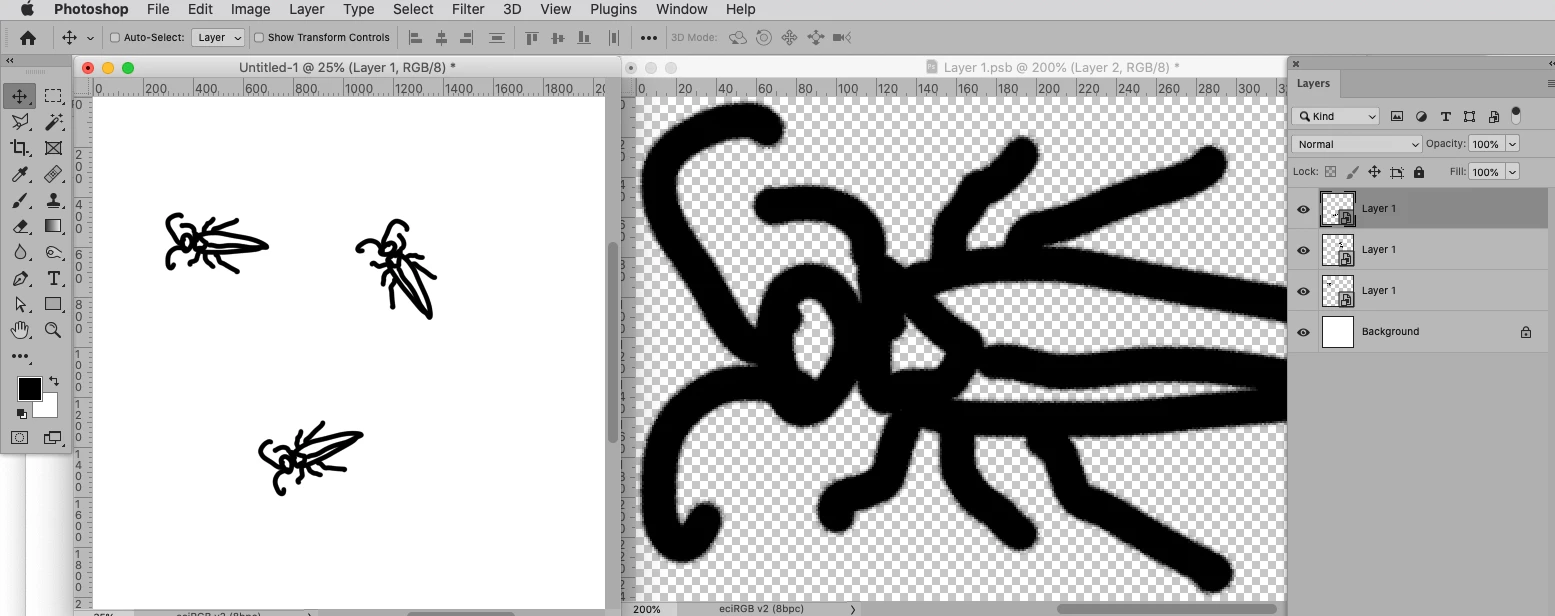
I am currently trying to have a layer that is displayed more than once (essentially in different layers) but is just a single layer that is universally edited. Similar to how you can create a new window and see it edited and update in real time, or the painting symmetry feature. Instead, of course, I'm looking to see if there is a way in the same document to have a layer have multiple of itself edited identically and in tandem. Imagine you drew a bug, and you want, say, 3 bugs in whatever piece your making, all identical. And you can place them where you want, and you edit one bug and the other 2 change with it. I don't think this is possible from what I've seen, but I was just wondering. Equally a solution where you have paint symmetry that simple doesn't invert the image but created an exact duplicate that edits in real time is also helpful. Hopefully I was able to articulate what it is I am looking to do. If this doesn't exist, I do hope in the near future it can, as duplicating windows and symmetry drawing is already a thing, so this doesn't seem like a huge stretch. 
This topic has been closed for replies.
Correct answer c.pfaffenbichler

I took the liberty of marking @Trevor.Dennis ’ post as correct because Smart Objects seems to pretty much exactly do what you described – »Imagine you drew a bug, and you want, say, 3 bugs in whatever piece your making, all identical. And you can place them where you want, and you edit one bug and the other 2 change with it.« 

Smart Objects lack a live preview so one has to save the Smart Object for all its instances to update but they still seem to meet the bill. 

2 replies

c.pfaffenbichler
Community Expert
c.pfaffenbichlerCommunity ExpertCorrect answer
Community Expert
December 27, 2021

I took the liberty of marking @Trevor.Dennis ’ post as correct because Smart Objects seems to pretty much exactly do what you described – »Imagine you drew a bug, and you want, say, 3 bugs in whatever piece your making, all identical. And you can place them where you want, and you edit one bug and the other 2 change with it.« 

Smart Objects lack a live preview so one has to save the Smart Object for all its instances to update but they still seem to meet the bill. 

Trevor.Dennis
Community Expert
Community Expert
December 27, 2021

It sounds like a job for Smart Objects.   

Try making a design on one or more layers, and combining them as a Smart Object (by selecting and right clicking).

Make several copies, and distrbute them about the canvas.

Double click one of the Smart Objects which will open it in a new window.

Edit and save (Ctrl S /Cmd S), then close the Smart Object (Ctrl F4/ Cmd F4) which will take you back to the document window.

You should find that the edit you just made is reflected in all of the Smart Oject copies. 


Does that fit the bill?

Participant
December 27, 2021

This has helped a lot, but I was still wondering if there was a way to not have a seperate window for this, that the layers could potentially be tethred together directly? Don't get me wrong, you've been a great help, but I was just wondering about something the copies the edits in real time without the save and on the same document window. If not, that's okay, what you've provided me so far has been certainly satisfactory.

c.pfaffenbichler
Community Expert
Community Expert
December 28, 2021

I was just wondering about something the copies the edits in real time without the save and on the same document window.

That is not possible so far. 

Maybe it will be implemented at some time in the future but that is pretty much unforeseeable for Adobe-outsiders.