Answered
Cannot access cloud document on Photoshop iPad 1.6 error" could not open file"
Just updated this latest version 1.6 and couldn't open any files at all.
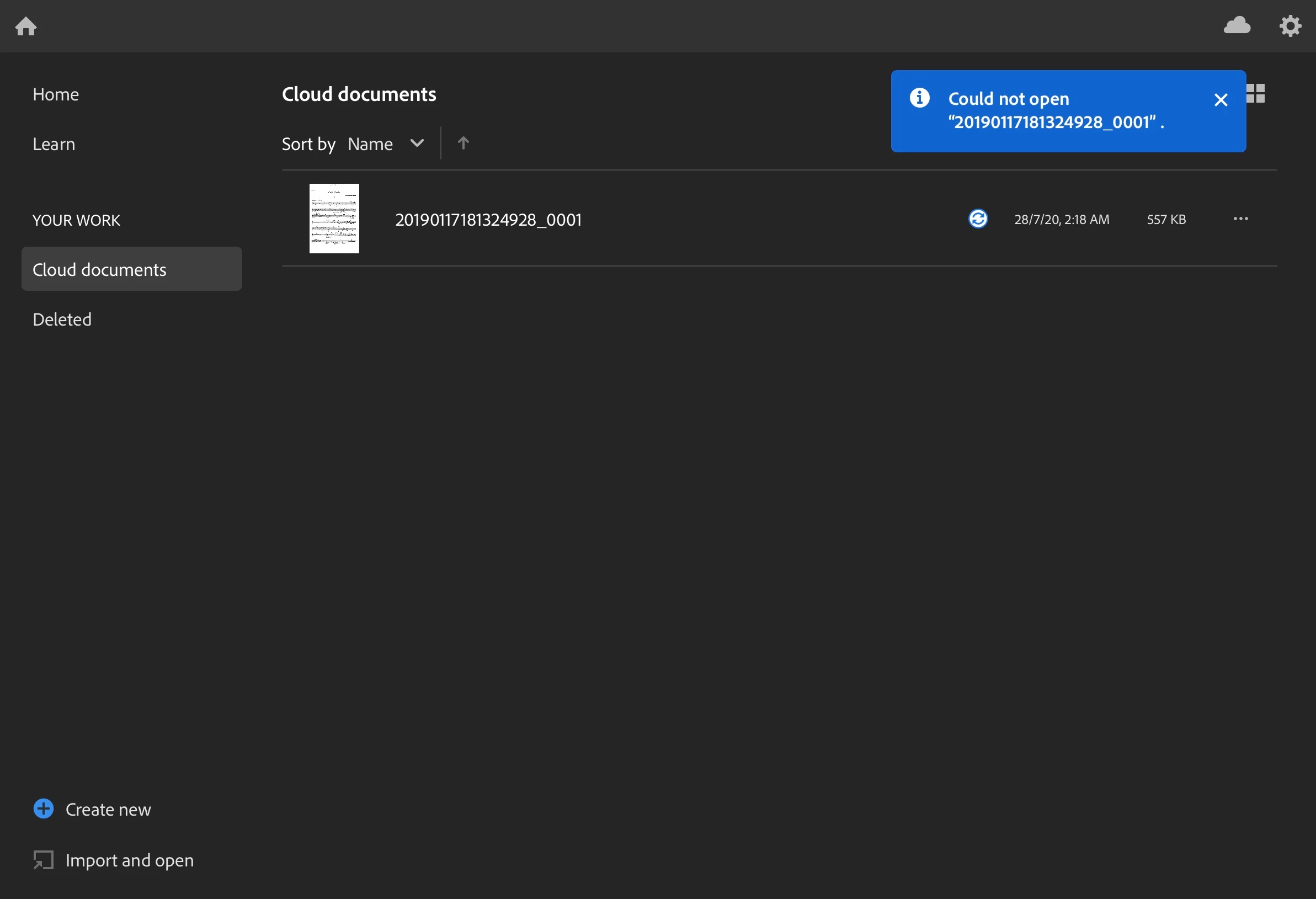

Just updated this latest version 1.6 and couldn't open any files at all.
Sure, here's the file link.
https://shared-assets.adobe.com/link/740f1202-3033-4fc9-6995-fc5972353537
It appears that we are having problem opening the file because it is in bitmap color mode. If you convert it to grayscale or rgb it will successfully open. You will get a message on opening the grayscale that it has unsupported features because there are some features that we do not fully support with grayscale images yet.
https://shared-assets.adobe.com/link/1b7567f1-efe2-4898-4c4c-0c22dec5dc52
https://shared-assets.adobe.com/link/ba002c0c-05f7-4594-70ad-cdc5eb7d7a6a
We will look into why bitmap is failing to open. Thanks for reporting this.
-Mike
Already have an account? Login
Enter your E-mail address. We'll send you an e-mail with instructions to reset your password.
 AdChoices