Participant
June 21, 2022
Question

Cannot create or edit Creative Cloud Library Graphics in Photoshop 2022 (23.4.1)

  • June 21, 2022
  • 3 replies
  • 221 views

Has anyone run across an issue in Photoshop 2022 (23.4.1), running on a MacBook Pro (13-inch, M1, 2020) that will not allow you to edit or create a Library Graphic file?


The option to create a new file is available and I am logged in, but nothing happens. 
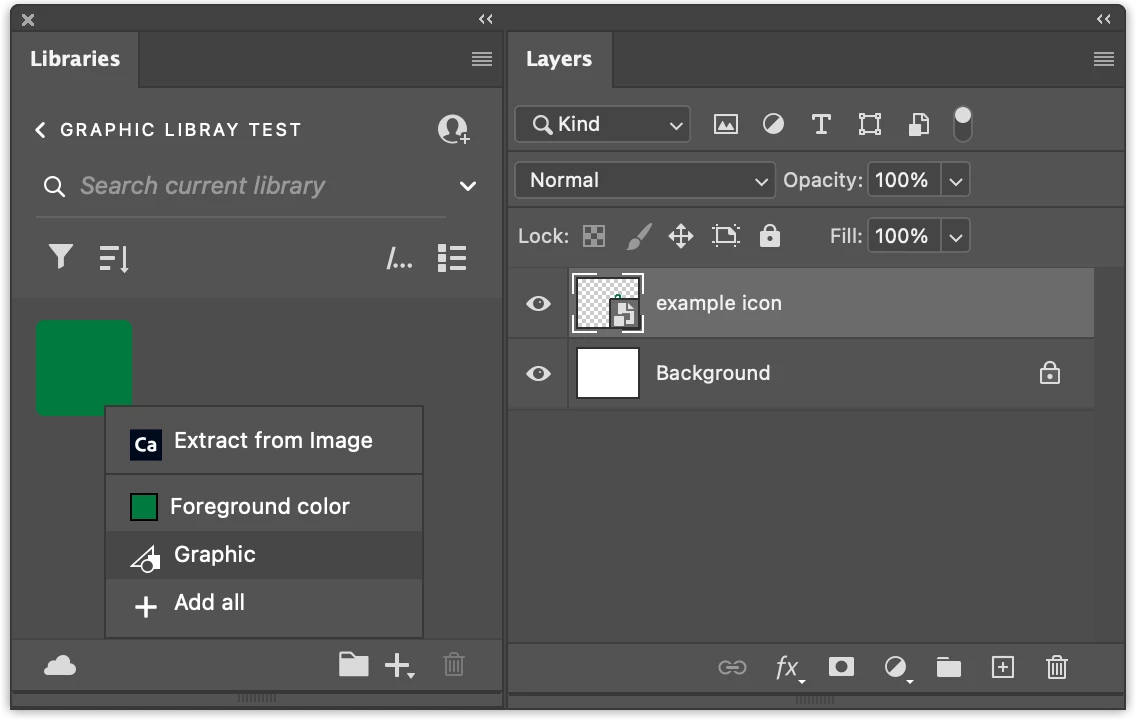
 

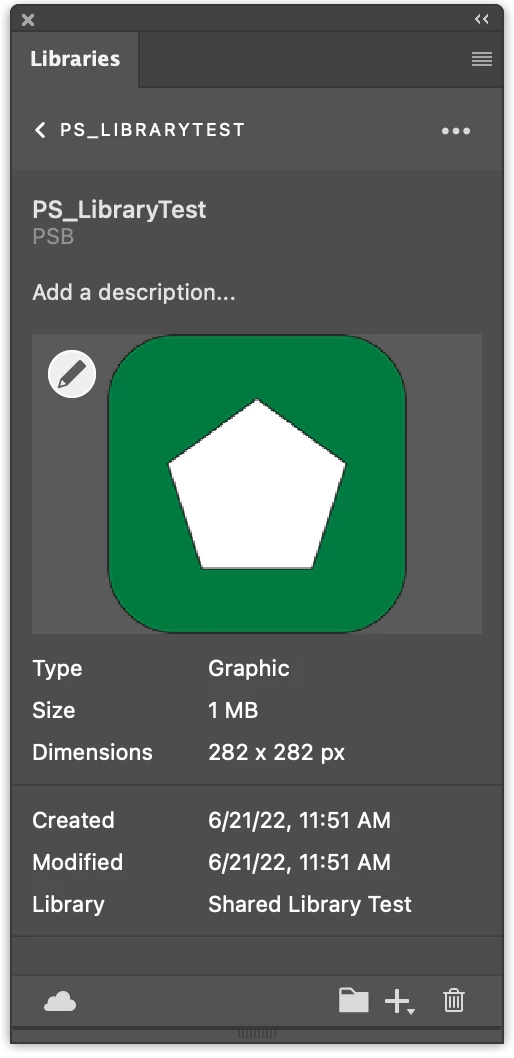
Nothing opens when I try to edit a file from a shared library, although the option to edit is there.
I can create and edit files in Illustrator with no issue. The problem seems to be isolated to Photoshop.


This topic has been closed for replies.

3 replies

CShubert
Community Manager
Community Manager
June 21, 2022

Hi @new_computer_new_problems, thanks for the reply. I would do a side by side comparisson of both machines to find out what is different, then maybe find a fix for the one that is not working as the other is.

We have not seen other posts of this issue.


Good luck,

Participant
June 21, 2022

Thank you for the fast response. I tried many different files on many different shared libraries. I tried on another mac that has the same login and was able to edit and create library graphics. I can create and edit colors, but cannot do so with graphics and type styles. I tried installing an older version of Photoshop, but to no avail. This points me in the direction of a hardware issue.


Have others using the same Macbook Pro hardware and OS setup, have any similar issues?

CShubert
Community Manager
Community Manager
June 21, 2022

Hi @new_computer_new_problems, sorry you are having issues. Tested here and it appears to be working as expected. Curious, have you tried this with other files or images? Could you give us a walkthrough of your workflow to help us notice anything that might be happening?


Thank you,