
Cannot find adjustment sliders in PS
Hi i think i am having a senior moment here and some help would be appreciated please.
I am using PS 23.0.2 and after i have opened the image from Camera Raw into the PSD workspace
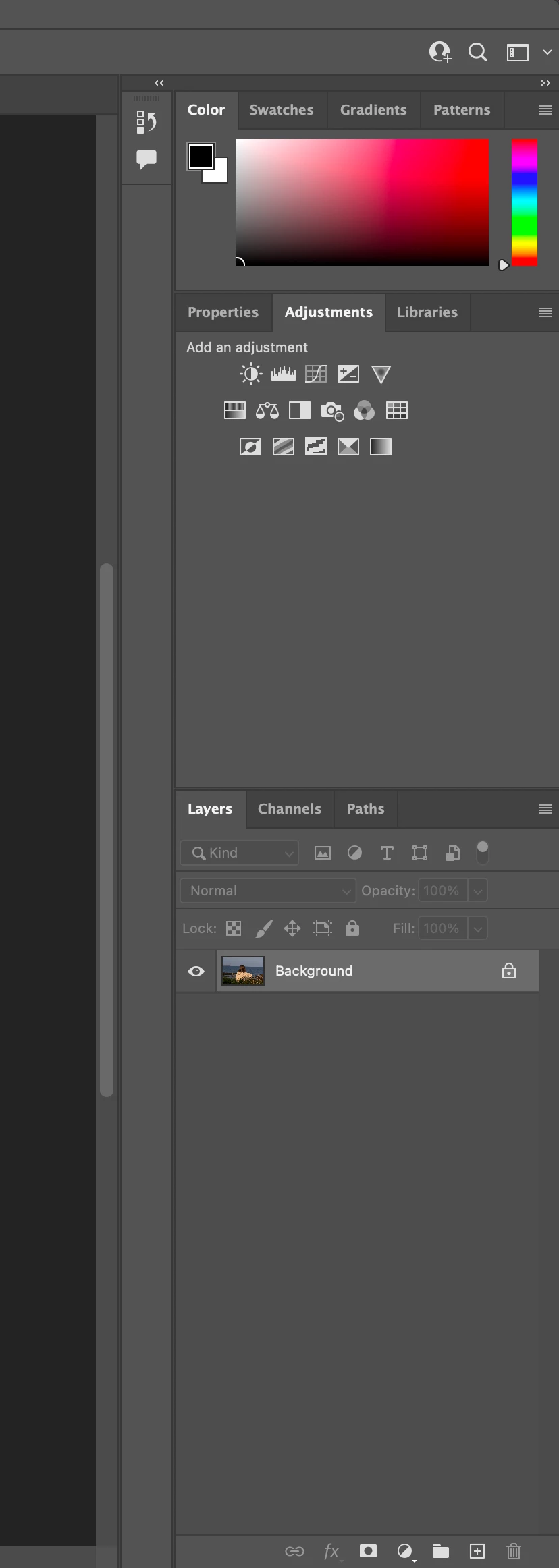
i cannot find the sliders to adjust Exposure,Brightness,Highlights,Shadows etc. I can see the small adjustment icons in the adjustment panel but i am sure in the past i have been able to click on something and i am able to use the sdliders just the same as in Camera RAW.
I havent been using the computer etc for a few weeks as have been waiting the delivery of a new Imac and perhaps something has changed but im pretty sure i am missing something very obvious which i am putting down to a senior momnet lol.
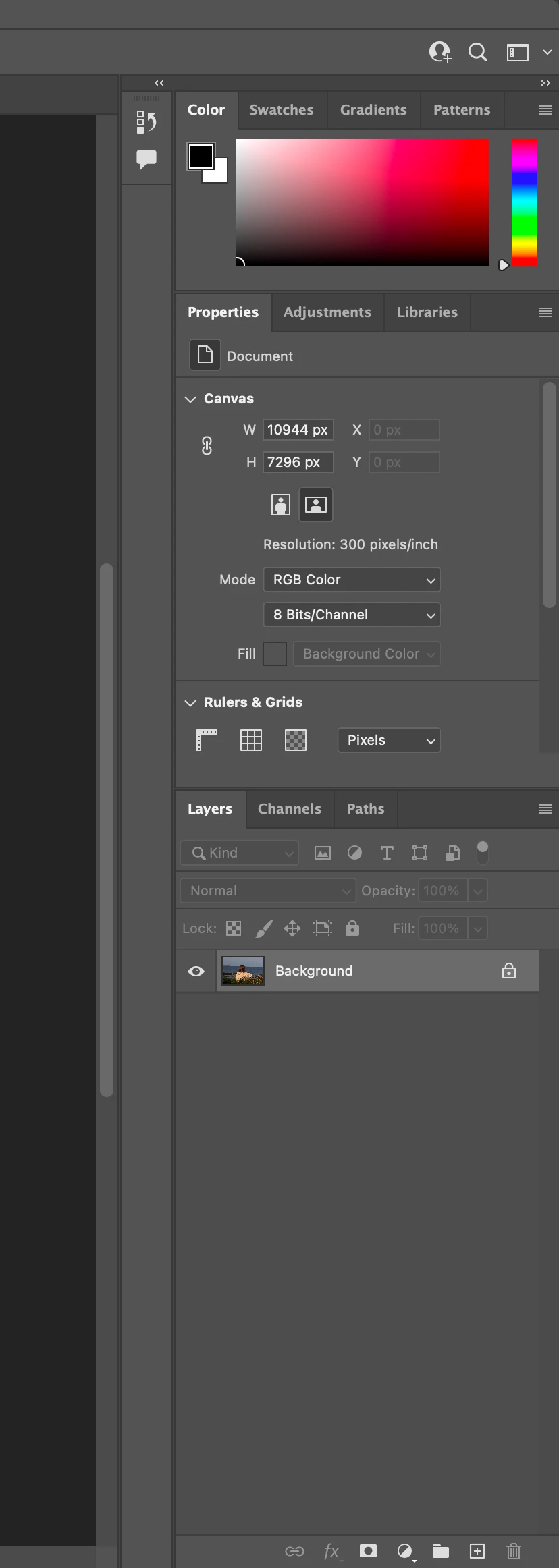
I have included a screen shot of the workspace and hope fully someone can give me the solution please.
Mac OS Monterey M1 24" Imac
Regards Adrian
 AdChoices