Cannot find Toon Artist in the pattern dropdown
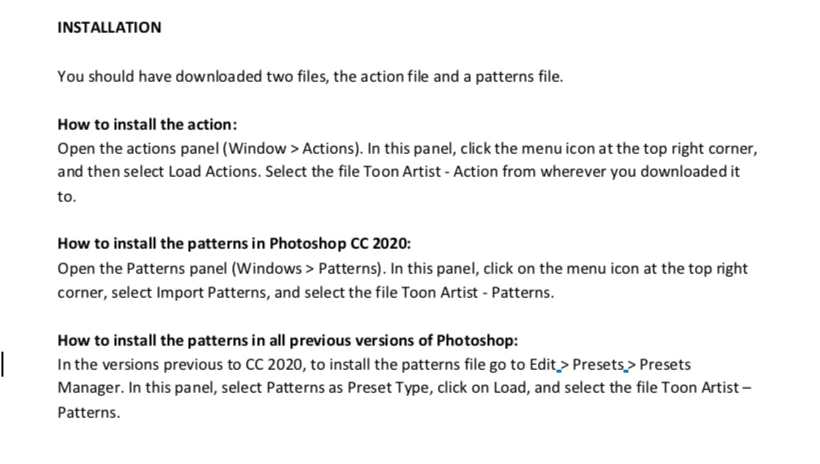
I am trying to follow the directions to add Toon Artist to 'Patterns' as directed. But when I click the dropdown in Patterns to select Toon Artist, it's not there... but the instructions say to click on it.
If it's not there how do I get it there?
Also how do I stop that recents windo from opeining? If I want an image I will go get it. I see no way too simply open a blank window like I used to and the silly default is 5s7 which makes even more time spent to clear that data and change it. I don't mean to complain but I don't like being forced to see things I do not need when all I want to do is open a blank window the way we used to. I really don't like adobe trying to control me in this way.
So... so what can I do to stopp that recents window from opening and how do I simply open PS and get a blank window?
I have the actions.atn the pdf which is of no help and the Toon Artist 'patterns' but no instructon as to how to get them into PS. I have included two images... one of the actions window that has no Toon Artist in it and one with the instructions.
Can anyone please help me?
This is very frustrating. And I've been on PS since PS3 so I'm not new... but this one is impossible. You can't click what's not there. I'm on a Mac..,, 37 years now.
Thanks.
Bonnie
 AdChoices