
mvigeant
Participant
February 13, 2018
Question

Cannot open a new file Photoshop CC18

  • February 13, 2018
  • 3 replies
  • 310 views

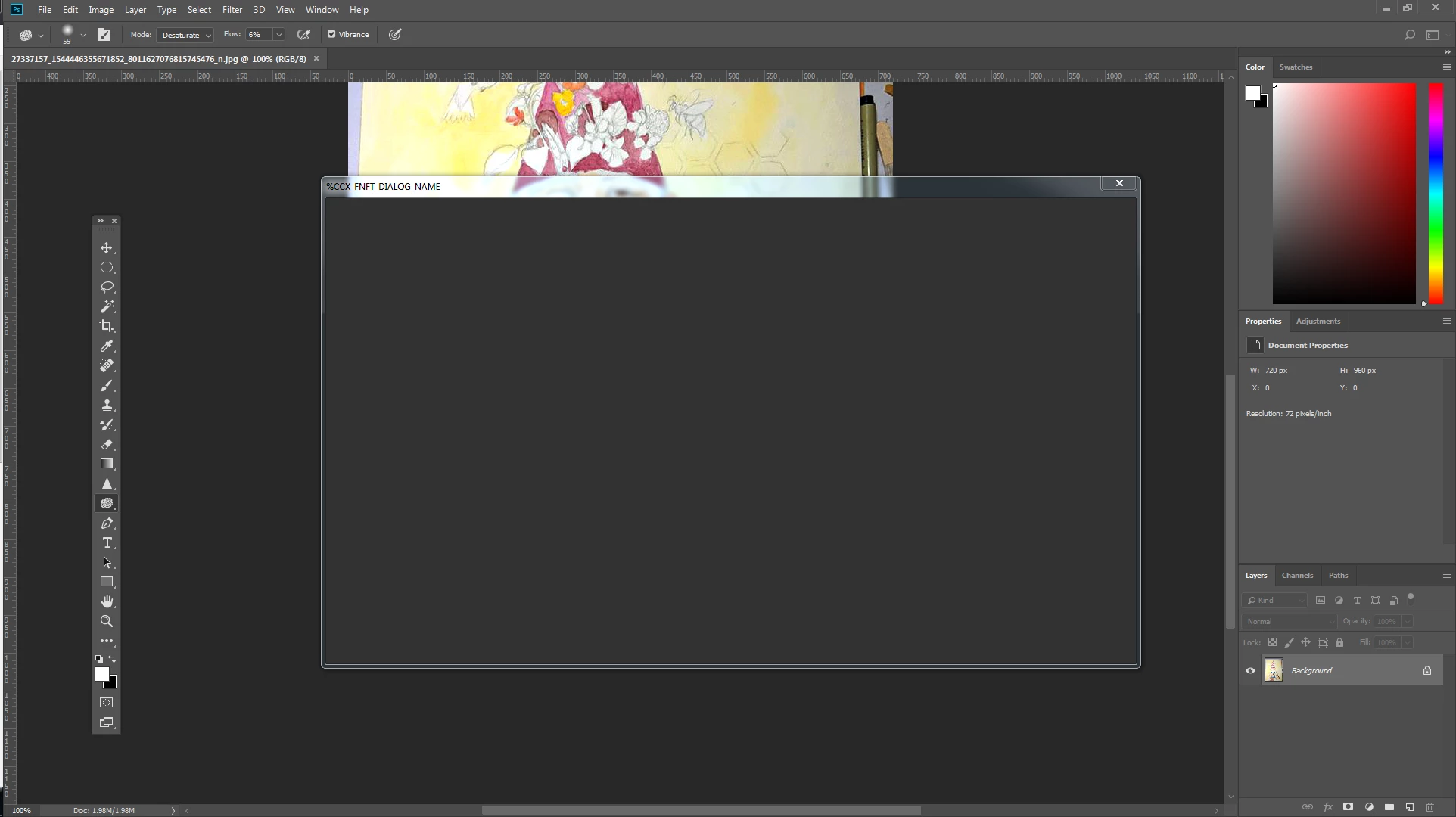
I get this error every time I open a new file.  it started completely random yesterday, I never had this issue before now. Nothing preceded it, no new installs etc.. Now there is no start screen either.

I've updated the software: only thing that changed is now I can open old files, before I couldn't.
I tried uninstalling then reinstalling, no change.

I am extremely frustrated that I cannot call or chat with someone directly to troubleshoot this issue.
This topic has been closed for replies.

3 replies

kentagordon
Participant
July 27, 2018

I have the same problem - with the "File"- "New" screen not opening properly. This started with the last 19.1.5 release.

Please help!

Participant
June 18, 2018

I have the same issue, the start workspace not showing and when I try to create a new file I get the blank screen you are having.

That is true for all my CC apps

Sahil.Chawla
Adobe Employee
Adobe Employee
February 13, 2018

Hi Stormslegacy,

That's definitely not what should be happening, let us help make this right. As you're getting an error every-time you open a new file, could you please let us know which version of Photoshop are you using? and which operating system are you working on?

Also, could you please try updating the Graphics Card drivers from the manufacturer's website and see if that helps?

Regards,

Sahil

krzysztofs27604443
Participating Frequently
April 24, 2018

I have the same problem.

Few days ago I upgrade from one of the 2017 version to the latest

Adobe Photoshop: 19.1.3 20180323.r.293 2018/03/23: 1163761  x64

Windows 10 64 bity

Intel(R) HD Graphics 3000

Quadro 2000M/PCIe/SSE2

I have the latest version nvidia drivers

I can open new file only by using old interface "new file"

Regards

Krzysztof