Participant
December 1, 2021
Question

Cannot Use Fill??? Need help ASAP

  • December 1, 2021
  • 2 replies
  • 629 views

Hello,


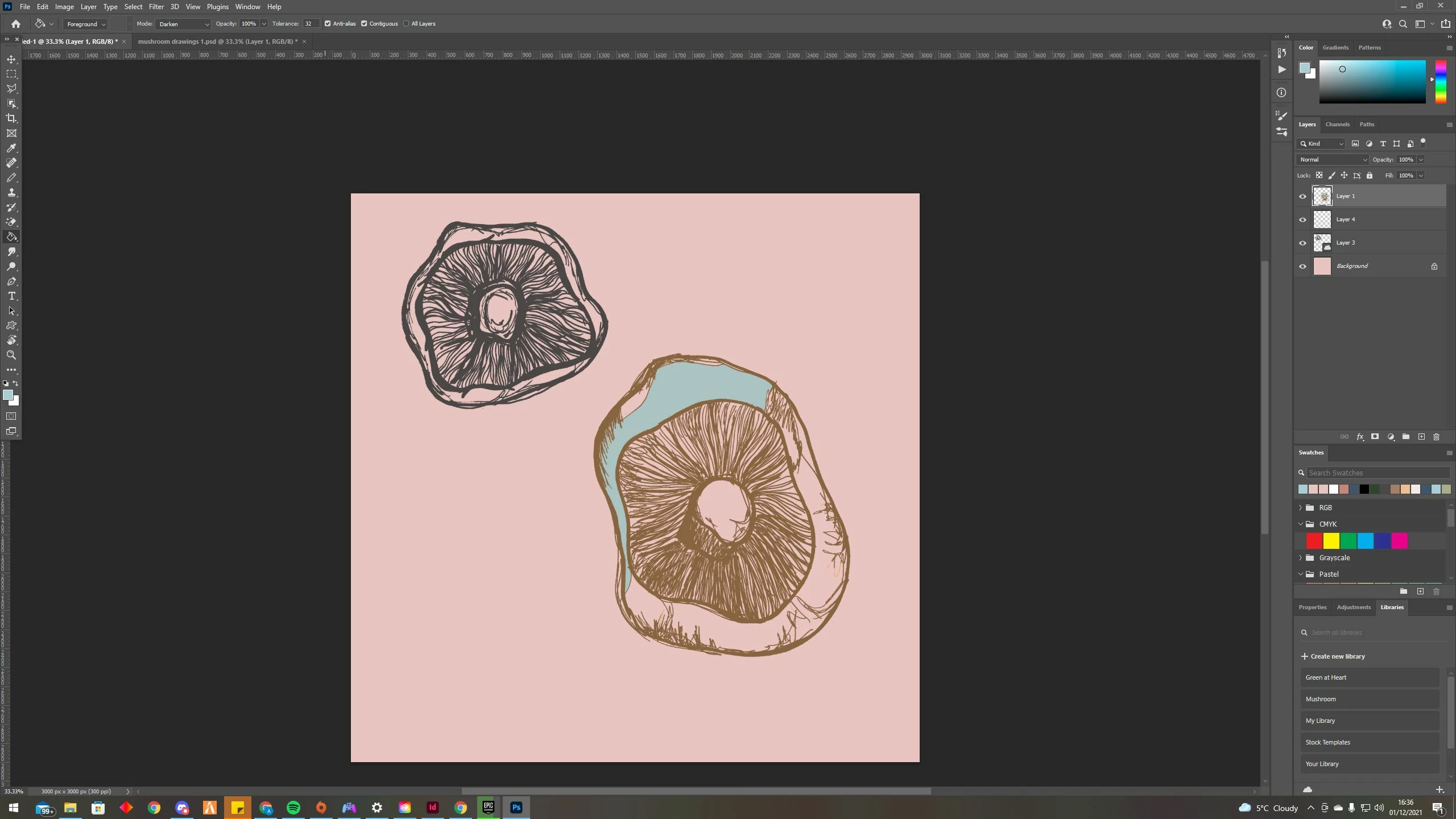
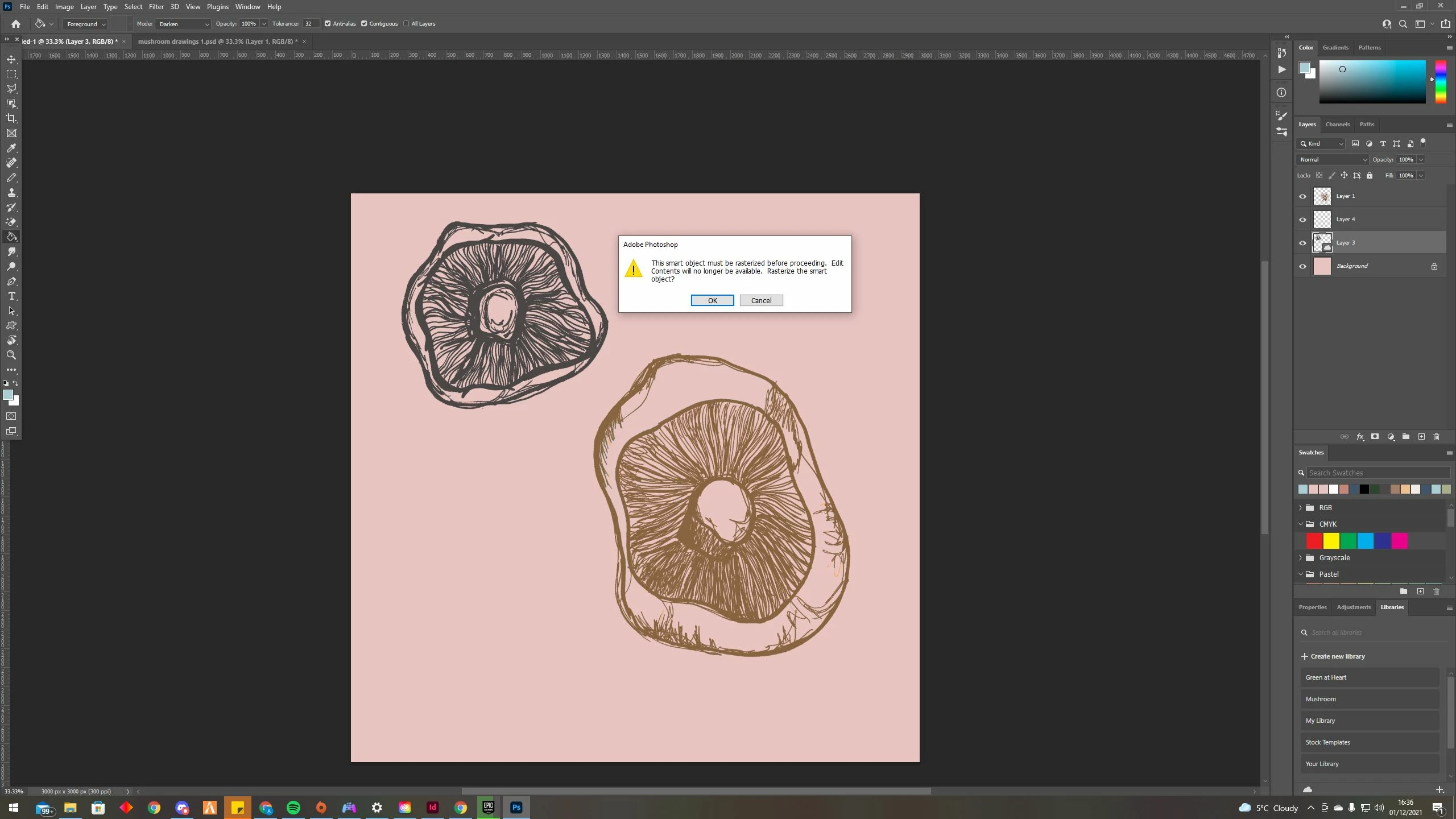
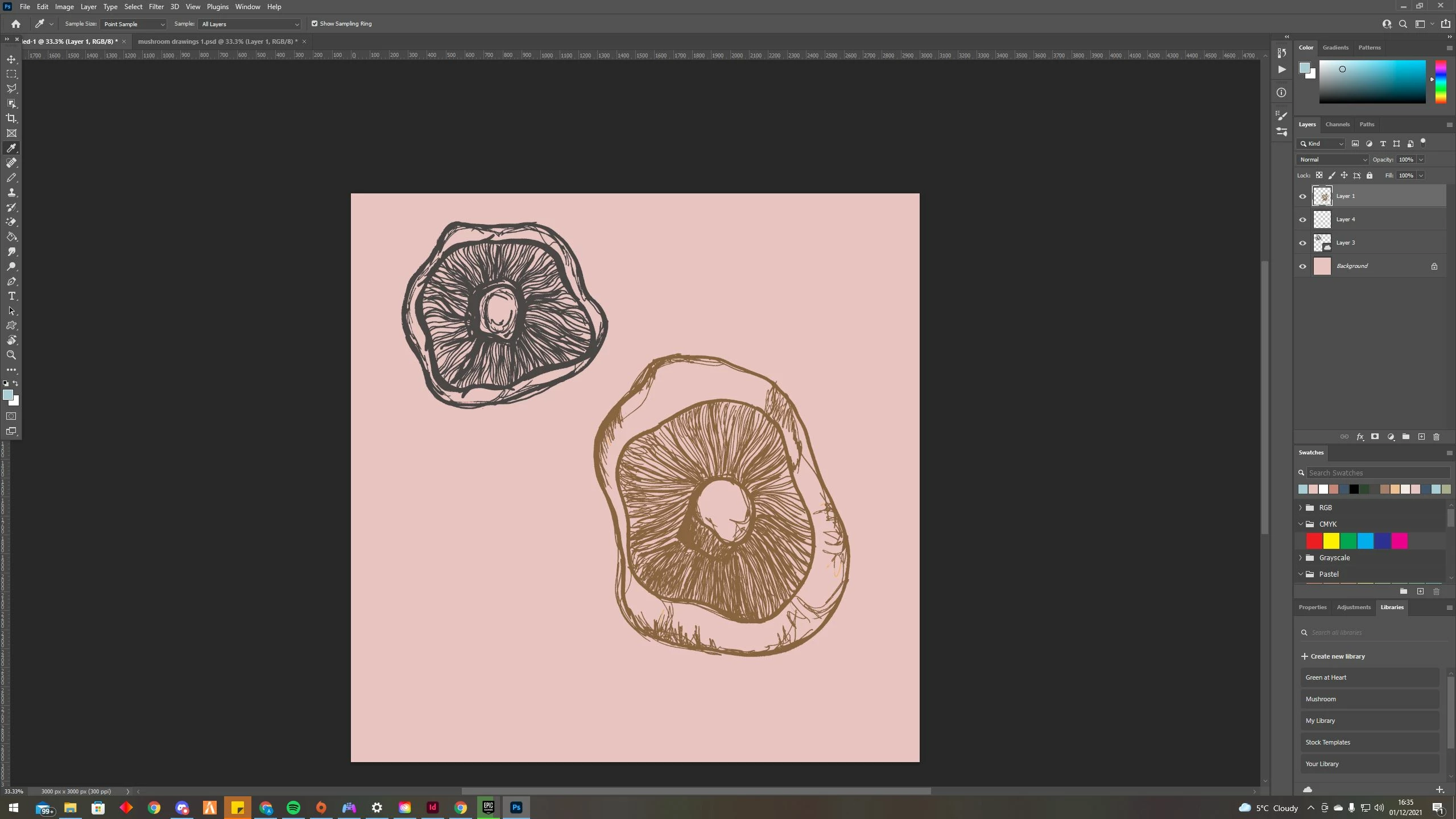
I have a problem which only seemed to have started since making a new library, every since then I am unable to use the paint bucket fill? I am getting a message which says The smartobject must be rasterized before proceeding. Edit Contents will no longer be available. Rasterize the smart object? I am able to change the colour inbetween the lines but not the actual drawing itself! 

I am clicking OK and still I am unable to change the colour of the drawing. I really need this sorted ASAP for university work! Please can someone help me? I am not an expert at photoshop as it is! 
 

You need to ask program questions in the forum for the program you are using
To ask in the forum for your program please start at https://community.adobe.com/
Moving from Using the Community (which is about the forums) to the correct forum... Mod

This topic has been closed for replies.

2 replies

PECourtejoie
Community Expert
Community Expert
December 2, 2021

Hello, your Layer 3 is a linked assed, similar to a smart object. https://helpx.adobe.com/photoshop/using/cc-libraries-in-photoshop.html 


You might want to ducplicate it in the layers panel, hide one copy (if you want to maintain it that way), then Right-click the other copy's name in the layers panel then select to Convert to Layers to convert it to a regular layer in order to affect its pixels contents, or you need to double-click it to edit the original file. (you can also right-click its name and select edit contents)


In addition, you can also show the Properties panel that would give you buttons with direct access to those functions.

PECourtejoie
Community Expert
Community Expert
December 2, 2021

If the linked object has a transparent background, I would create a layer below it, then use a brush to fill the wanted areas.

If you want to work more destructively, and change the contents of the layer, you can select the paint brush, change its blend mode to behind, and paint "between the lines" (of course after converting it to a regular layer via the right-click or the properties, or the layers/smart objects menu entries.)

Participant
December 2, 2021

hello,

I am trying to do what you are saying but I am getting very confused and flustered trying to figure this out, I am not great photoshop as it is! All I want to do is change the colour of my drawings, which was working perfectly fine yesterday morning and previously before that, I was able to just chose the paint bucket tool and clicked the drawing and it change say from black line to pink, If i draw onto photoshop itself say a circle I am able to change that but not my drawings which I have taken photos of then editited so it is just the line drawing. 

I am not sure what else to do! 

Tarun Saini
Community Manager
Community Manager
December 1, 2021

Hi there,


We're sorry about the trouble with Photoshop. Would you mind sharing the version of Photoshop you're on?

You need to rasterize the smart object by going to Layer > Rasterize the layer and, then check if that helps.


You may also take a look at the following article and see if that helps: https://helpx.adobe.com/photoshop/using/layers.html


Regards,

Tarun


Participant
December 2, 2021

hello,


I am using v 22.4.2 


I have tried following the rasterize layer document, I have done this and it still will not let me fill any drawing?


Thank you 

Ashleigh