
Known Participant
December 29, 2020
Question

Cannot Use Move tool

  • December 29, 2020
  • 1 reply
  • 274 views

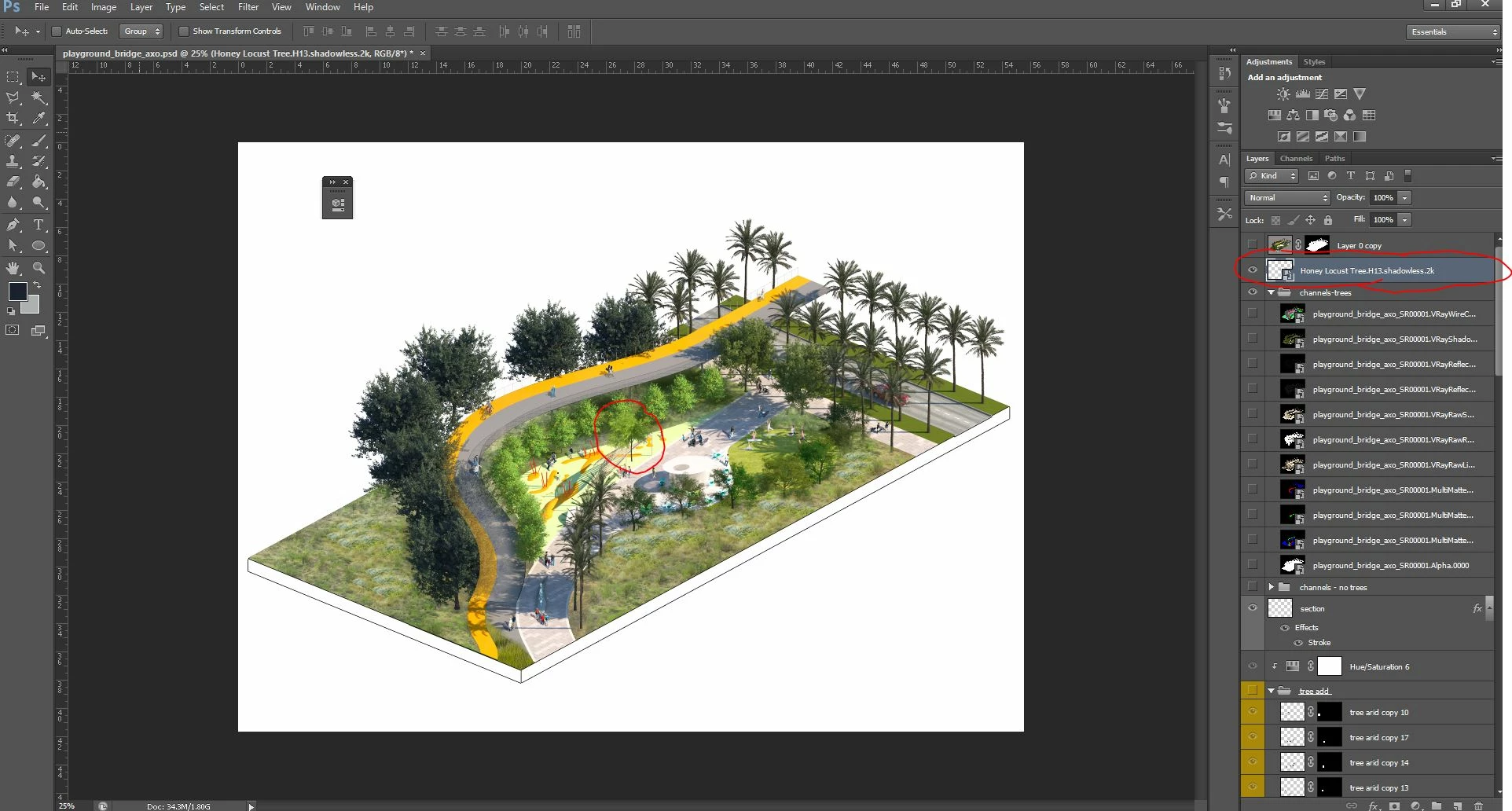
Hi, I'm trying to use the move tool and move a layer around on the canvas. My auto-select is off, my cursor is selected, and the layer is unlocked but I cannot for the life of me move the tree to a new location. This happens every once in a while and it usually corrects itself, but this time no avail. I am using CS6 at the moment and have closed out several times, tried rasterizing the smart object, and clearing any move tool preferences. What gives?!


I can turn the layer on and off so I know it isn't frozen...
This topic has been closed for replies.

1 reply

Ro Hackett
Inspiring
December 29, 2020

It is currenyly set to group? Top left... try layer 🤔 🤔

Known Participant
December 29, 2020

That was just me playing with the aito-select settings. I changed it back and no difference. Strangely, I can move it a pixel at a time with the arrow keys, but cannot click and drag the object around... that is what I have been doing the last 30 minutes and it is a very painful and long process...

Ro Hackett
Inspiring
December 29, 2020

Very interesting! 🤔 🤔😮 im going to see can i recreate that. A smart object yes?


Can you ctrl A on the layer to select everything and see can you drag... 

Also when nudging with the arrow keys hold shift aswell it will move bigger spaces