
Participant
February 17, 2024
Question

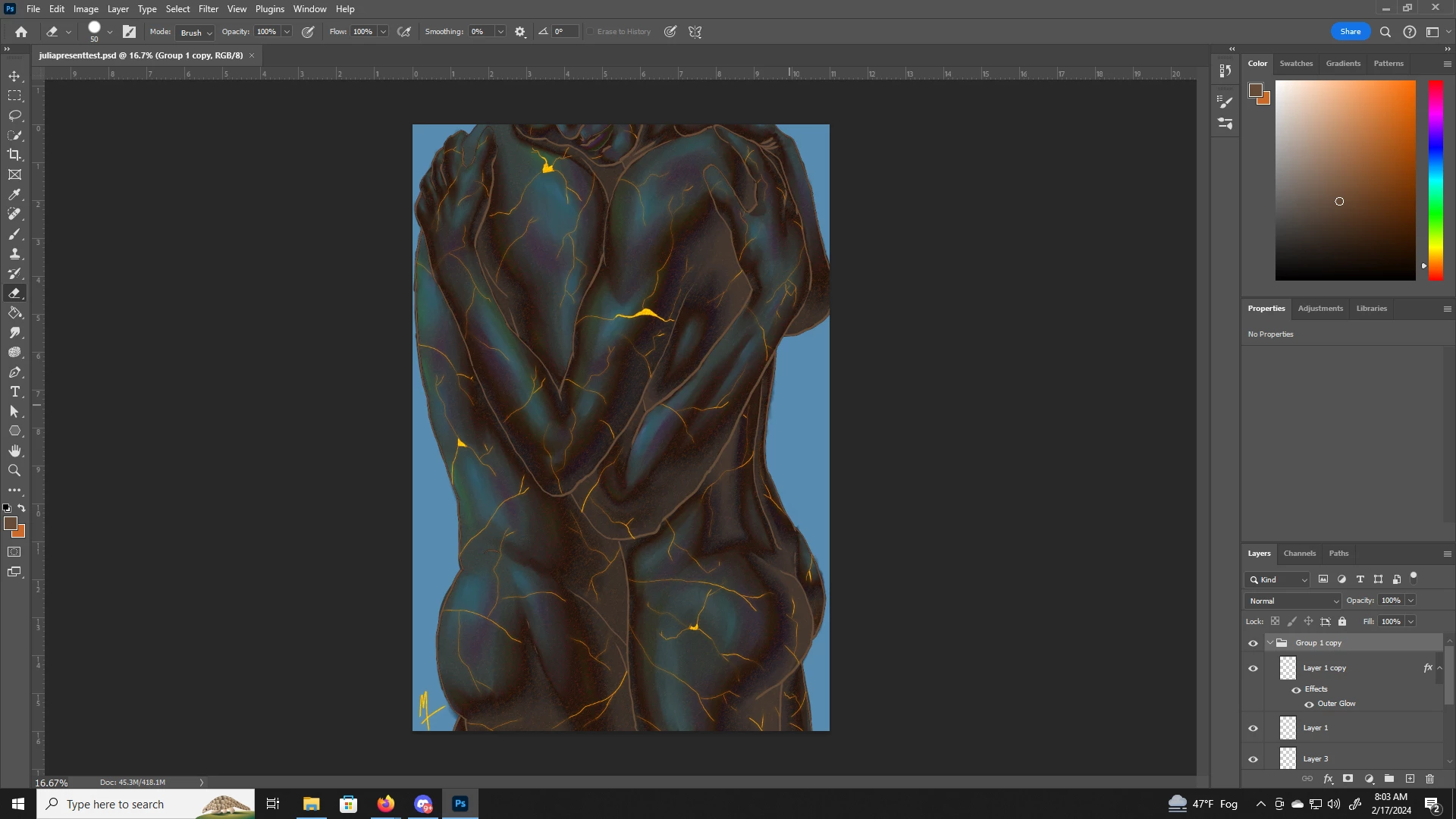
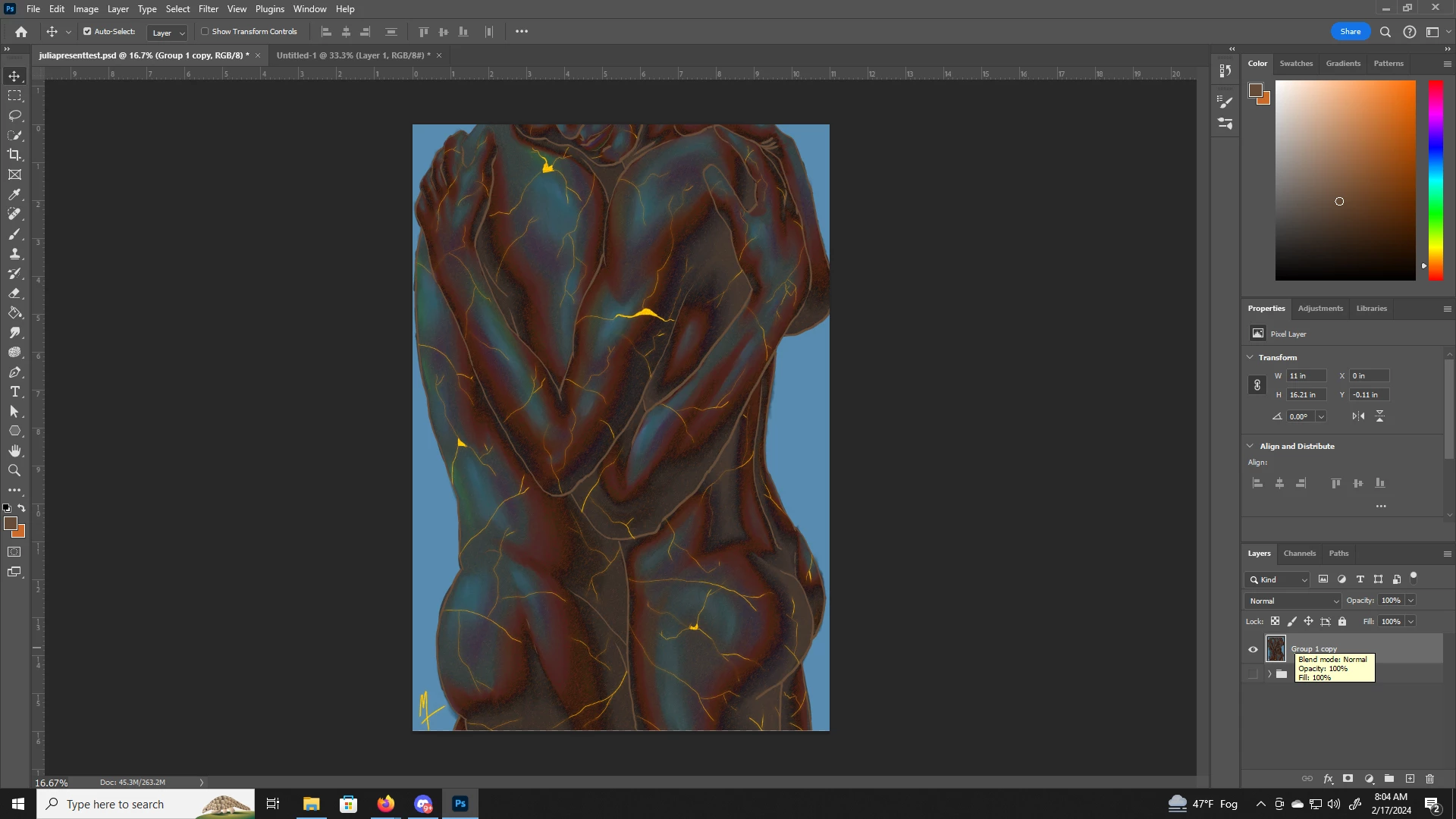
Cant merge or save as JPG without image changing completely

  • February 17, 2024
  • 2 replies
  • 217 views

So I have an image that ive been working on, but whenever i go to save it as a JPG to print it, it changes because the layers merging affects the blending modes im assuming. I tried shift+ctrl+alt+e, I tried putting empty layers under each layer, I tried flattening the image instead of merging, but nothing works. Any help would be greatly appreciated
This topic has been closed for replies.

2 replies

D Fosse
Community Expert
Community Expert
February 18, 2024

Yes, Stephen is right. It's very important to realize that the merged result is correct. What can be incorrect, if not seen at 100%, is the preview.


Here's the background:


100% in Photoshop has nothing to do with size. It means one image pixel is represented by exactly one physical screen pixel.

For performance reasons, all blending and adjustment previews are calculated on the on-screen version of the image. When you are zoomed out, that means a resampled and softened version of the image. Pixel levels are averaged out. You get a lot of intermediate values that aren't there in the full original data.

When you merge, commit an adjustment etc, the numbers are re-calculated on the full original data, pixel for pixel.

Viewing at 100% avoids all this and renders the whole issue moot. You see every pixel before and after, and so nothing changes.

Participant
February 18, 2024

Yeah, after doing some more research I realized this was the issue, so I just merged the layers as a copy and did color correction to match the preview. Appreciate the answers.

Stephen Marsh
Community Expert
Community Expert
February 17, 2024

View at 100% before/during/after as in some cases the preview isn't accurate at lower zooms, usually if there is a lot of noise or fine texture or pattern.