Aninoss Pro
Participant
June 15, 2022
Question

Canvas drawing glitch

  • June 15, 2022
  • 3 replies
  • 310 views

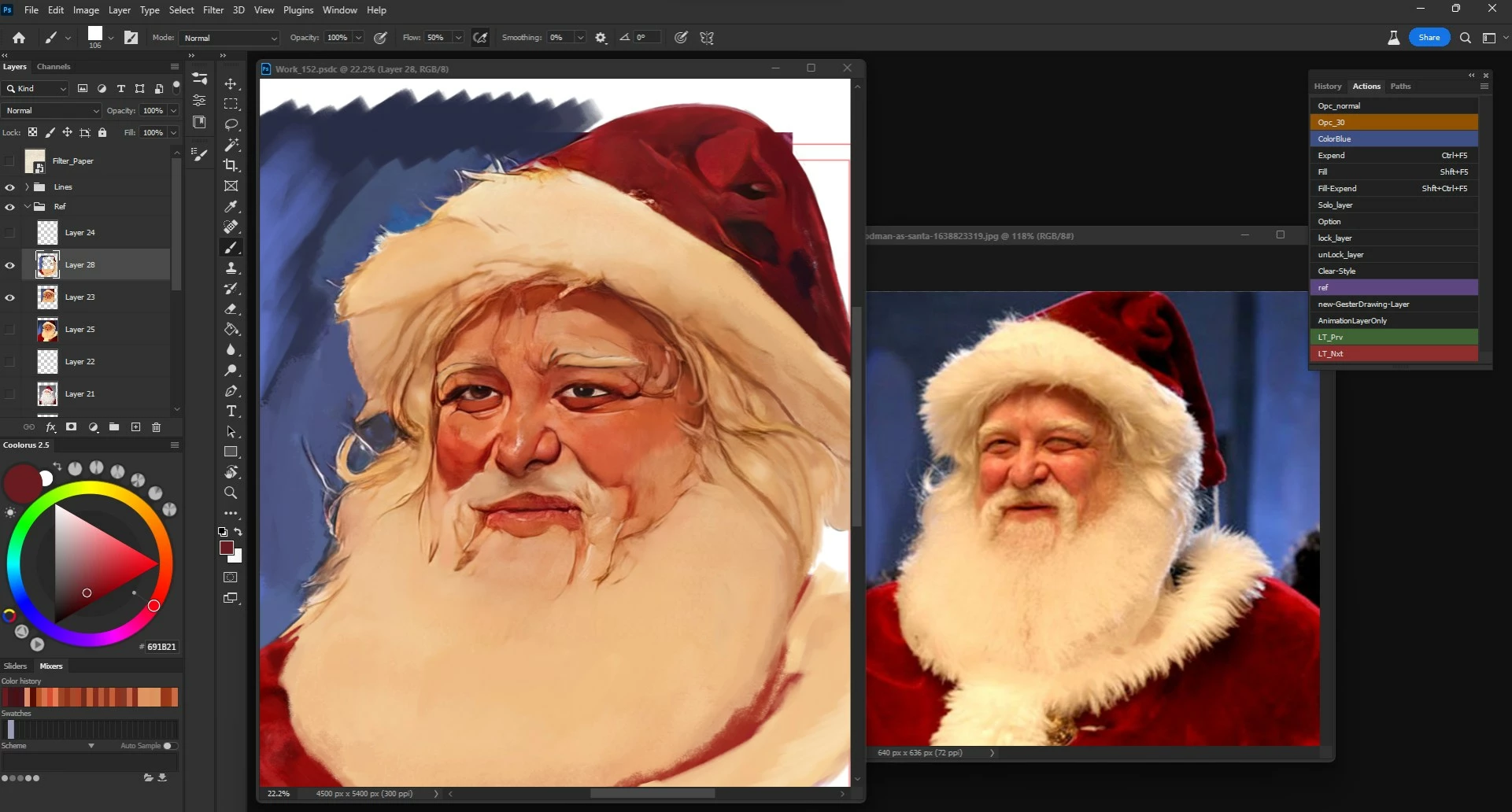
I have a big problem drawing in Photoshop because of some glitch show up in the canvas that make it almost impossible to draw, and I have to close and re-open photoshop every time.

and some times the half of the screen just disappear how it shown in the videos, and the worst of them all that he save the weird glitch colors to the file.


This topic has been closed for replies.

3 replies

Ged_Traynor
Community Expert
Community Expert
June 16, 2022
CShubert
Community Manager
Community Manager
June 15, 2022

Hi @Aninoss Pro, sorry to hear this.  One thing to try: Go to Preferences > Technology Previews... and check "Disable Native Canvas" - then restart Photoshop. Does the problem still occur? 


It may help if we could see your Photoshop System Info. Launch Photoshop, and select Help >System Info...and copy/paste the text in a reply. 


Thank you,

Ged_Traynor
Community Expert
Community Expert
June 15, 2022

Hi

If you're using Photoshop version 23.4, Adobe recommends reverting back to version 23.3.2

https://community.adobe.com/t5/photoshop-ecosystem-bugs/roll-back-photoshop-23-4-to-23-3-2/idi-p/13005573