
Aninoss Pro
Participant
January 11, 2022
Question

Canvas Glitch

  • January 11, 2022
  • 2 replies
  • 1287 views

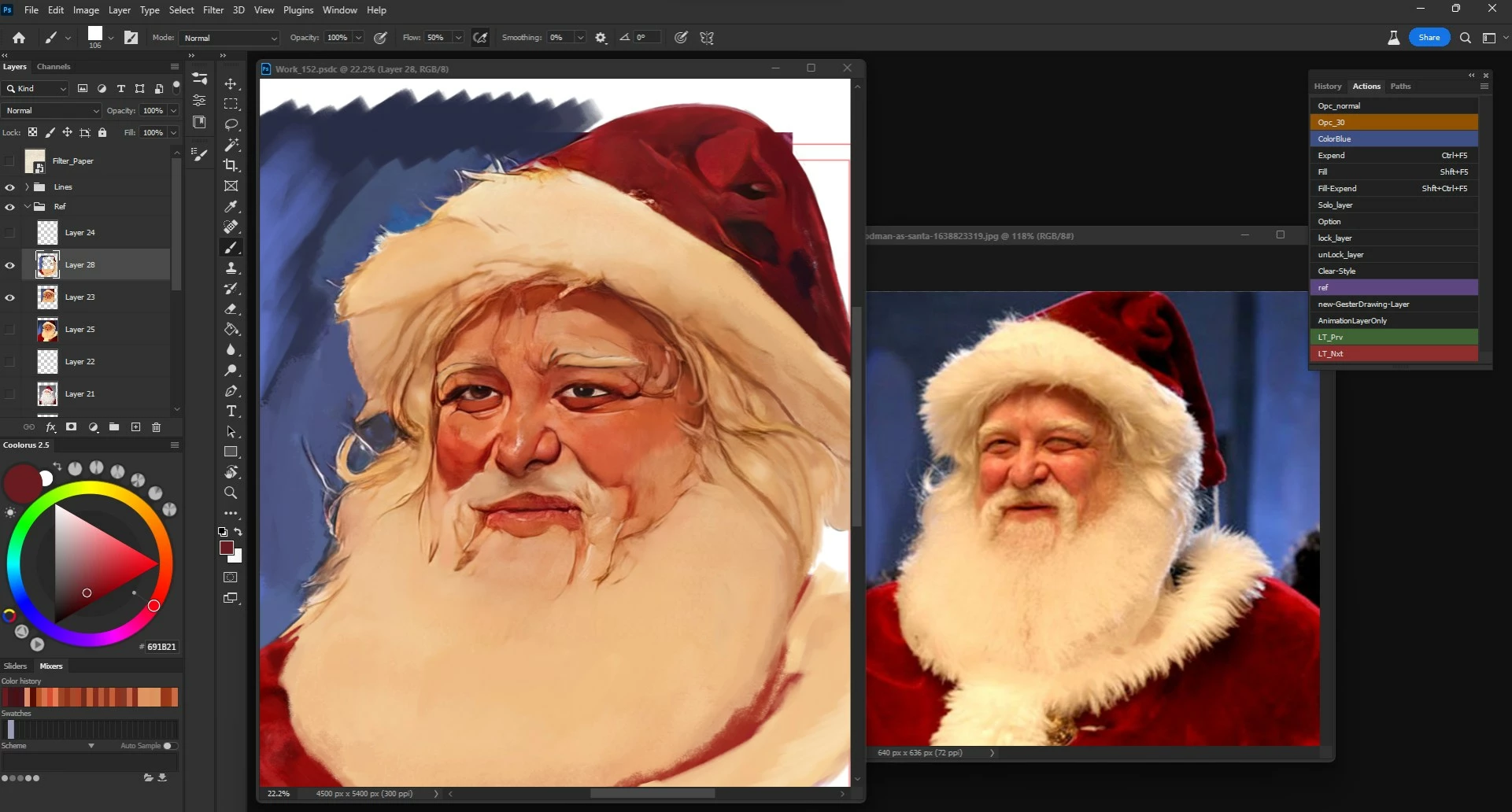
the canvas keeps glitching when I try to navigate, and that makes it impossible to work with


Adobe Photoshop Version: 23.1.0

Windows 11 

Expected result: navigating the canvas easily and quickly

Actual result: weird Glitch in zooming and navigating the canvas

This topic has been closed for replies.

2 replies

Mark.Dahm
Community Manager
Community Manager
January 14, 2022

@Aninoss Pro ,


Did this issue clear up with either a driver update for your GPU, or Deativating the native canvas? If the Deactivate Native Canvas option worked, could you please share your system info (under Photoshop > Help > System Info).

Ged_Traynor
Community Expert
Community Expert
January 11, 2022

Hi

Try enabling this option in preferences and restarting Photoshop to see if it helps

If that doesn't help try updating your GPU driver from the manufacturers website, also take a look here

https://helpx.adobe.com/photoshop/kb/troubleshoot-gpu-graphics-card.html